
Participant
January 7, 2022
Answered

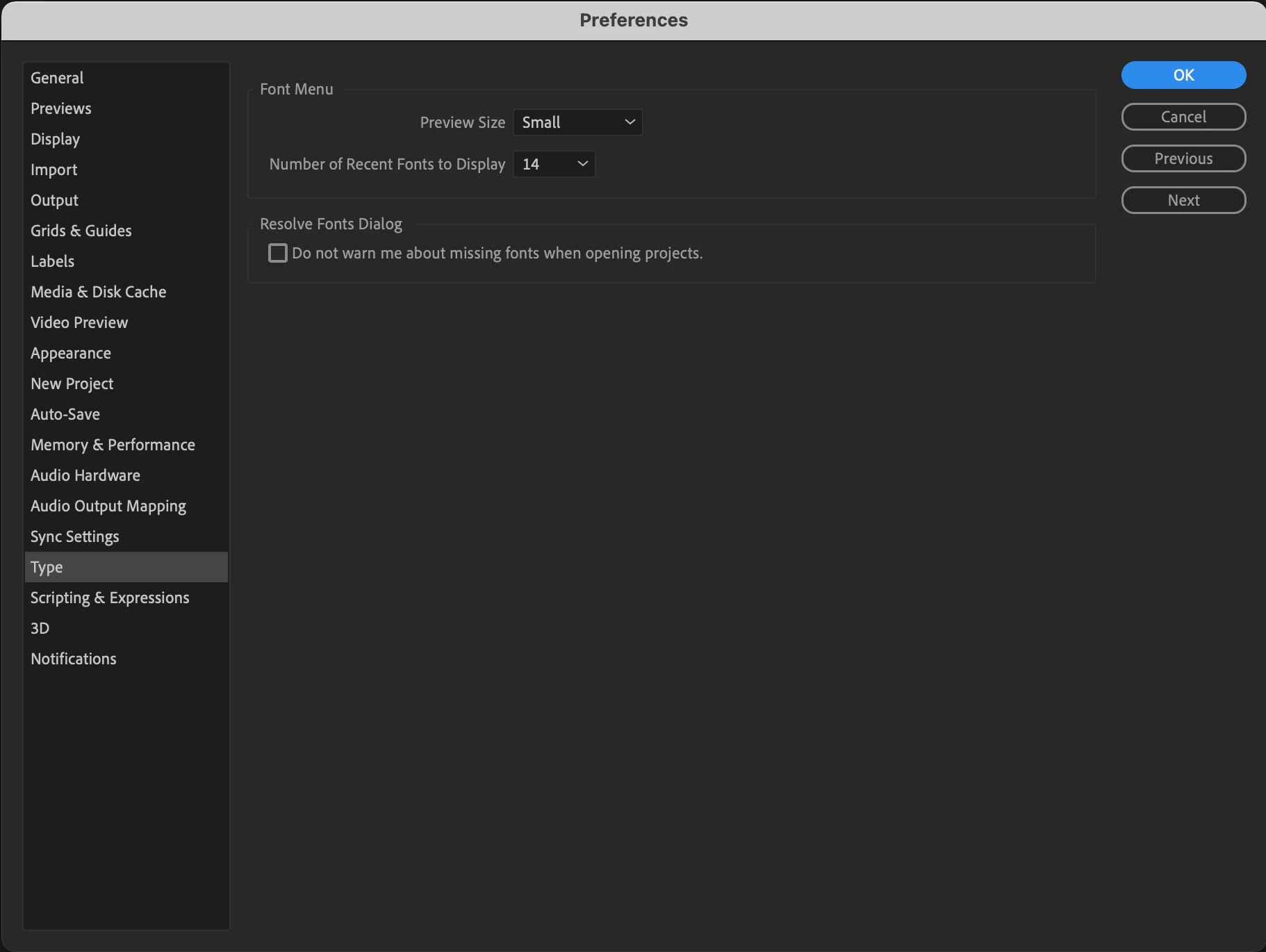
'Text Engine' missing from my After Effects Type Preferences

  • January 7, 2022
  • 12 replies
  • 27595 views

I need to use some animated Arabic text in an After Effects file that I'm working on, but I don't have the
'Text Engine' option in my menu to change it to ‘South Asian and Middle Eastern’:
    Correct answer Parul Gupta グプタ パルル

    Hey,

    It was a deliberate move to remove that from Preferences because you no longer have to choose either /ơr between Latin and South-Asian scripts.

    The new Adobe Text Engine is equipped to support both intelligently.

    Are you facing any trouble typing in?

    12 replies

    Participant
    January 26, 2022

    Same issue, need help 😞

    Participant
    January 26, 2022

    Hi Deividas22168002sqwm,


    I did find the answer in another thread, but I can't seem to find it anymore!


    Anyway, if I remember rightly, this feature has now beeen incorporated into the Paragraph panel. Select the text in question, then go to the Paragraph panel and select Reset Paragraph, that should do the trick.


    Cheers,

    Luke.

    أحب برانم  أدوبي
    Participant
    March 23, 2023

    Thank you, it is the way.

    Peru Bob
    Community Expert
    Community Expert
    January 7, 2022

    I've moved this from the Using the Community forum (which is the forum for issues using the forums) to the AE forum so that proper help can be offered.

    Participant
    January 7, 2022

    Sorry about that, as you probably know it's my first post.


    Thanks.