Known Participant
August 31, 2022
Question

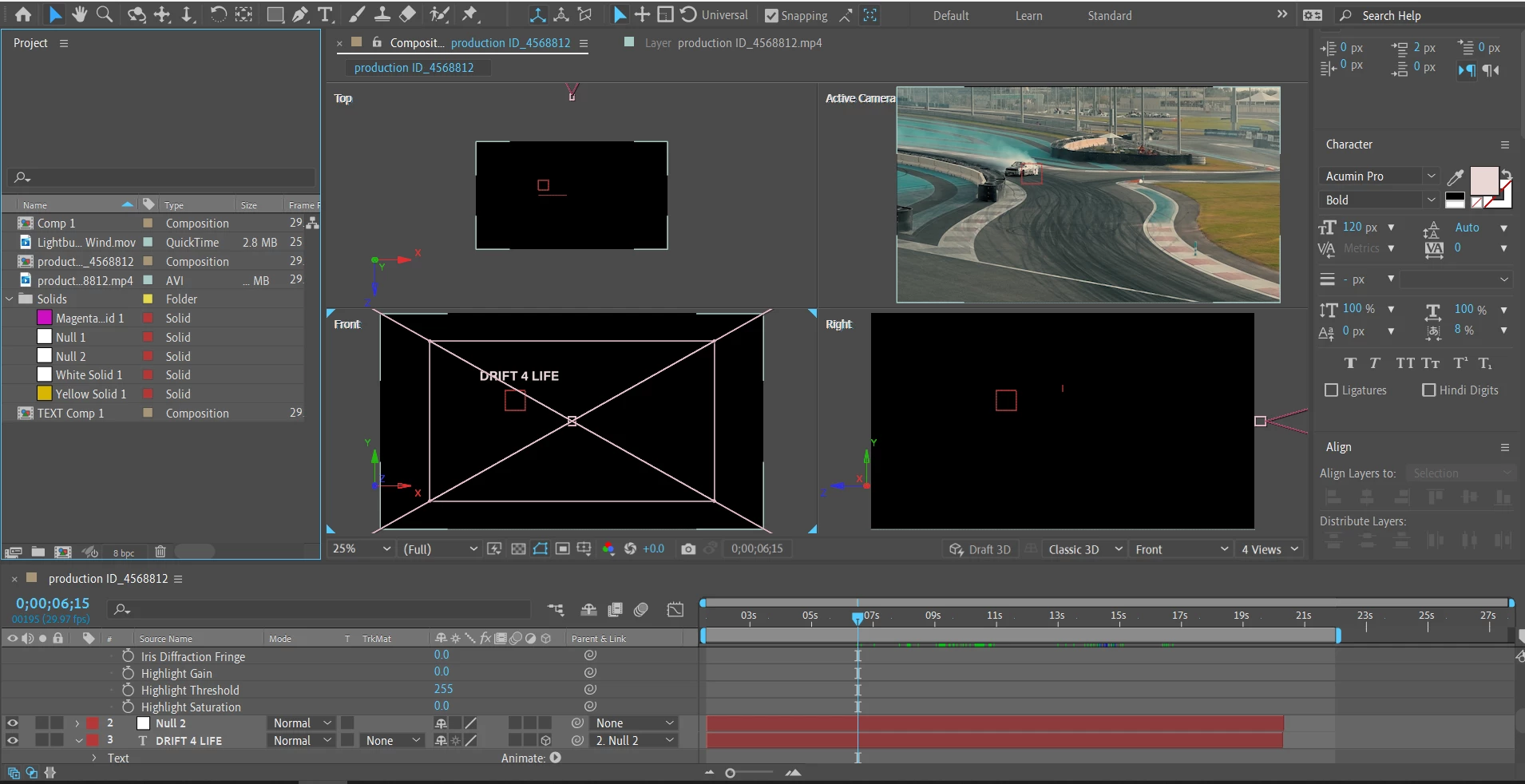
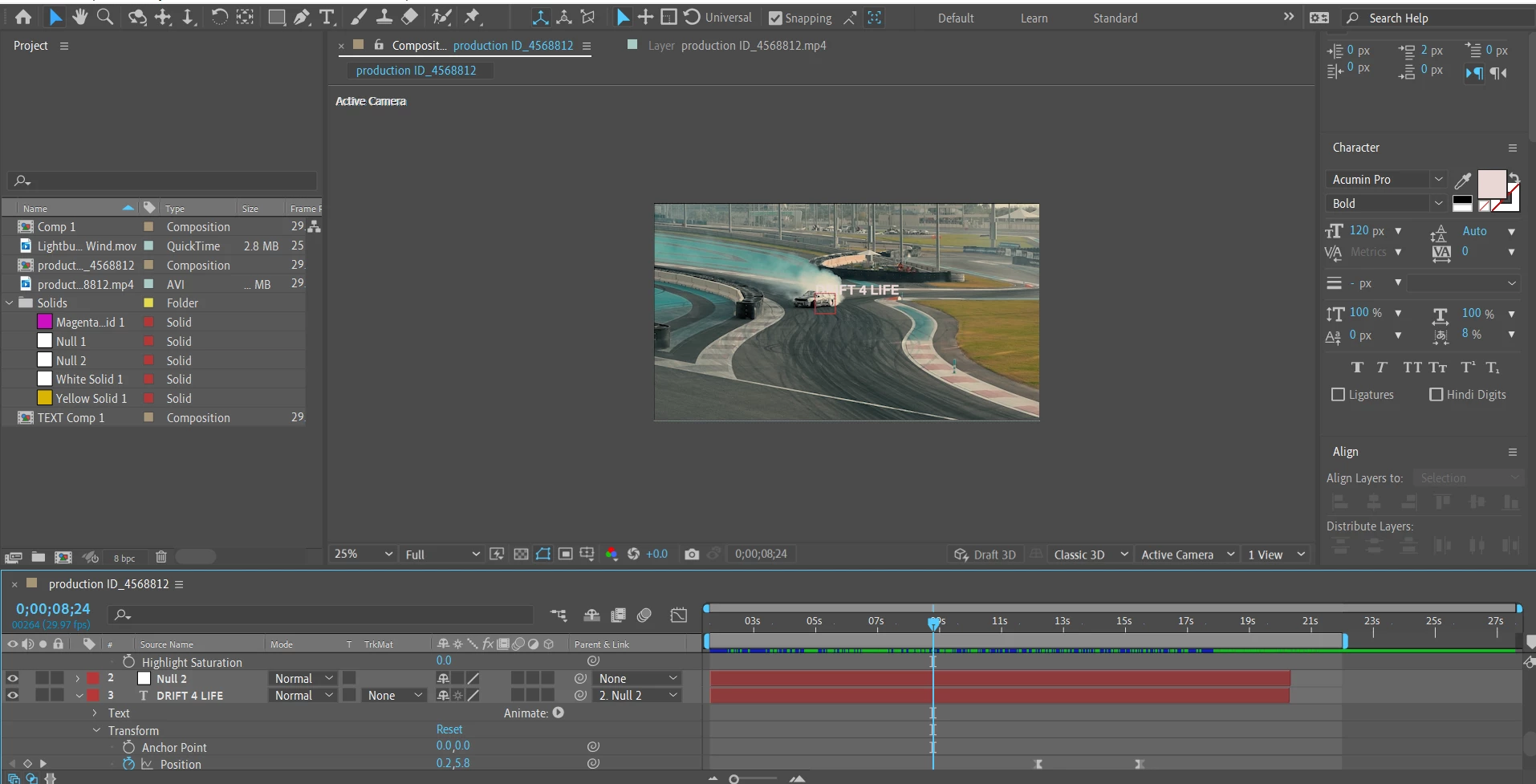
Text Layer disappears from active camera when turned into 3D

  • August 31, 2022
  • 3 replies
  • 291 views

Hi folks,


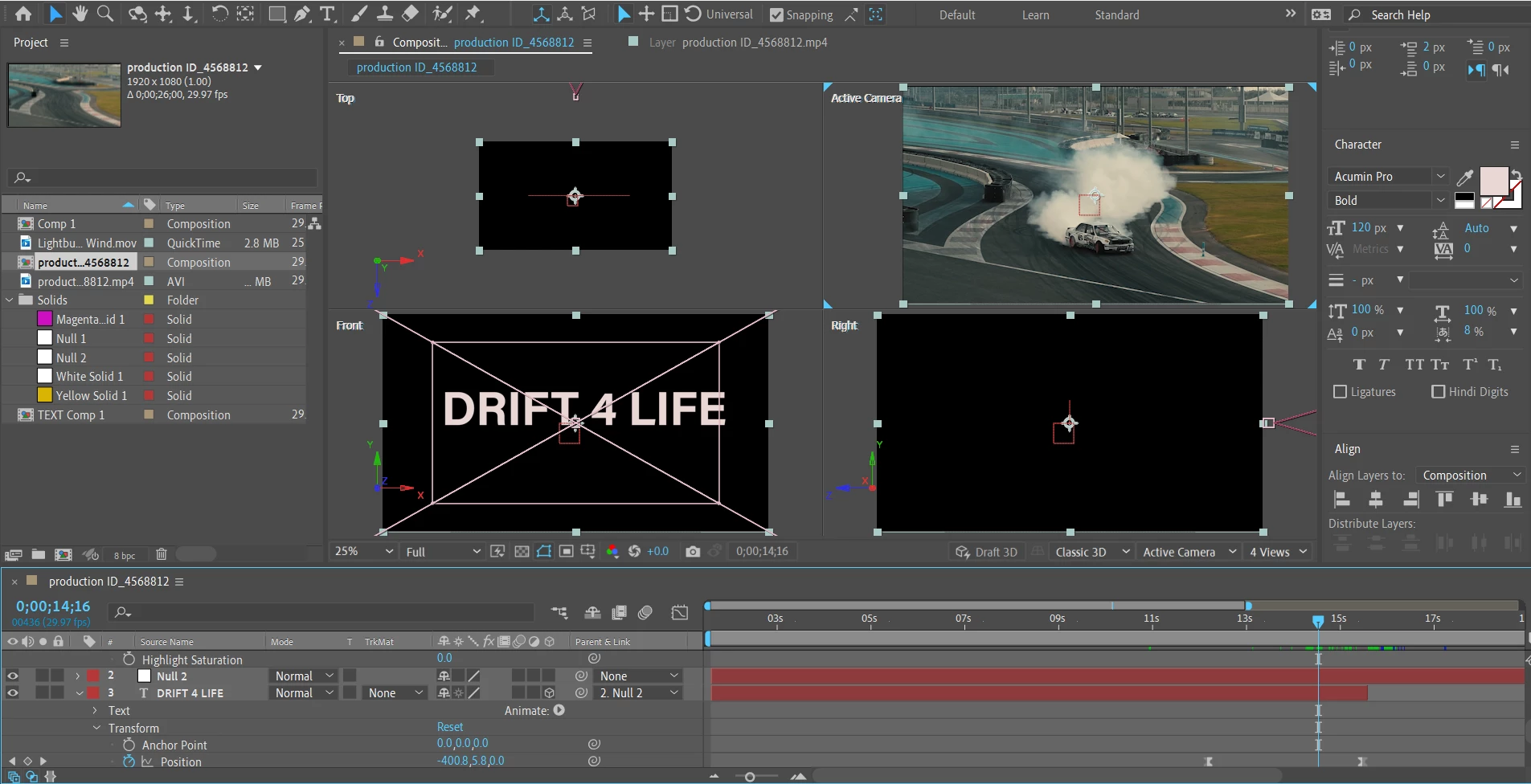
Since I'm still new to AE and I'm testing different stuff, I came to a problem with the disappearance of a text layer when I decide to turn it into a 3D one. I saw a few threads about such a problem where people say the solution is to switch to the 4 views layout where you'll be able to see the text and I do see it on the front view, but that doesn't resolve the problem, because it's as it's still not part of the video itself.


My idea here - to track the movement of the car, tie it to a Null Object, then tie the text to the Null as well and when the text reaches a certain point of the screen, the camera starts shortening the distance to the text by tinkering with the position via the dolly towards tool, until the text passes through the camera view. 


I also see that changing the Camera Options doesn't have any effect on the text on the Front view.


Could someone please give me an advice how I'm supposed to resolve the text layer problem and then execute the described above?

I'm Attaching a few screenshots for reference.


Thanks,

Nik
 

This topic has been closed for replies.

3 replies

Nickwhy90Author
Known Participant
September 1, 2022

Hi guys,


Thank you for jumping in.


I'm sorry, I should have made better screenshots where everything in the layers panel is better visible, as from my previous screens, there are only a few camera options barely viewable.


I used the Track Motion option to track the car, then used the Edit Target to connect it to the Null Object. I also tied the text layer to the Null.


I did turn on the camera, but as you suggested, my Null Object wasn't a 3D layer, only the text was. Now, apart from the video layer, the null and the text are 3D layers and camera options seem to be working fine on the text.


Here's a video of the result - https://we.tl/t-fQZHLwYnzm


I'm watching an extensive basics course where they're showing quite a lot and oftentimes I need to watch side videos to better understand how certain tools work, but this type of work can be overwhelming to a newcomer. I know I should also read official guides from Adobe, but I better understand information when I see it with examples.


Thank you once again for your replies!

Mylenium
Legend
August 31, 2022

It would be useful if you actually read the online help on the basics. There's just so much wrong in your whole setup that this will never work. The "Front" view and other auxilairy views will not be renderable for final output, so aligning stuff there is utterly pointless and a total waste of time. Only the imaginary default camera or actual camara layers provide a view that can be rendered and as Rick already pointed out, there appears to be no such layer in your composition, which will render any attempts at reliably placing stuff in the scene equallly pointless. You never know where you are in 3D space and that applies even if you're not using actual 3D camera tracking and just a static camera on top of a 2D plate with 3D text. See how what you have can never work otherwise?!


Mylenium

Community Expert
August 31, 2022

How did you track the movement of the car? Is there a camera in your composition? Is the footage layer 3D? 


If you used Track Camera, you did not track the car because it is moving, and you'll have to Shift + Parent the 3D text layer to one of the track solids or nulls you added to the shot to position it in the scene.


Your Parent layer (Null 2) is a 2D layer, and the Child (the text) is 3D so that no Z data will be transferred to the 3D text layer. Moving the null isn't going to bring the camera closer to the text layer. 


I don't see a camera in the shot. You cannot animate the virtual camera so if you want a camera to move, add a Camera.


I probably would have used Mocha AE to track the car and only used Position, Rotation, and Scale. You could apply the tracking data to a null, turn off rotation by disabling keyframes, then Parent the text layer to the null and it would move with the car and scale up at the same rate as the car grows in the scene.


Show us all the layers in your comp and give us a more detailed workflow, and maybe we can help you figure out where the problem lies.