
Text not alining right (Essential Graphics panel)
I have 2 questions that I need help with.
1
I'm creating a preset in After Effects so the editor can change the text in Premiere Pro in Essential Graphics panel. It's a simple text that will be used on social media. He wants to have the text left, right and centered aligned. Is there a way that I can create a controller so he can change that in the Essential Graphics panel?
2
I have the text left-aligned and the anchor point is set to the far left and the shape layer and text layer are also aligned to the left. When I change the text it will not be locked to the left but it will drift a little to the left. See the image below.
This is set up so the shape layer rectangle path will follow the text. Then I have an offset paths so I have a little padding around the text.
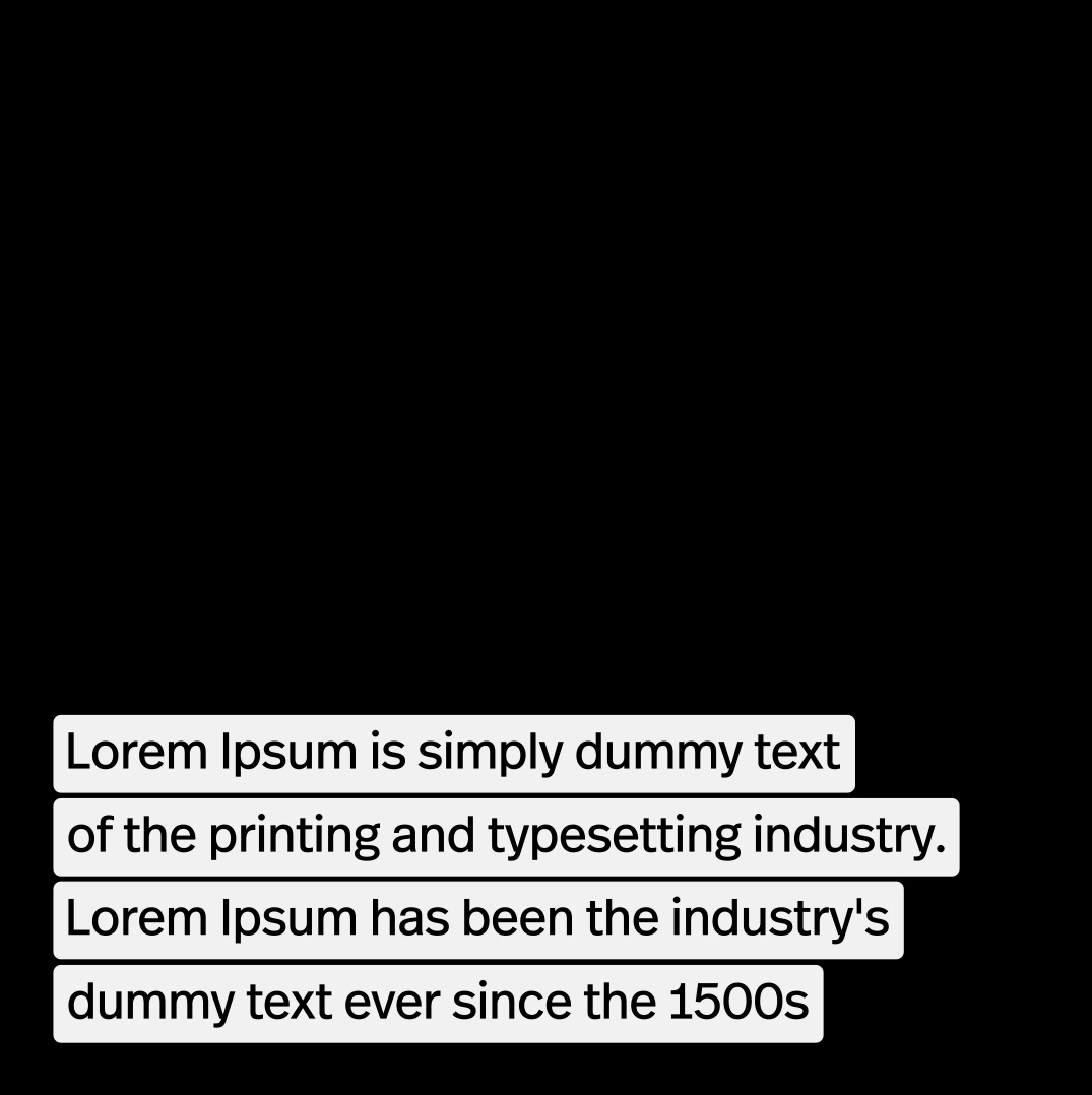
Here is the before I change the text
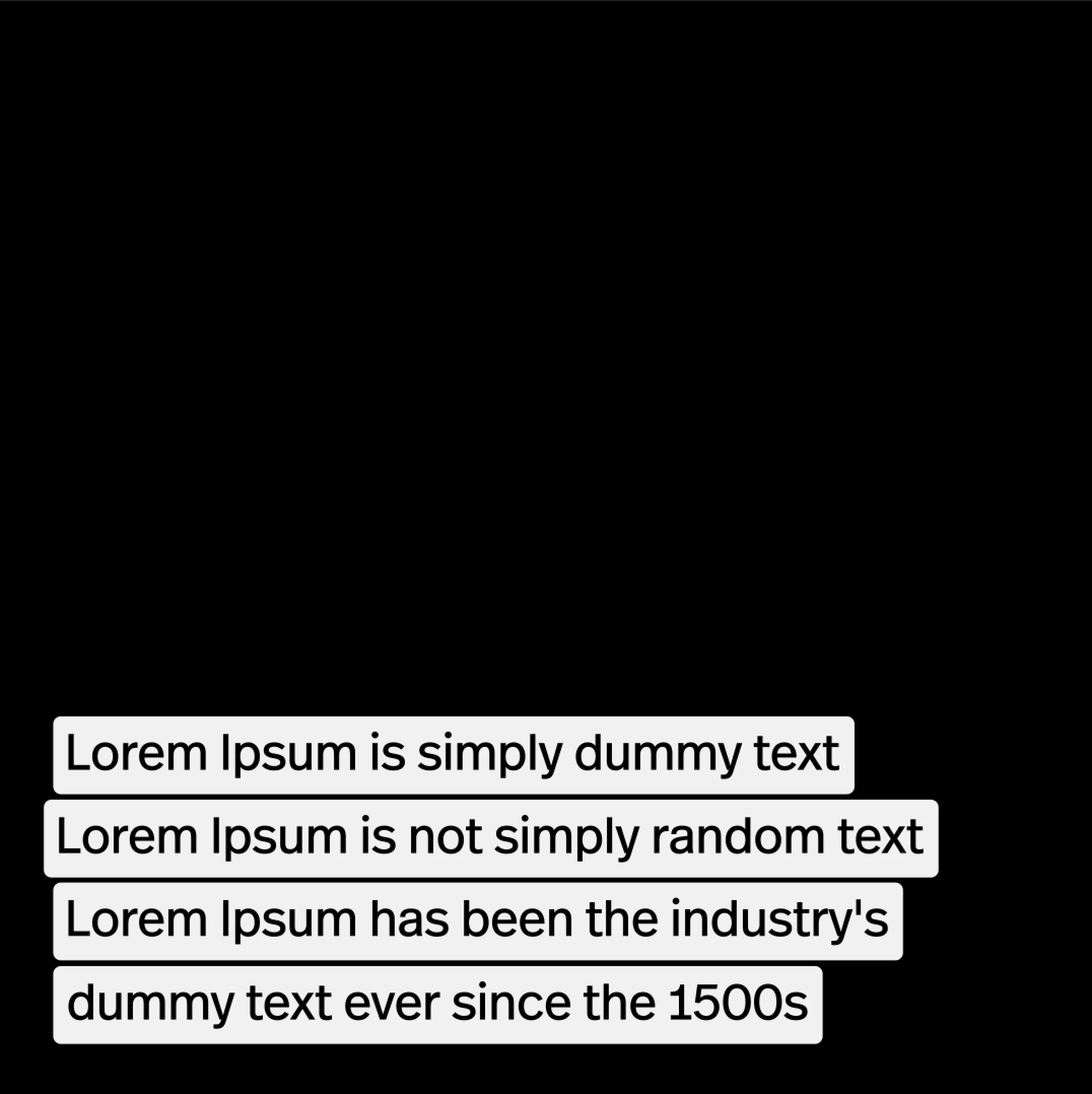
Here is it after I change the text. A little drift.
Do you guys have any idea of how I could fix this?
 AdChoices