


Question
Text Tool Switching
Hey everyone,
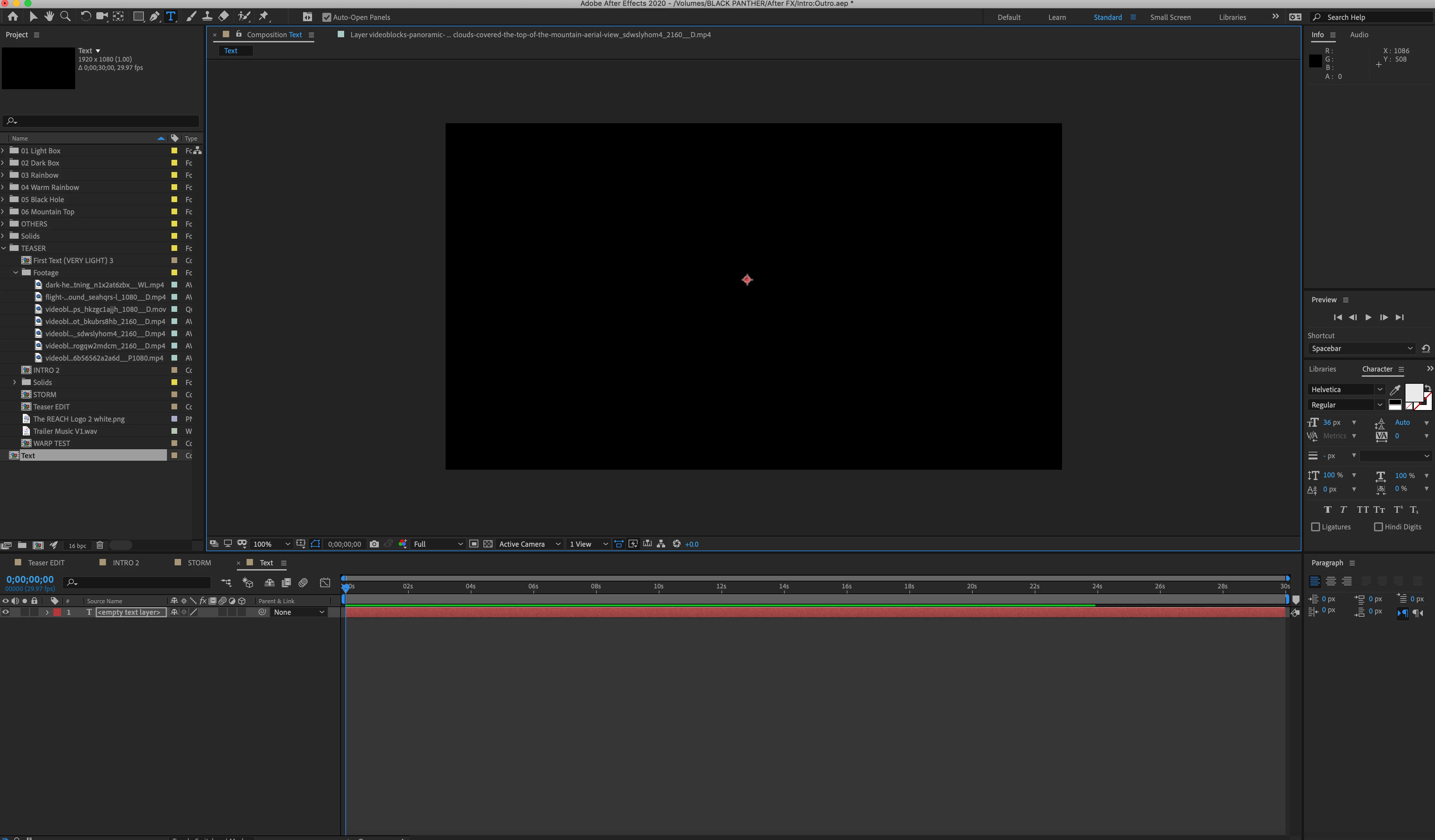
I'm having a problem where I go to create some text but the when I click into the comp window the text box automatically closes and looks as if it has switched to the select tool. I can't figure out how to fix it, but I have tried to create a new project that I tested with a new comp which the text tool worked just fine with, but if I import the project I have been working on into the new one, the problem comes back. Attached is screen shot of what the window looks like.
 AdChoices