

Text won't animated correctly around path
I'm trying to animate text to scroll along a path, specifically around the shape of rounded rectangle, by following a tutorial on YouTube. I wrote some text, drew a rounded rectangle around it to create a mask inside the layer then in path options chose "Mask 1". It looks fine when it's not moving. But in the tutorial I'm watching they say that you use the "First Margin" setting to animate the text going around the shape. When I change that value, or write an expression in it like "time * 200", the text doesn't move. In another video they suggested that you have to turn force alignment on to make it move. I tried that, but the animation doesn't work properly. It makes all the text smush up into a corner then reverse on itself (see gif below). Here are my settings. What am I doing wrong here?
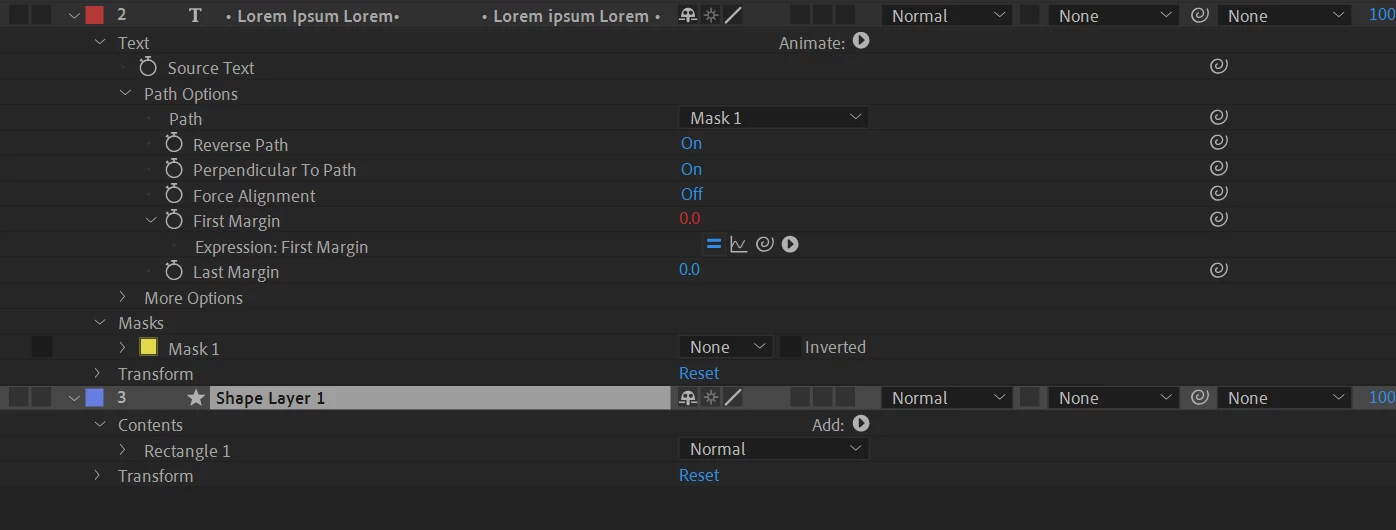
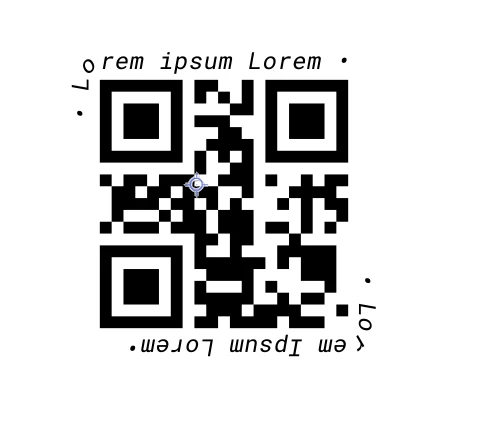
The text I'm trying to animate (it's a placeholder QR code, the QR code itself is not the path, I drew an invisible rounded rectangle around it)
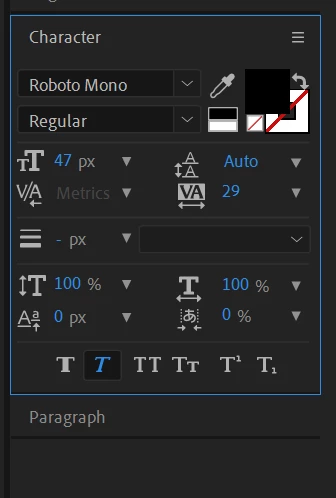
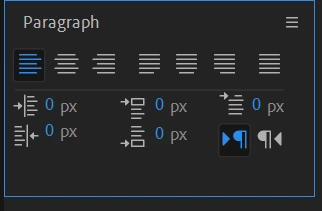
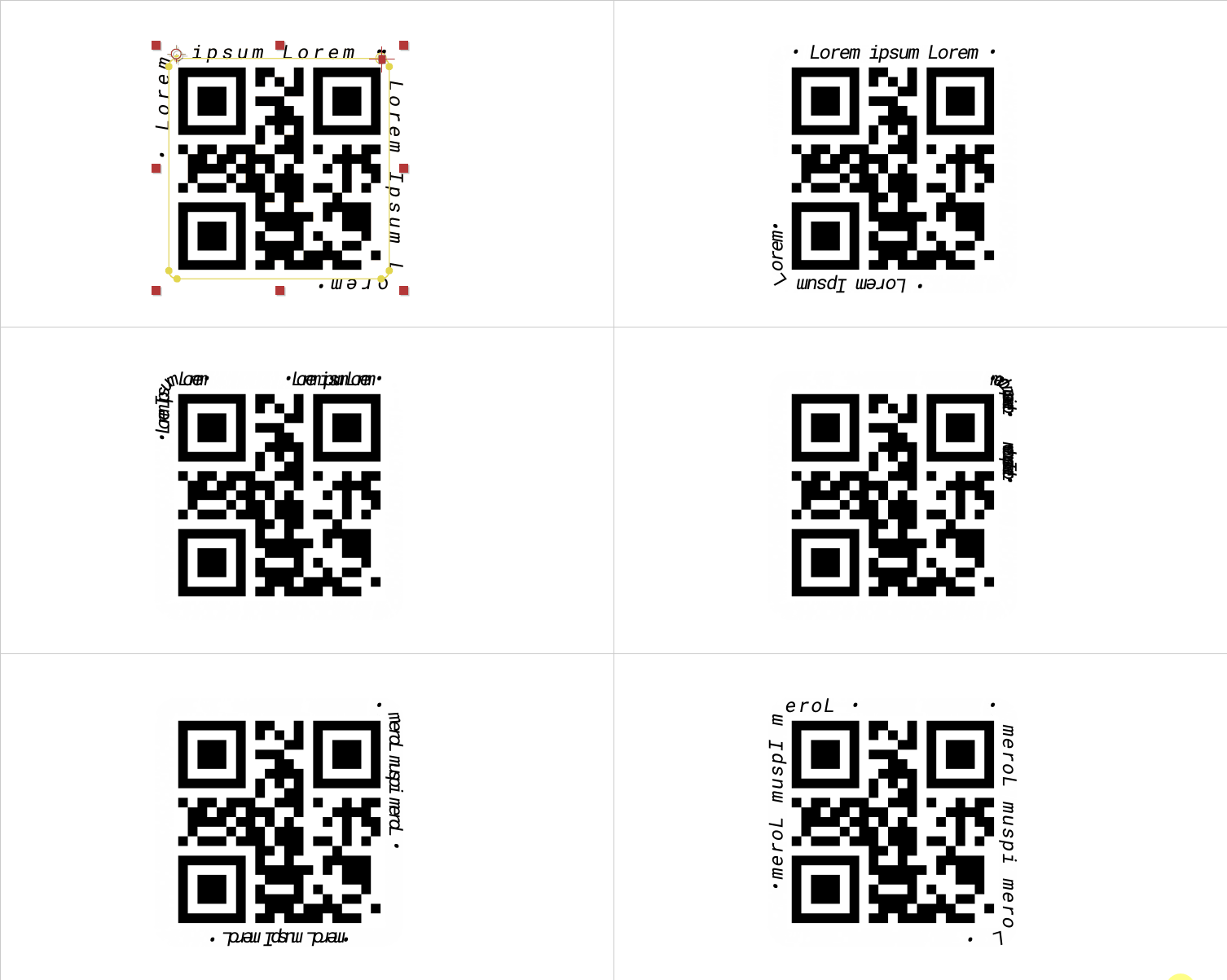
A gif of the problem
Thank you!


 AdChoices