
texture disappears
Hi, I am new to Adobe AE
and am in the middle finishing my first experiance (Free Lesson) with it...
BUT...
here i am stuck for three days over texture problem...
i want to add an animated texture to a shape
this shape have a texture already applaied on it
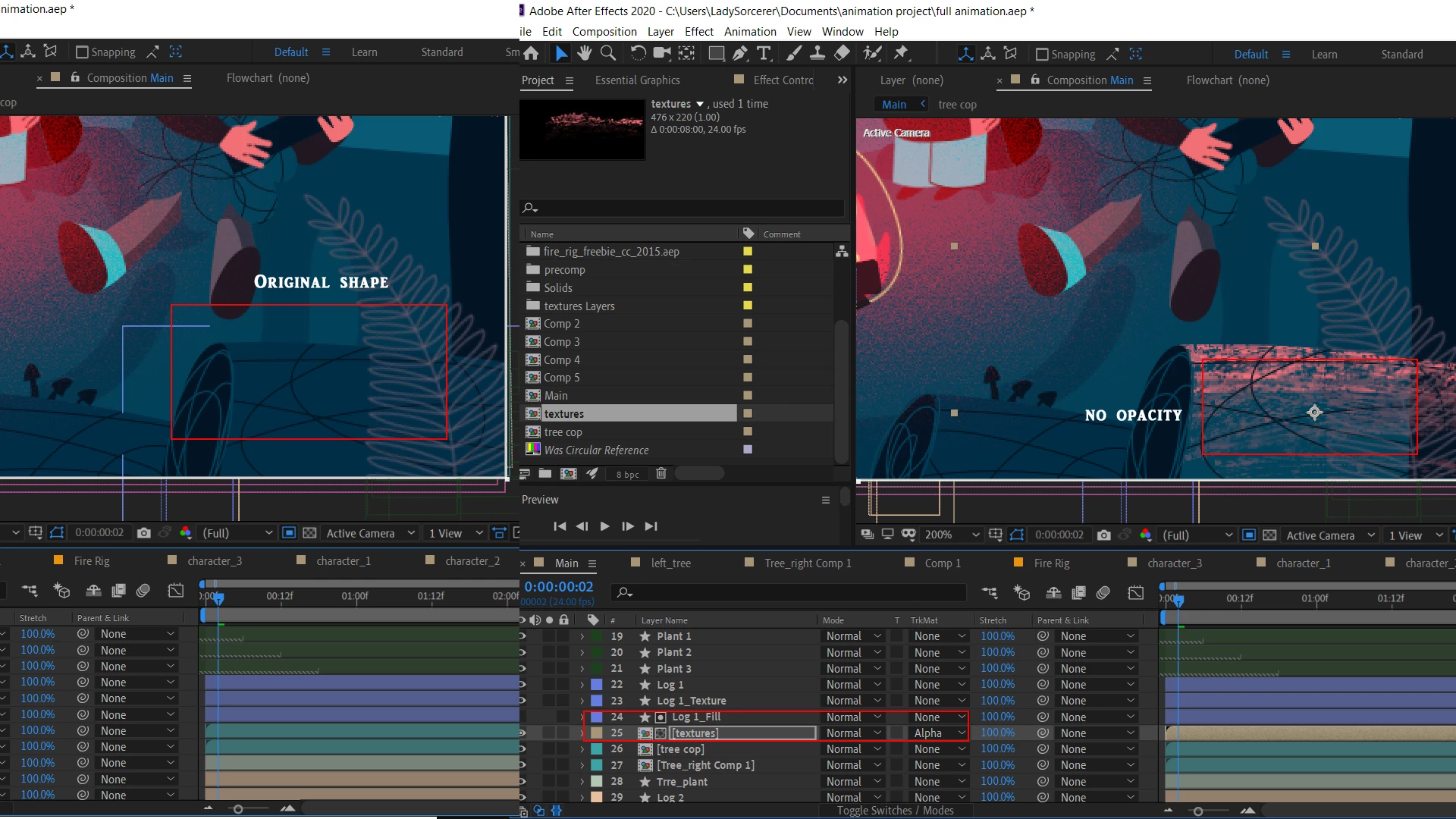
so there is two ways i tried : which to change the Texture channel - Under the shape layer- on the pannel to (Alpha)...here the shape itself lose it's Opacity and and only the texture appears...
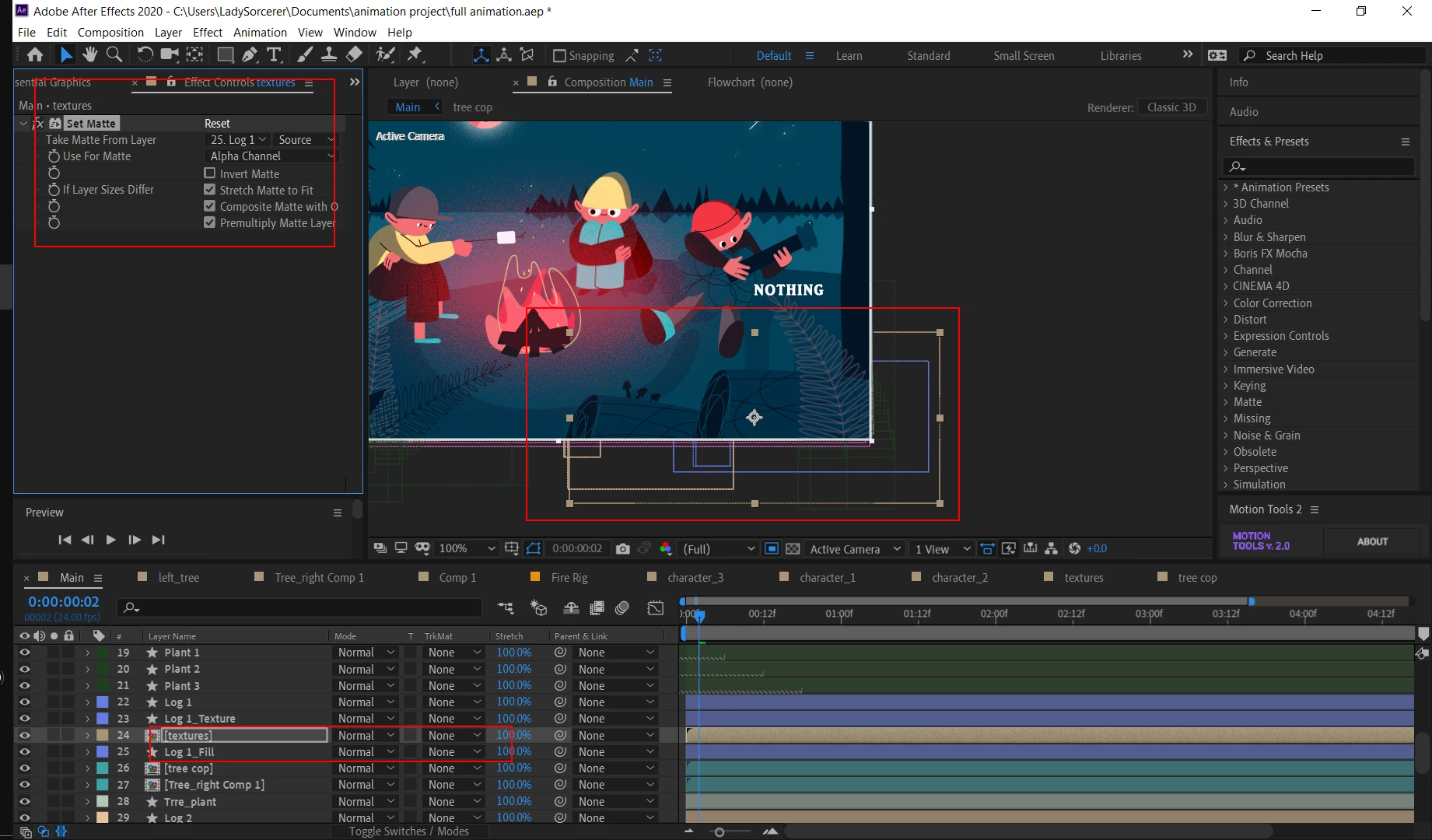
the second way is to apply an effect to the texture (SET Matte) it worked on the cases where the first mithod faild...but this time non is working...
texture disapears whenever i add the Effect and the shape becoms trnsperant when i use the pannel to create Alpha Layer....
here some screen shots of the issue...
**First shot of the channel changing to Alpha Layer
**Second after adding (SET MATTE) Effect.
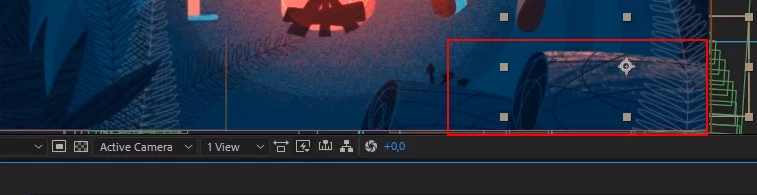
i want the texture to show up nicly over the shape like shot no.3
thank you in advance....
 AdChoices