

Textured Memory & Cuda issues.
Hello all,
New After Effects user here and trying to better understand/get my settings perfect for optimal rendering & playback speeds.
My system specs:
- Modded Mid-2010 Mac Pro
- NVIDIA GeForce GTX 1080 (8192mb) graphics card
- 64gb ram
- macOS High Sierra 10.13.6
- 2 internal SSD drives
- After Effects 2019 v16.1.3
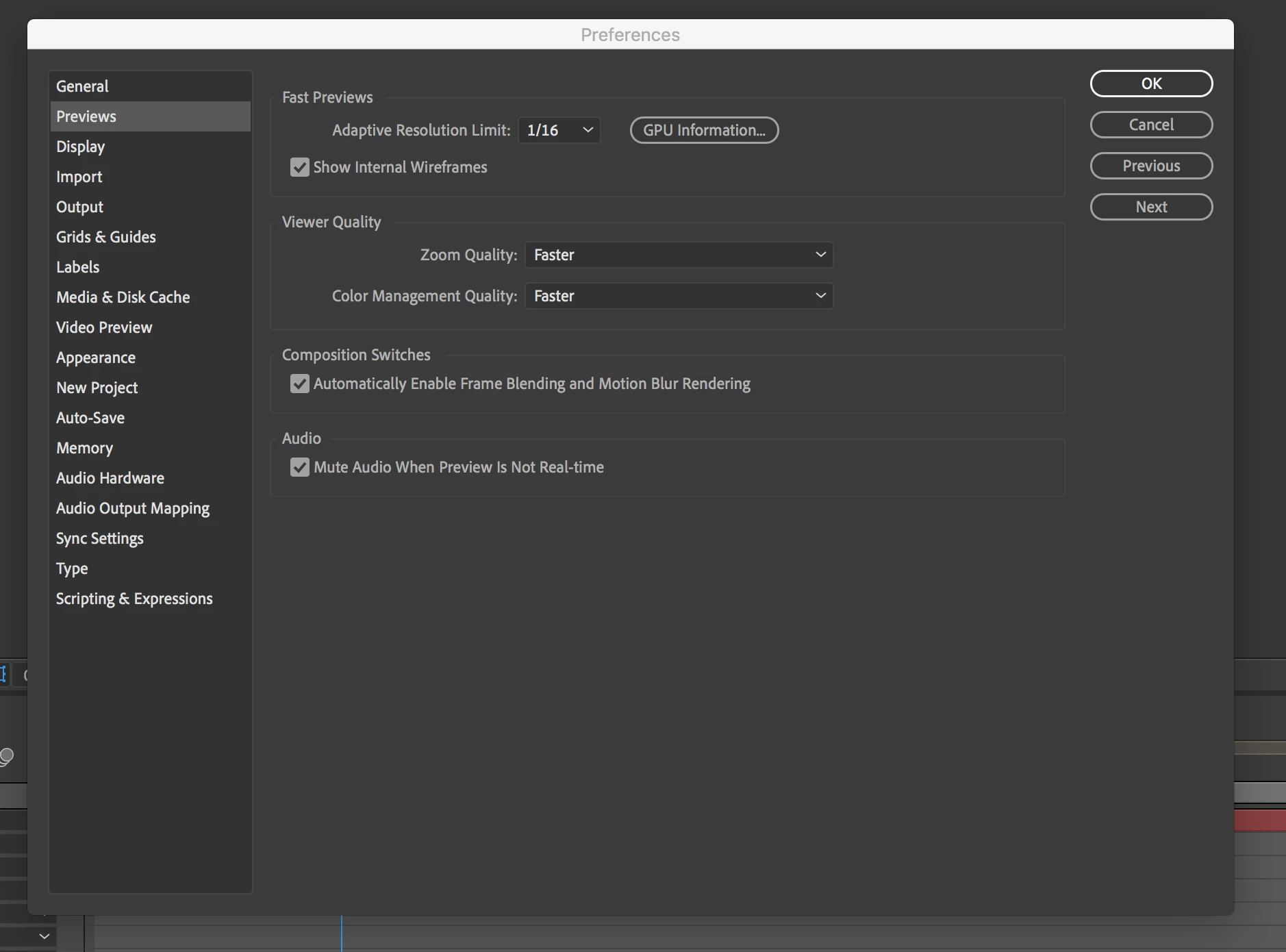
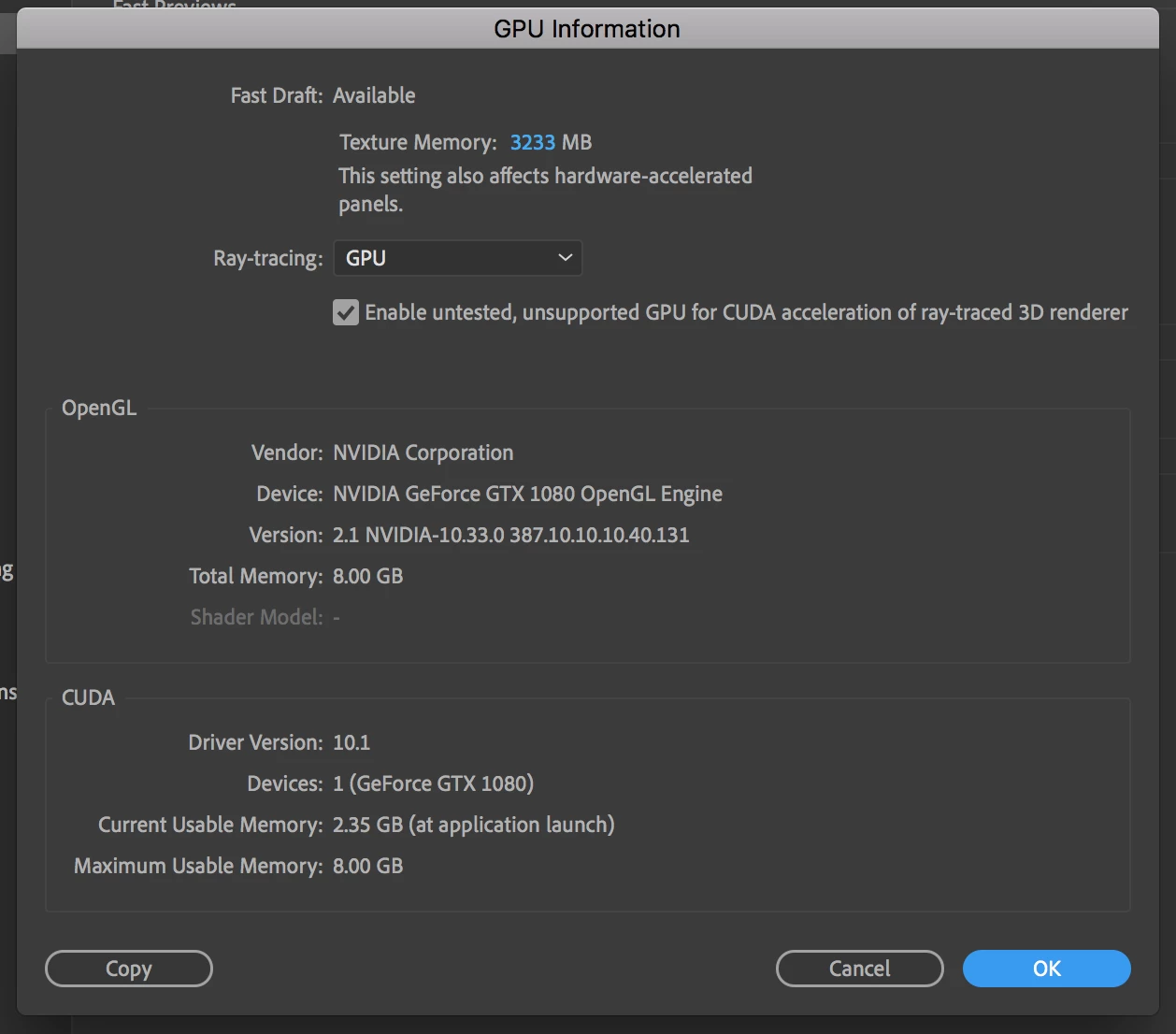
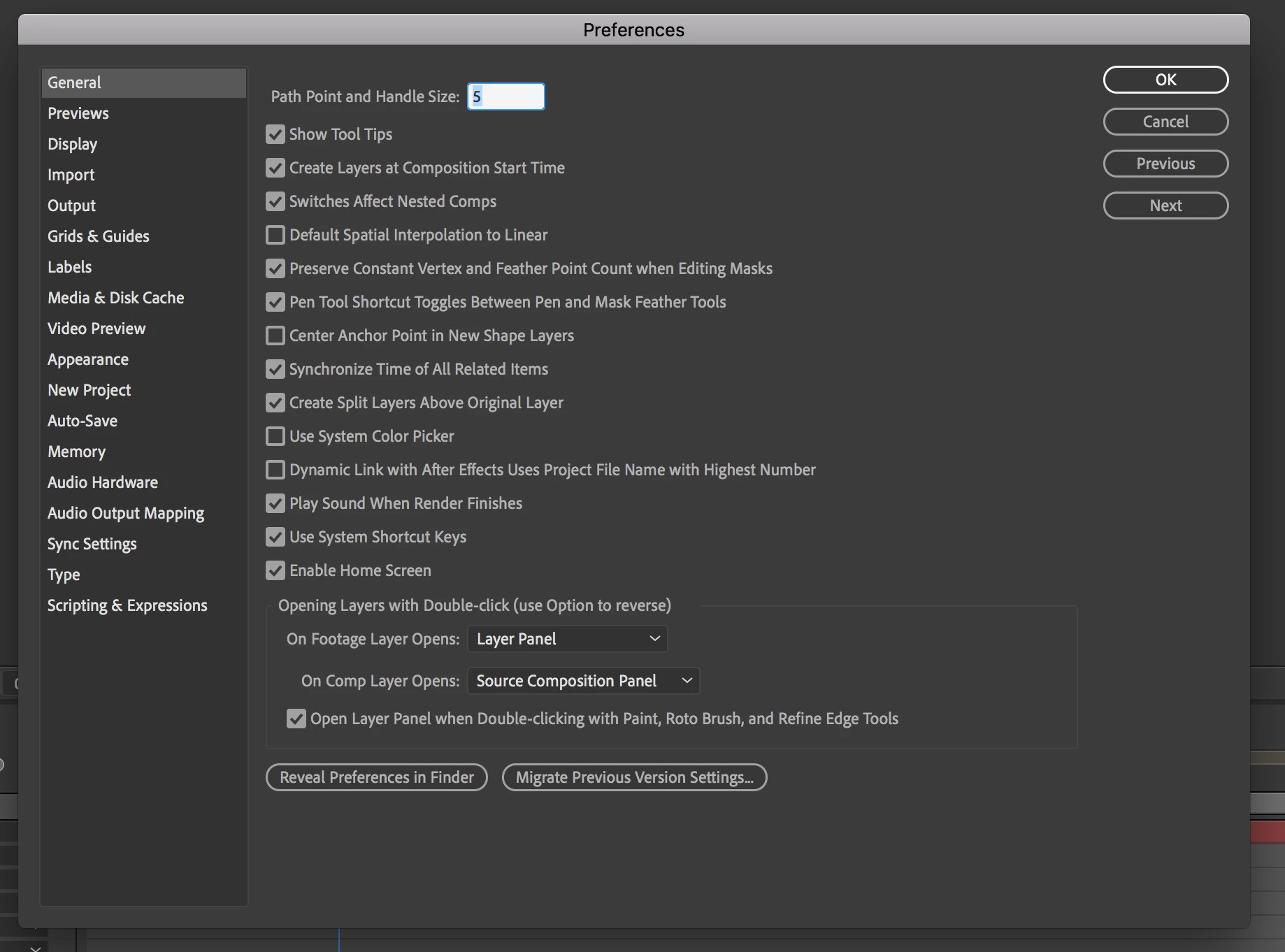
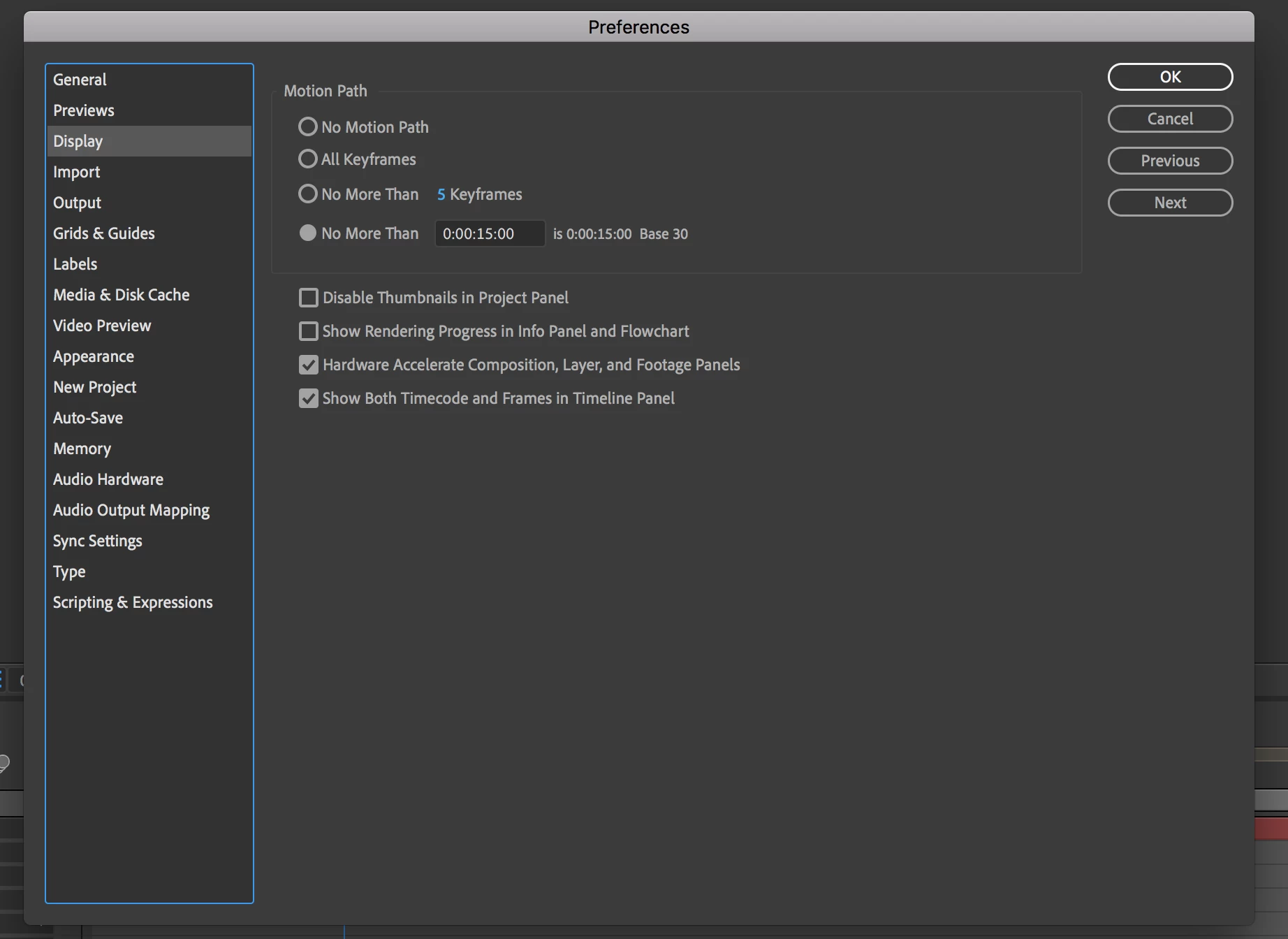
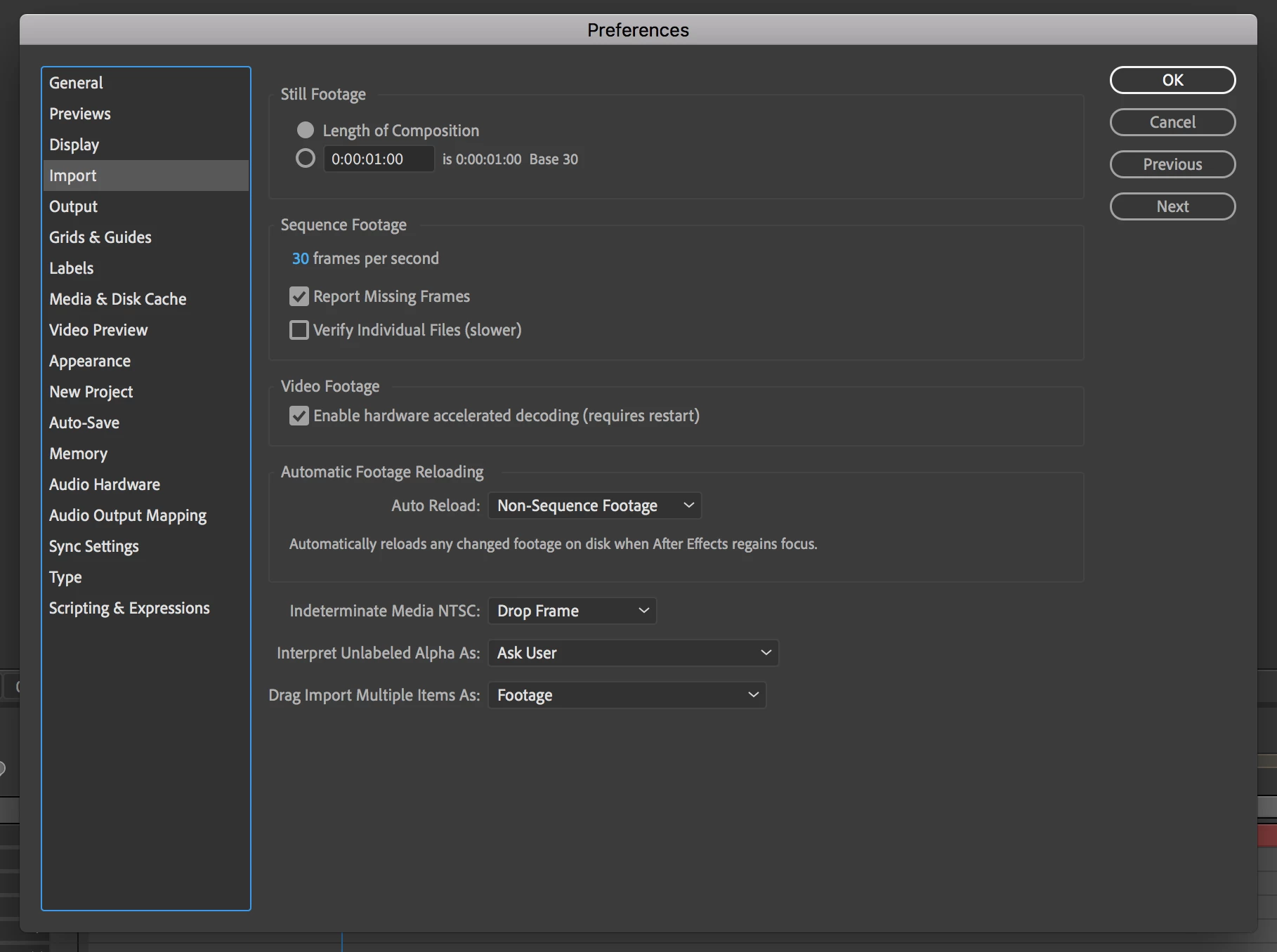
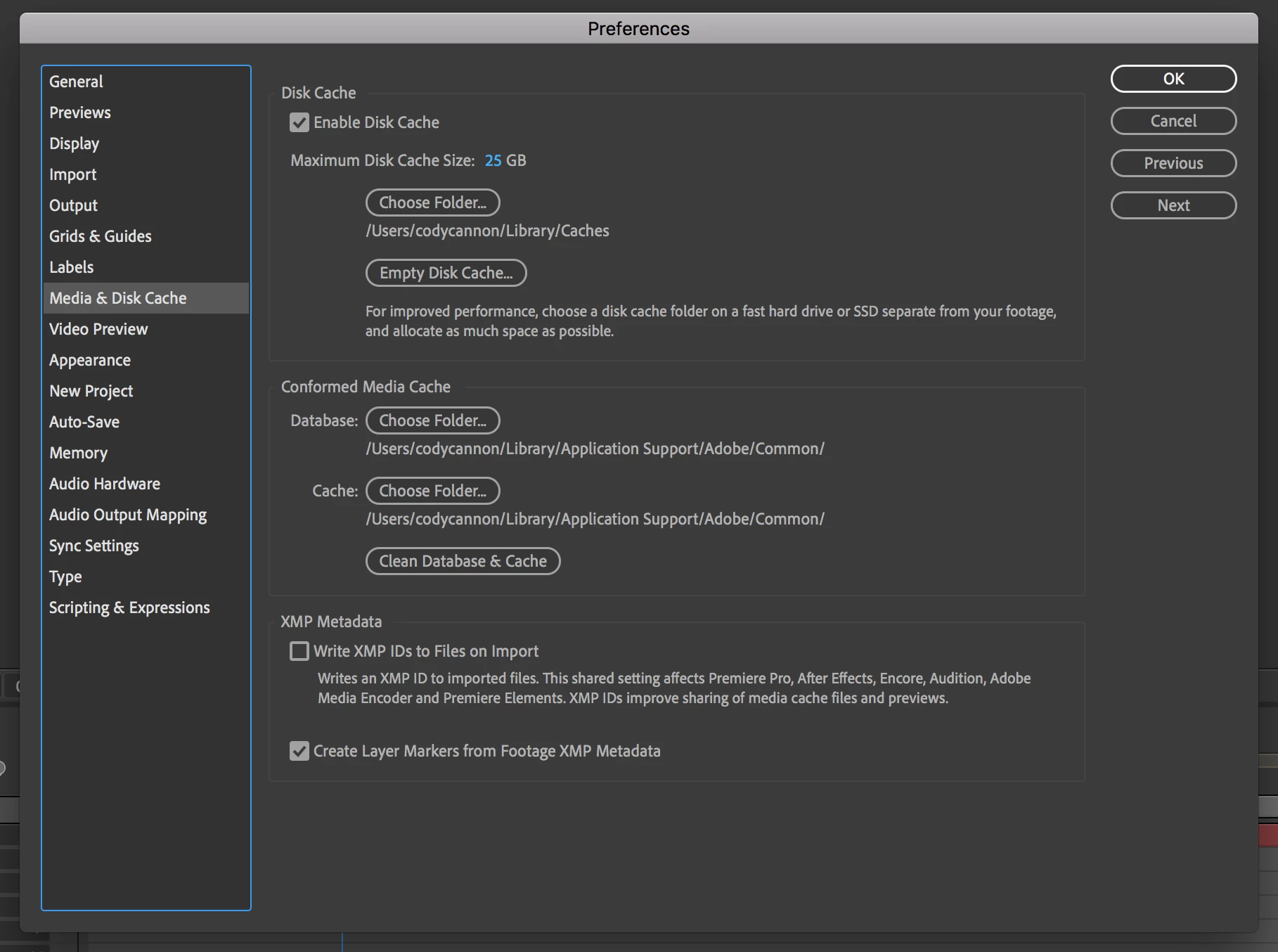
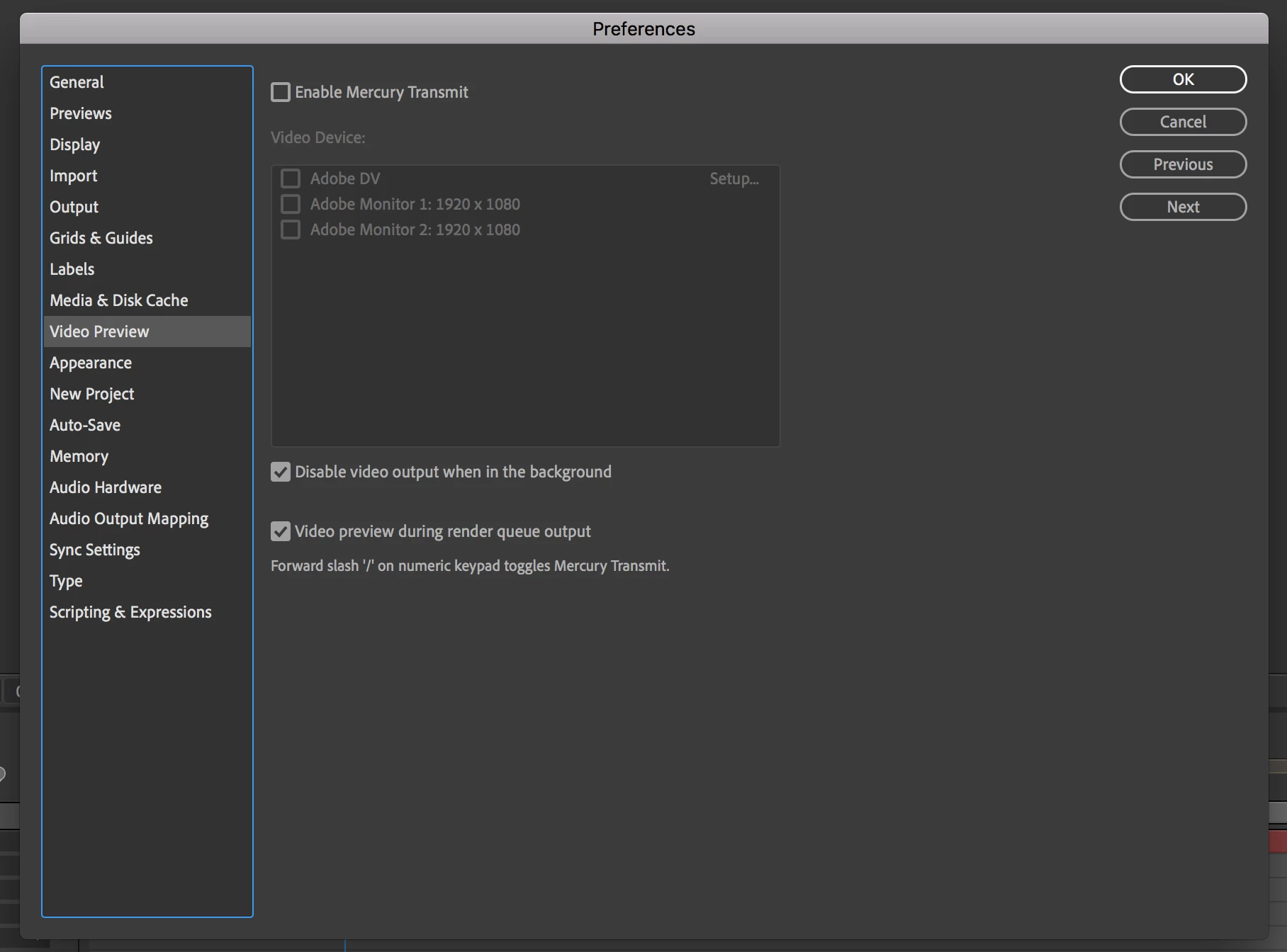
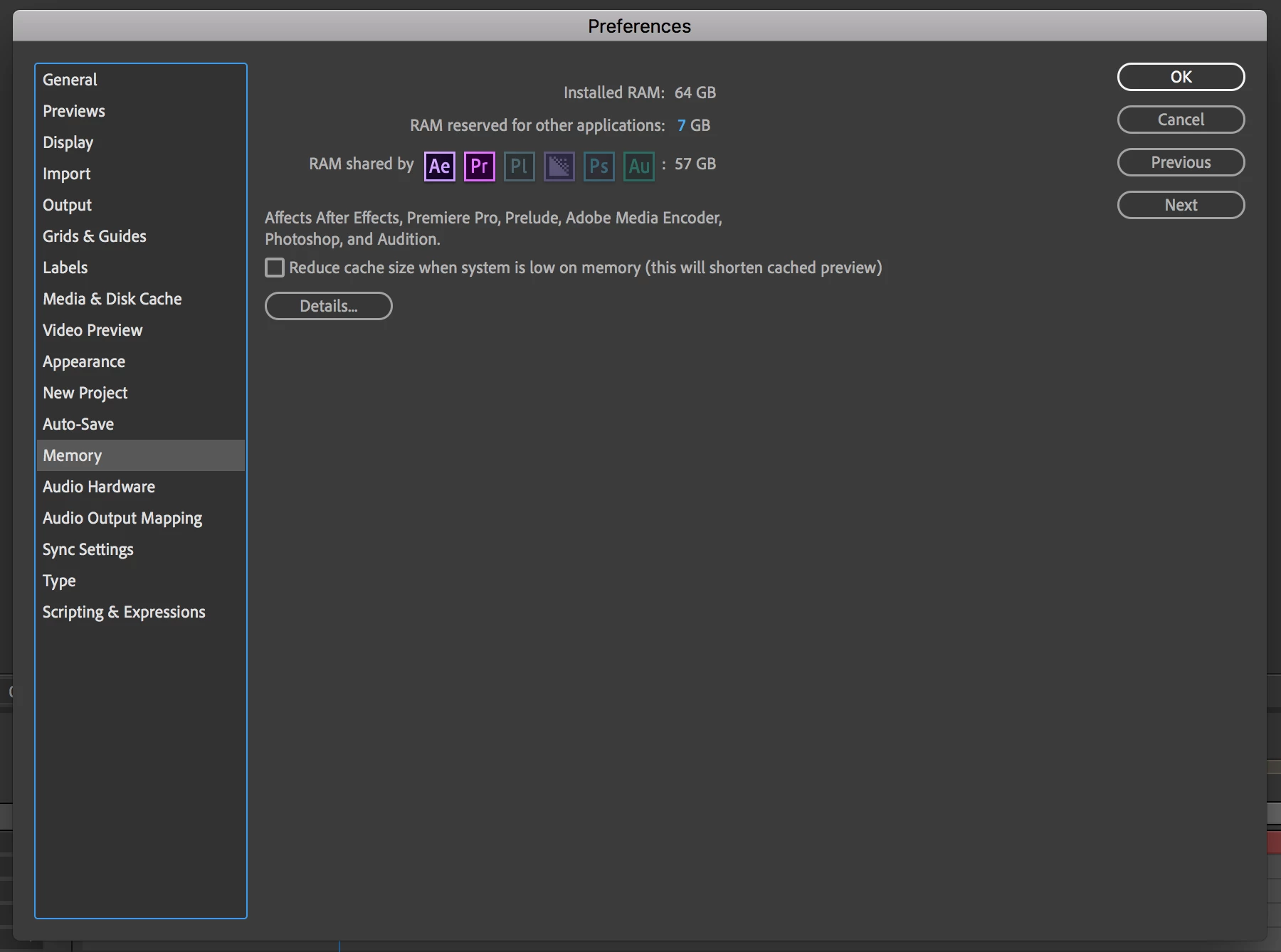
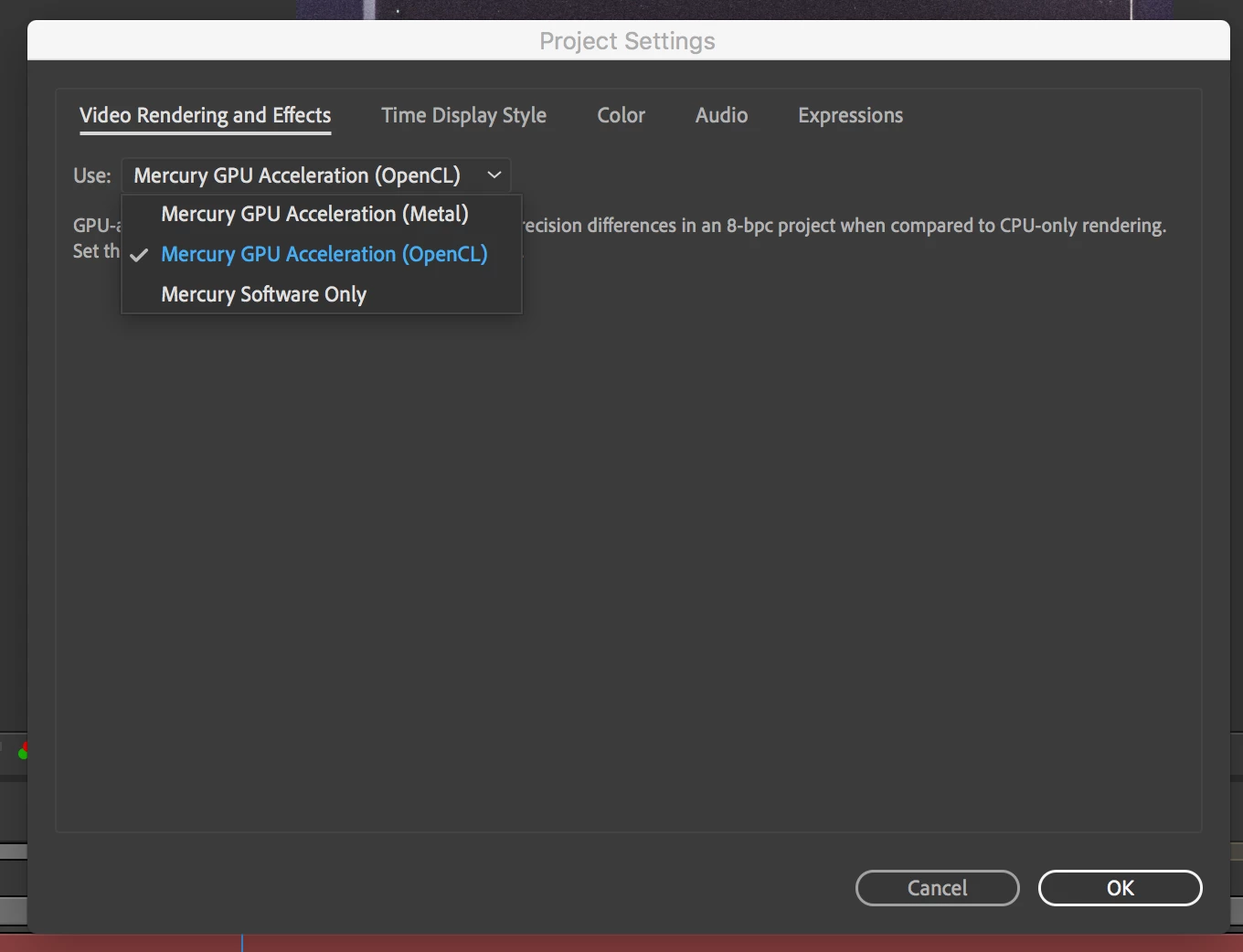
Cuda is fully functional and supported when I use Premiere, but it doesn't appear to be in After Effects, or at least not from the project settings. It only gives me the OpenCL, Metal & software only options. I'll attach screenshots to show my Preference settings for everyone to check out.
Lastly, what is texture memory and how much should I have it set for? At the moment it's set at 3233mb. I have no clue what this setting is or how it effects overall speed, but I think it may be attributing to brutal render and playback issues when edting pre-made templates.
Any and all help appreciated! Thanks!
 AdChoices