

the colorful tracking dots arent showing up after i pressed track camera
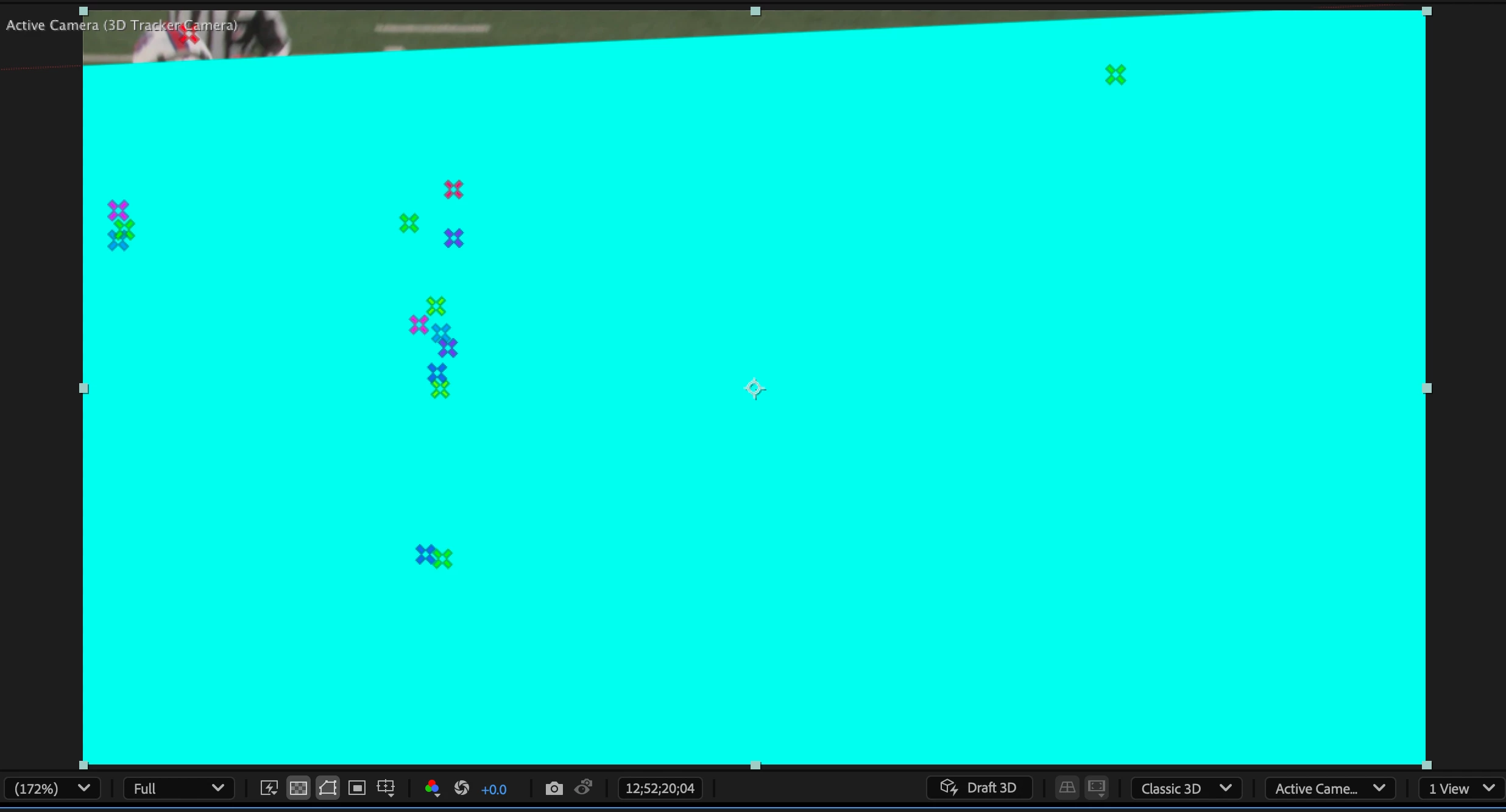
I've been using After Effects for doing motion tracking and compositing for years now. Today, the colorful tracking dots arent showing up after i pressed track camera but whenever i hover over the shot, lots and lot of red targets show up. i went to "track point size" and "target size" and increased those numbers significantly and still those colorful tracking points arent showing up on my shot. but the minute that I right click on the red target and choose "create solid and camera" all of a sudden the colorful tracking points show up then (See attached screenshot). i need the tracking points to show up BEFORE I press "create solid and camera", so then i go into After Effects beta to see if the issue exists there, and when I do a track camera on the exact same shot (exact same timecodes) it tells me "analysis solve failed" the first few times. once i play with the parameters it stops saying analysis failed but doesnt give me any visual tracking points. so then i quit out of beta, accept my fate, go back into normal 2025 AE and then all of the sudden the tracking points are there.
I repeated the experiment once more by tracking a new shot (tracking points still didnt show up). i quit out of AE. Came back in. this time i still didnt see any tracking points. only red target circles.
I'm using After Effects 2025 version 25.0.1 (build 2). Mac OS Sequoia 15.0.1 .... is anyone else having this issue? Any advice would be appreciated.


 AdChoices