Hello Mister .
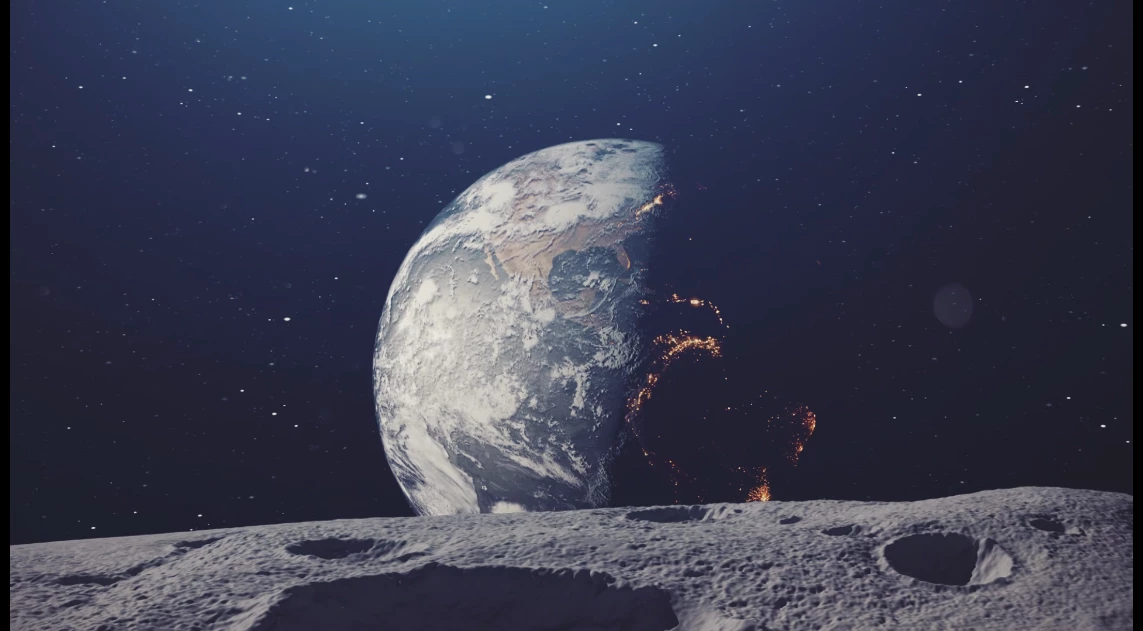
I have tried it before using the main camera (I got one camera) and it did not work (My camera has animation) . What is weird mister again is when I try to render a single frame I get the exact result .
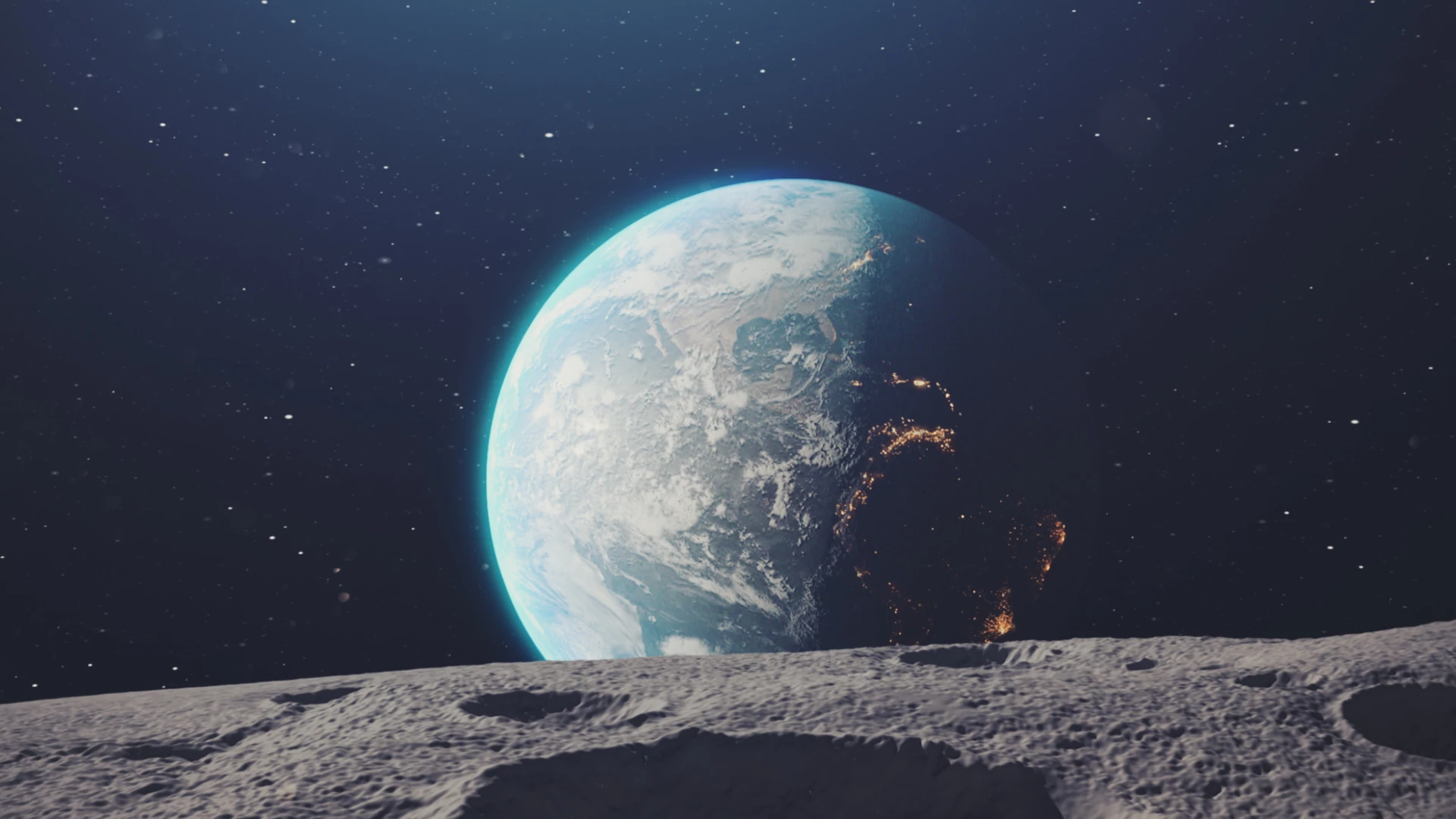
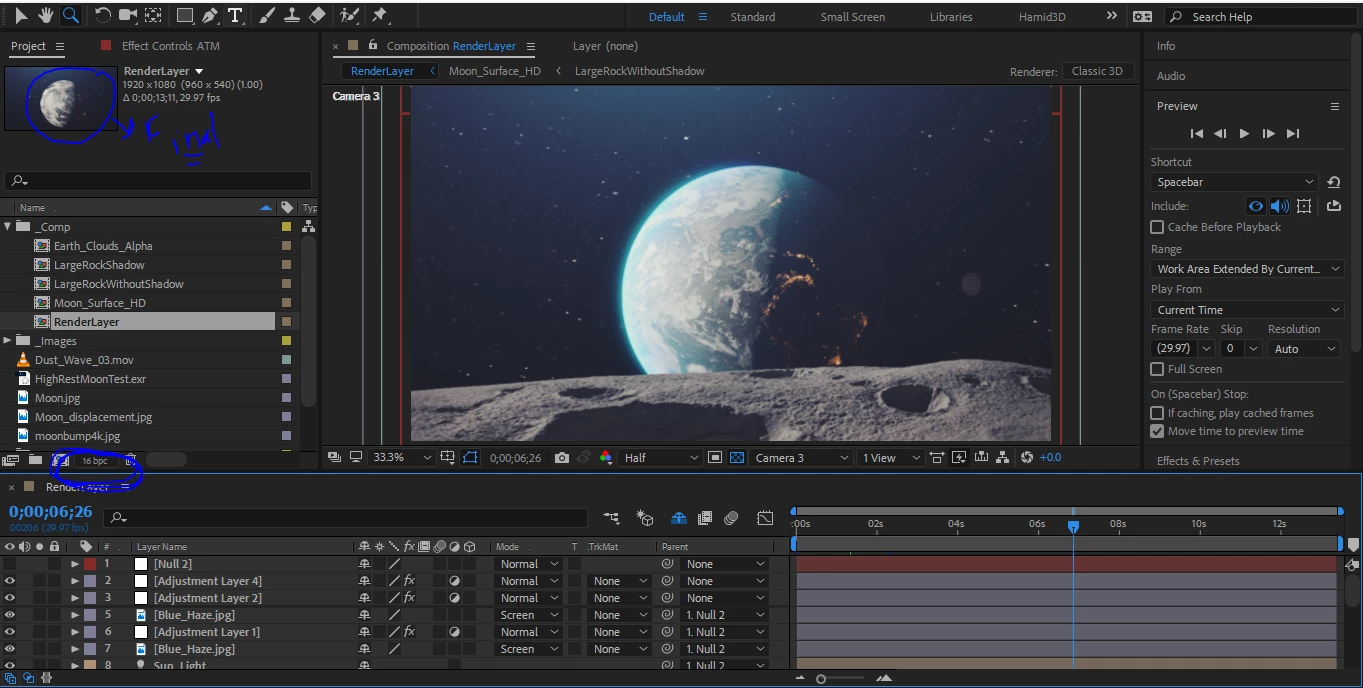
We don't know your composition settings or your render settings. We don't know any workflow details. We don't know whether or not you have purged your memory.
I want to emphasize again, you should only be looking at Active Camera view. That is the only view that will render. The only reason to ever look at any other view is to set up the position of a layer or check a possible second animated camera. Active Camera always renders the top camera layer. It's a good practice to put your camera on the top layer.
We don't see any details on the layers that are giving you problems. Press the U key twice to reveal all modified properties and see if anything is not as it should be. I don't know what is going on in the adjustment layers, where the glow is applied or even if you applied a glow. I have no idea why you are using adjustment layers.
My only guess is that the glow/blue haze layer is the Blue_Haze Jpeg and that you've set something in one of the adjustment layers that or added an effect on that layer that is fouling up the render. Also having Layer 2 and Layer 3 both be adjustment layers doesn't make much sense. There are only a couple of scenarios that I can think of where you would need to use an adjustment layer on top of another adjustment layer.

 AdChoices