Answered
These two button options, ripple insert/overlay edit, are not showing in my footage window.
Hi forum.
These 2 buttons are not showing in my fotage window.
ripple insert/overlay edit
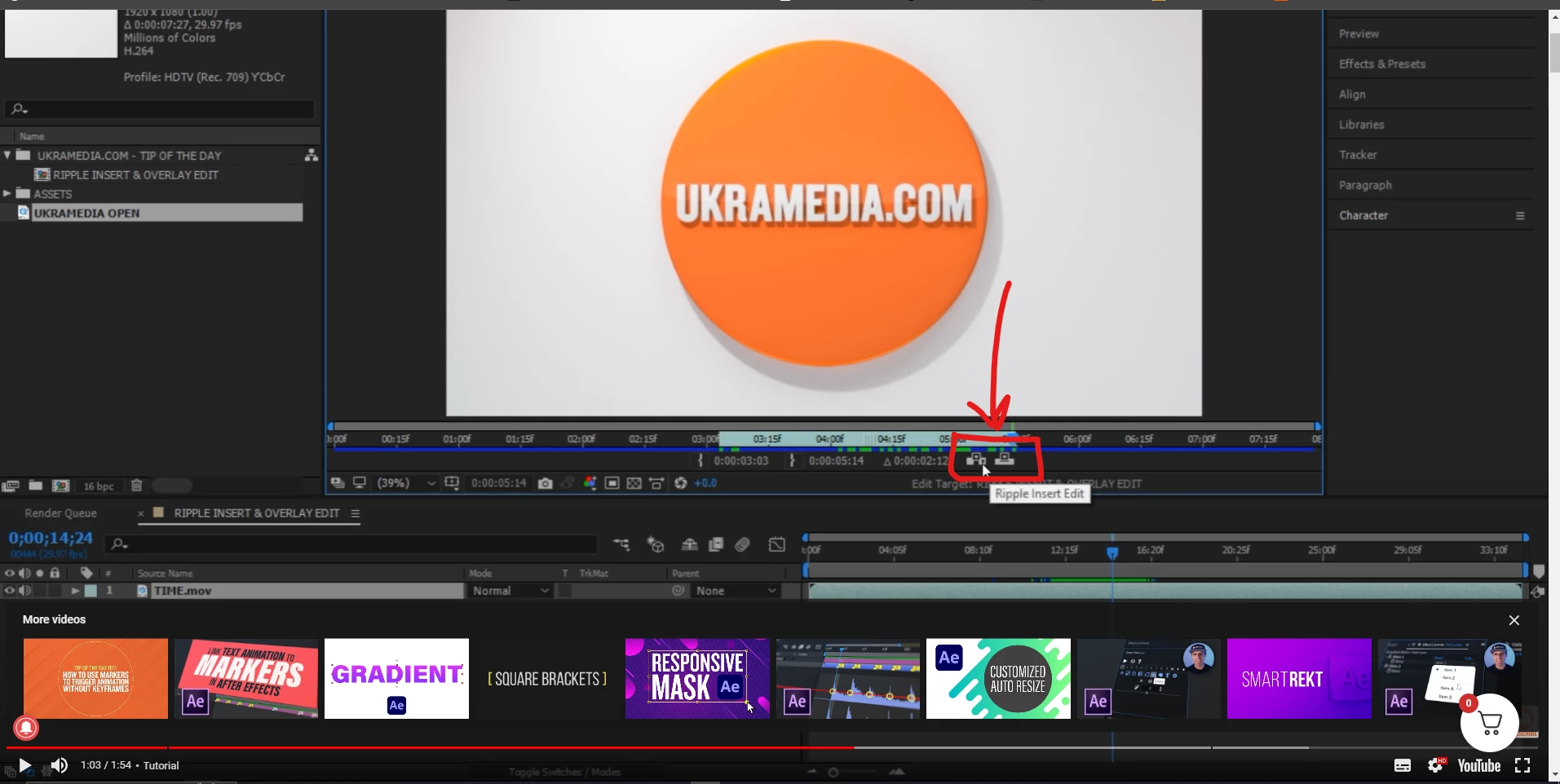
This is my interface:
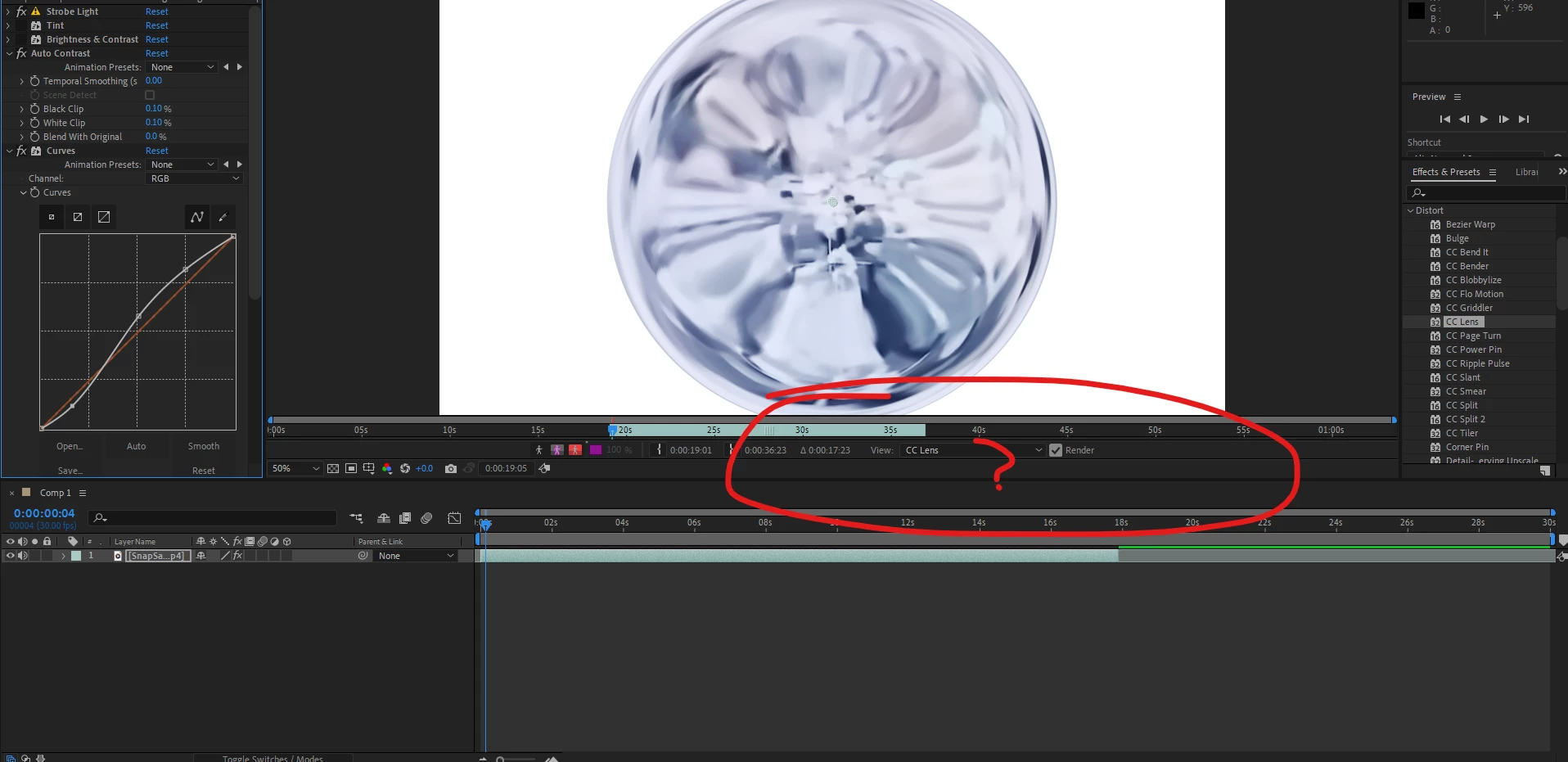
Hi forum.
These 2 buttons are not showing in my fotage window.
ripple insert/overlay edit
This is my interface:
The Layer panel and the Footage panel are different. Only the Footage Panel is the only one with the "edit" options. The easiest way to get to the Footage panel is to Alt/Option double-click on the footage layer in the project panel. The option is also not available unless you have trimmed footage in the timeline. You can see it in the Footage panel, but it is not available.
Already have an account? Login
Enter your E-mail address. We'll send you an e-mail with instructions to reset your password.
 AdChoices