
Inspiring
January 14, 2025
Answered

Tile Flip

  • January 14, 2025
  • 1 reply
  • 255 views

I want to create a 3x3 square grid with a total of 9 squares. There will be a single photo overlapping the entire set. I want each individual tile to flip over one at a time (like a playing card). How would I go about doing this?


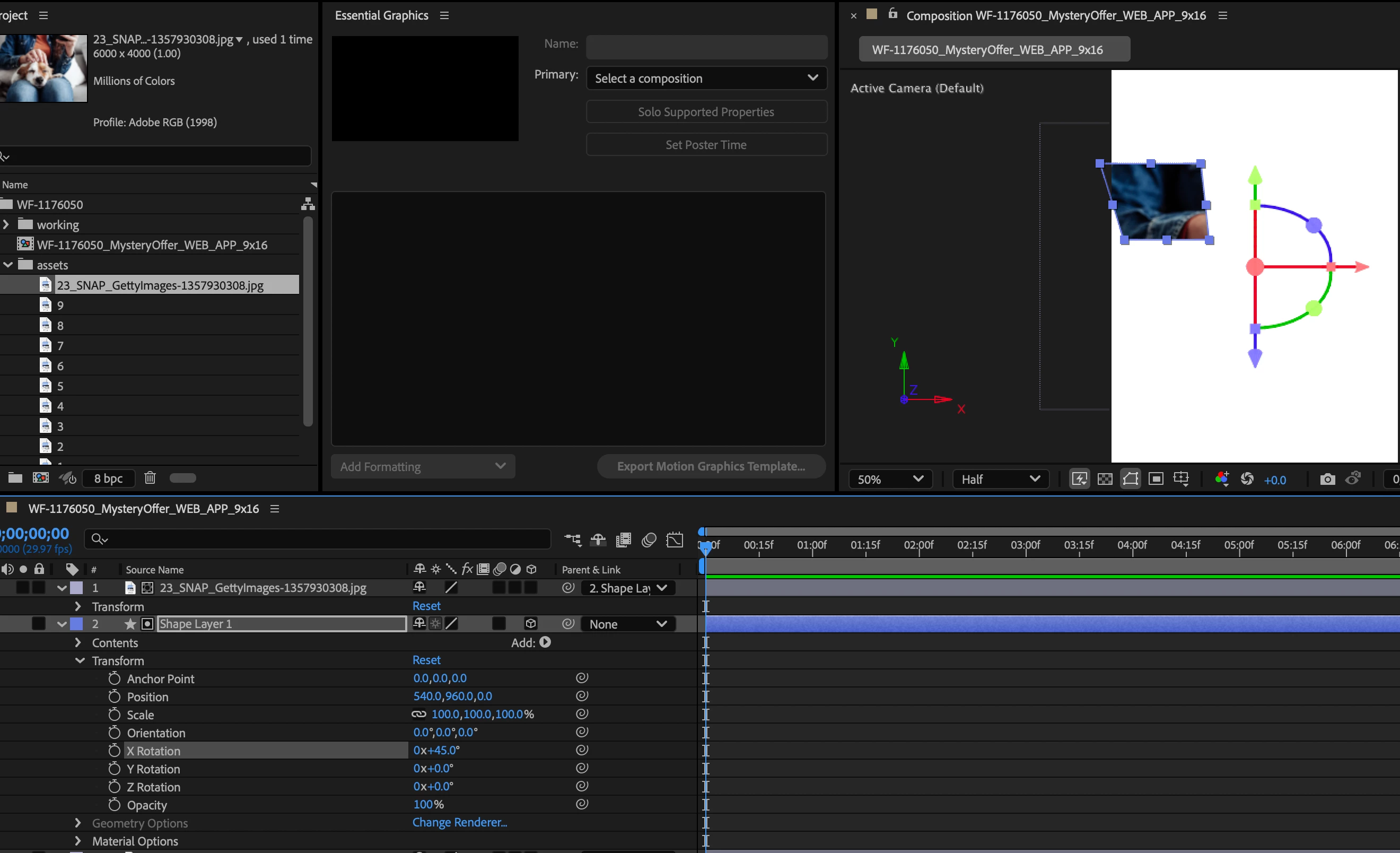
To test out the flipping motion, I tried setting the track matte of the photo to the 1 shape. But when I try to rotate the X or Y axis, the square doesnt stay stationery and "flip" over. The whole shape moves. 
 

Correct answer Ishan Y

Hey Enzo,

Before using the position and rotation parameters, please align the anchor point along the axis you want to rotate your layer in. For more complex motion, you might want to use Null objects. Here's a tutorial: https://www.youtube.com/watch?v=8ei_cj6A2Gg


Thanks,

Ishan

1 reply

Ishan Y
Community Manager
Ishan YCommunity ManagerCorrect answer
Community Manager
January 16, 2025

Hey Enzo,

Before using the position and rotation parameters, please align the anchor point along the axis you want to rotate your layer in. For more complex motion, you might want to use Null objects. Here's a tutorial: https://www.youtube.com/watch?v=8ei_cj6A2Gg


Thanks,

Ishan