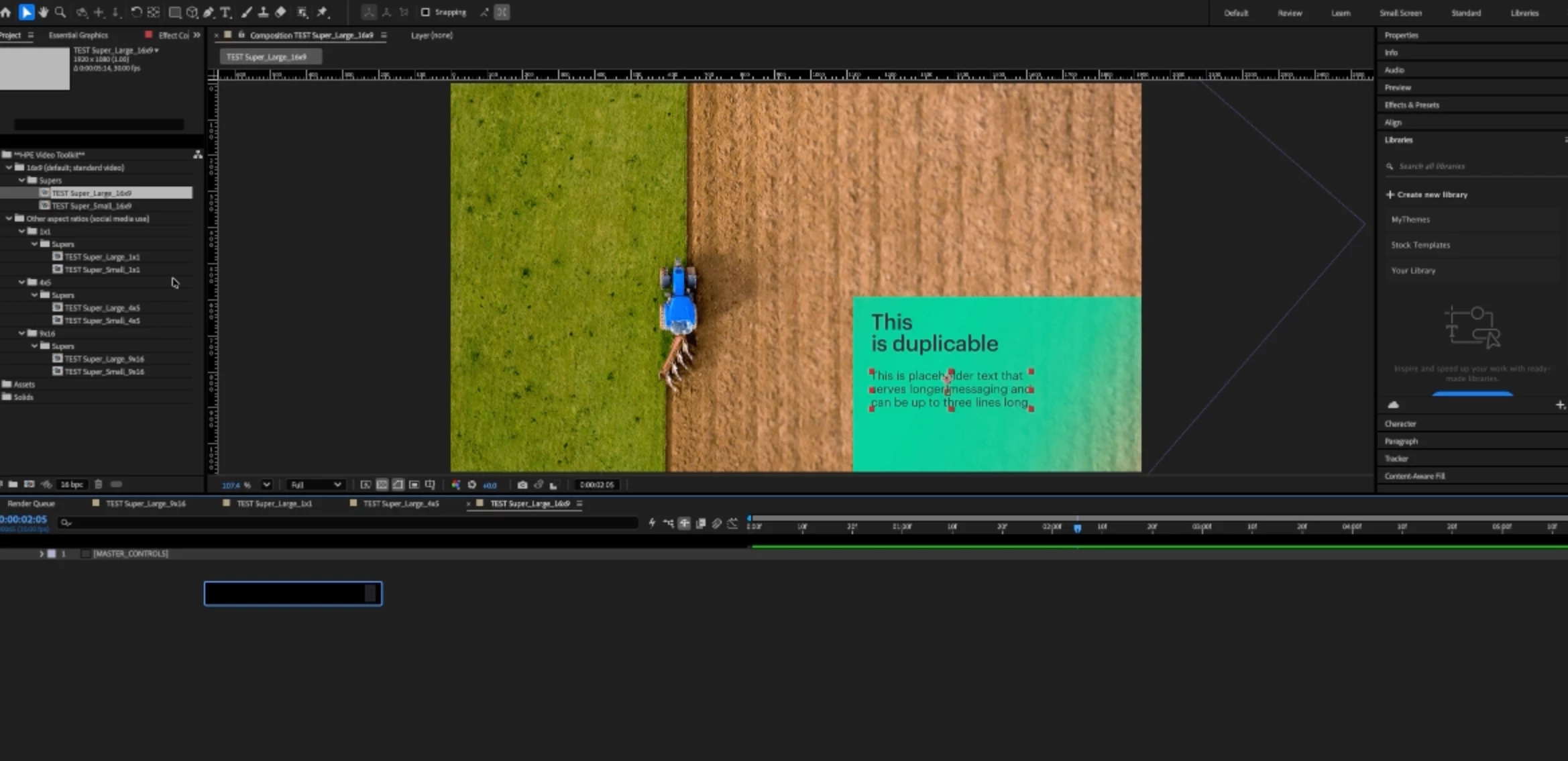
Yea, I’m aware of the Shy Layers, this isn’t that, when you mouse over the layers, they appear briefly then disappear again, if Shy Layers were on, those layers wouldn’t show up at all. I have a few AE projects that uses Shy Layers, I have to turn them off to make further adjustments even tho the author doesn’t want me to! It’s a corrupted project who’s ID numbers are not aligning correctly, so to fix this, you have to make a new project and import in the corrupted project to re-align the ID numbers, THEN the project works within the new project ID settings. No one knows why this happens, but this is the workaround.



 AdChoices