



Question
Tint plugin not working
Hi
Hoping for some help with the Tint plugin (v2.4 in AE 16.1.1).
Up until recently it behaved as expected - on both adjustment layers and on the layer directly. Where as it has started now to not work?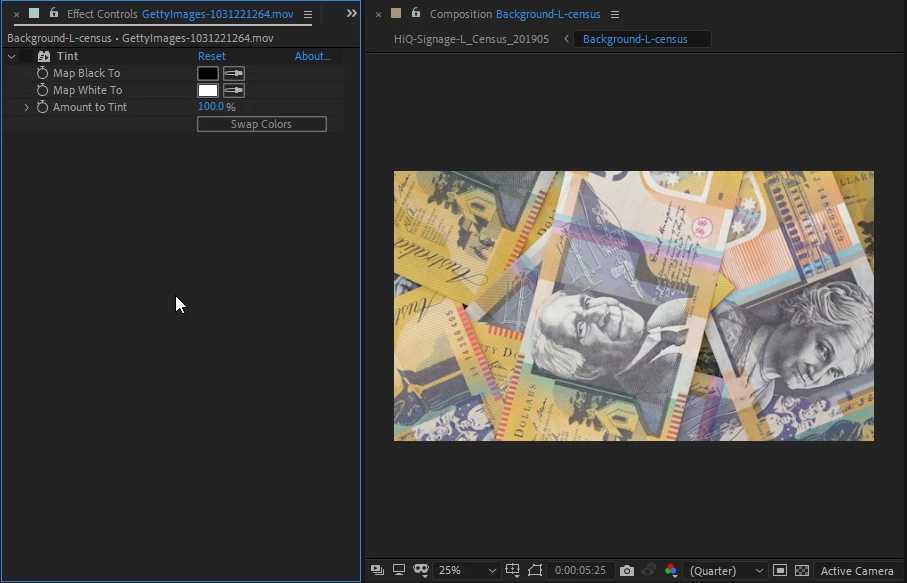
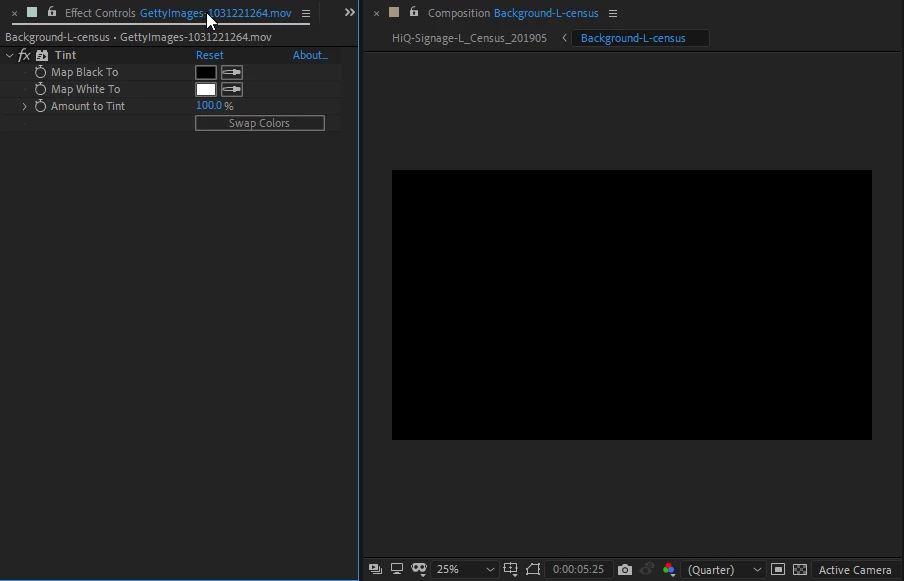
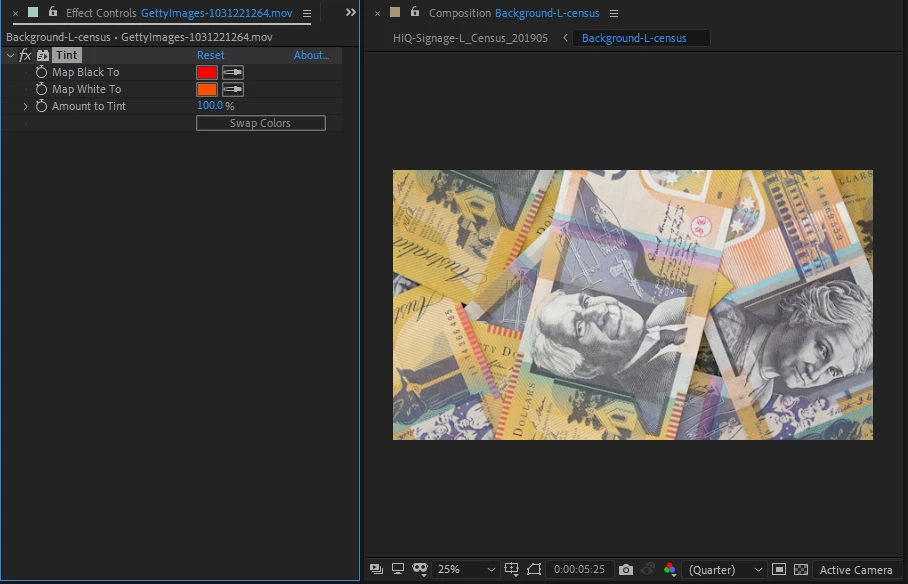
This originally effected an older project file (after the latest build) but it was fixable by re-importing into a project. After adjusting my colour space for another project it has stopped working in any files (even after reverting the settings). I have wiped preferences, reinstalled twice but this has not fixed the issue. This is a tempermental workstation so I am going to get it wiped to be sure but was wondering if anyone else has encountered this?
I can still use tritone to work around.
 AdChoices