There are a bunch of different moves and transitions. The first shot I looked at to try and figure out:
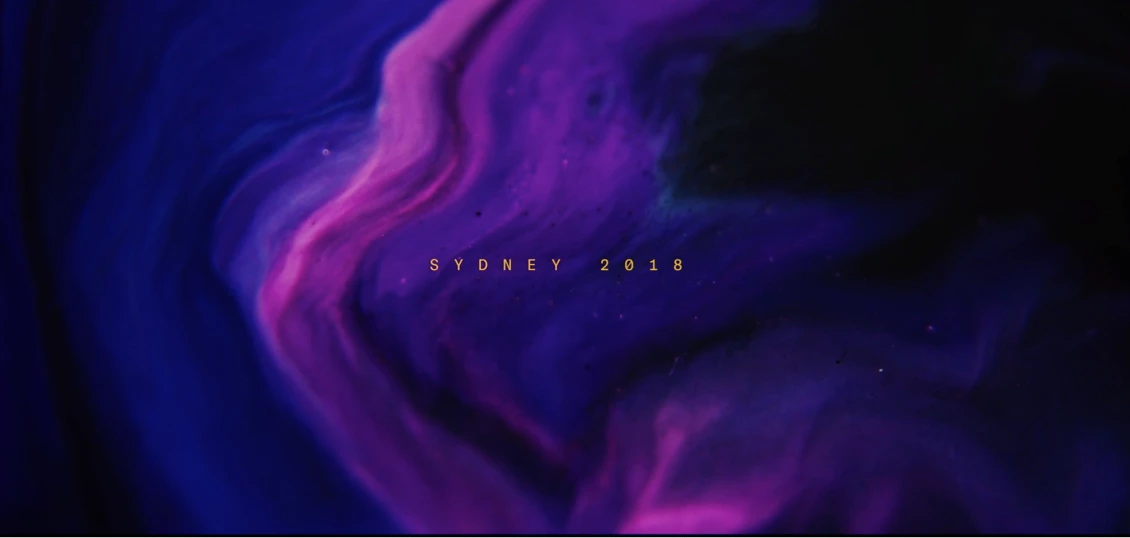
looks like it could be just simple 2D artwork with position animation for the background with a text overlay because the details in the background image do not move independently.
The second shit I analyzed:
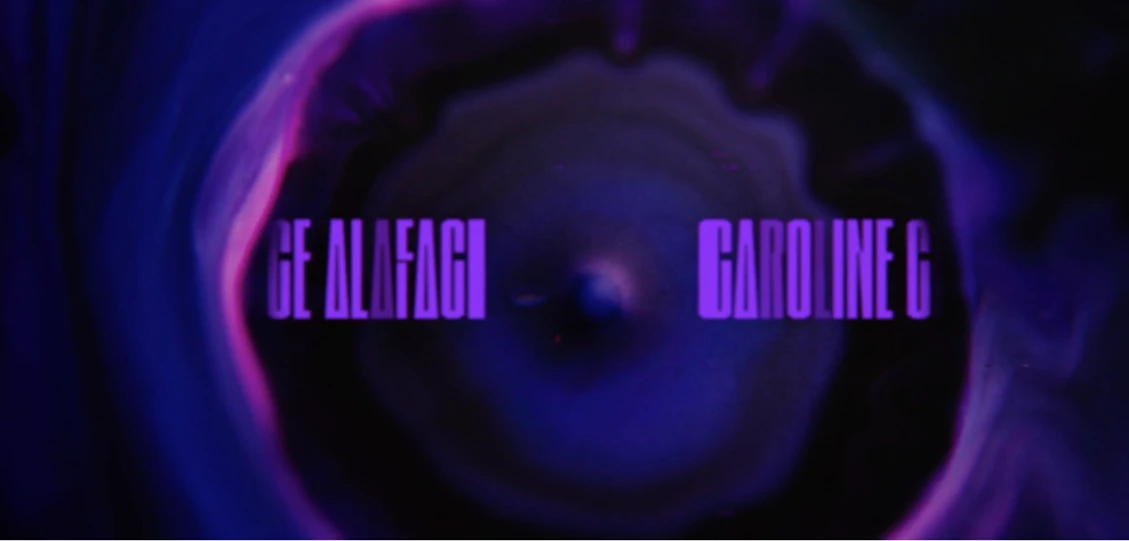
was a modified circle wipe on the original background image using some kind of distortion revealing extruded text and another background layer. This tells me that the top layer, the one with the distorted wipe, is 3D, the text layer is also 3D and the background elements are also 3D. The wobbly edge circle wipe transition on the top layer would be fairly easy to do without 3rd party effects, the distortion would be a lot more difficult. Displacement map would require a very complex displacement map involving colors with positive and negative color values (- red) or you might be able to use some of AE's standard distortion effects to fake the distortion.
The 3D extruded text layer is also affected by the displacement but this kind of displacement is much easier to handle in a 3D app. You could fake it in AE but you are looking at a lot of other layers controlling the sides of the text layer. The easiest and fastest way to extrude 3D text is to create a text layer in a new comp, make it 3D, the export a C4D file and use C4D lite to extrude the layer.
The other background elements are also 3D and there are some interesting motion behaviors and layer interaction going on here. All of this could be achieved in AE, but it would require multiple layers and effects. I would start with multiple 3D layers with transparency and effects applied and add some displacement controllers.
The third shot I looked at:
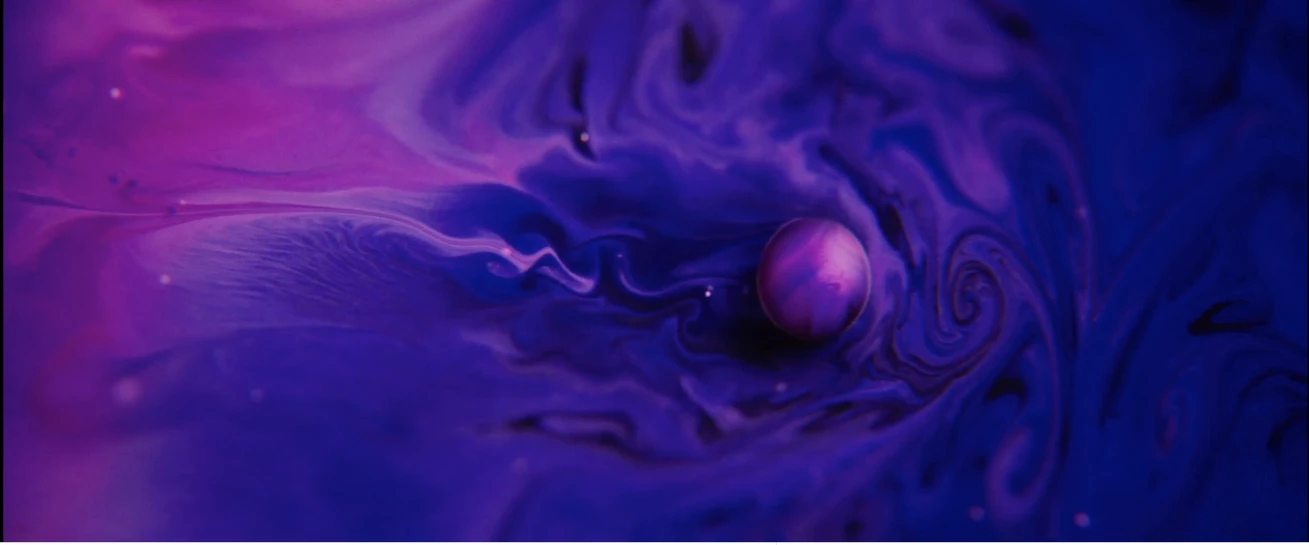
Clearly shows fluid dynamics. This could be done in After Effects using the new Trapcode Suite but it would require a great deal experience with Particular, Mir, Form and a lot of experimentation. It would also require a fairly substantial fist full of cash to purchase the suite. If your budget is limited it would be a lot less expensive to create all of these effects in Blender (http://blender.org) Poking a hole in a 3D layer and distorting the edges is pretty straight forward and so are fluid dynamics. Duplicating this shot in AE is possible, but it would take a lot of work and experimentation.
There is not much in that example video that can be accomplished without a huge amount of work. If I were doing that project the comps would be broken down into single shots then the final edit could be done in Premiere Pro. It would be nuts to try and do the whole video in After Effects.
I hope this helps a bit. If we knew your level of experience and what other resources you had we could be a bigger help. I would start by picking a simple shot and then try and figure out how too help you analyze and set up some of the shots in the video.
 AdChoices