
Top view in composition panel not working
Hello! I am new to After Effects and I am trying to create 3D text using the camera tracker. Everyting went good until I switched to "Top" view. I created a spot light to lighten up my 3D text (Using Cinema 4D) but when i switch to "Top" view i Cant see anyting. In the amazing tutorial I am following (https://www.youtube.com/watch?v=PWvPbGWVRrU&t=11312s), at 3:01:33, the light, camera and 3D text appears. Noting appers when I switch to "Top" view. It's alla black. I am very confused.
This is How it's supposed to look: (I added the red texts to the screenshot)

This is how it looks.
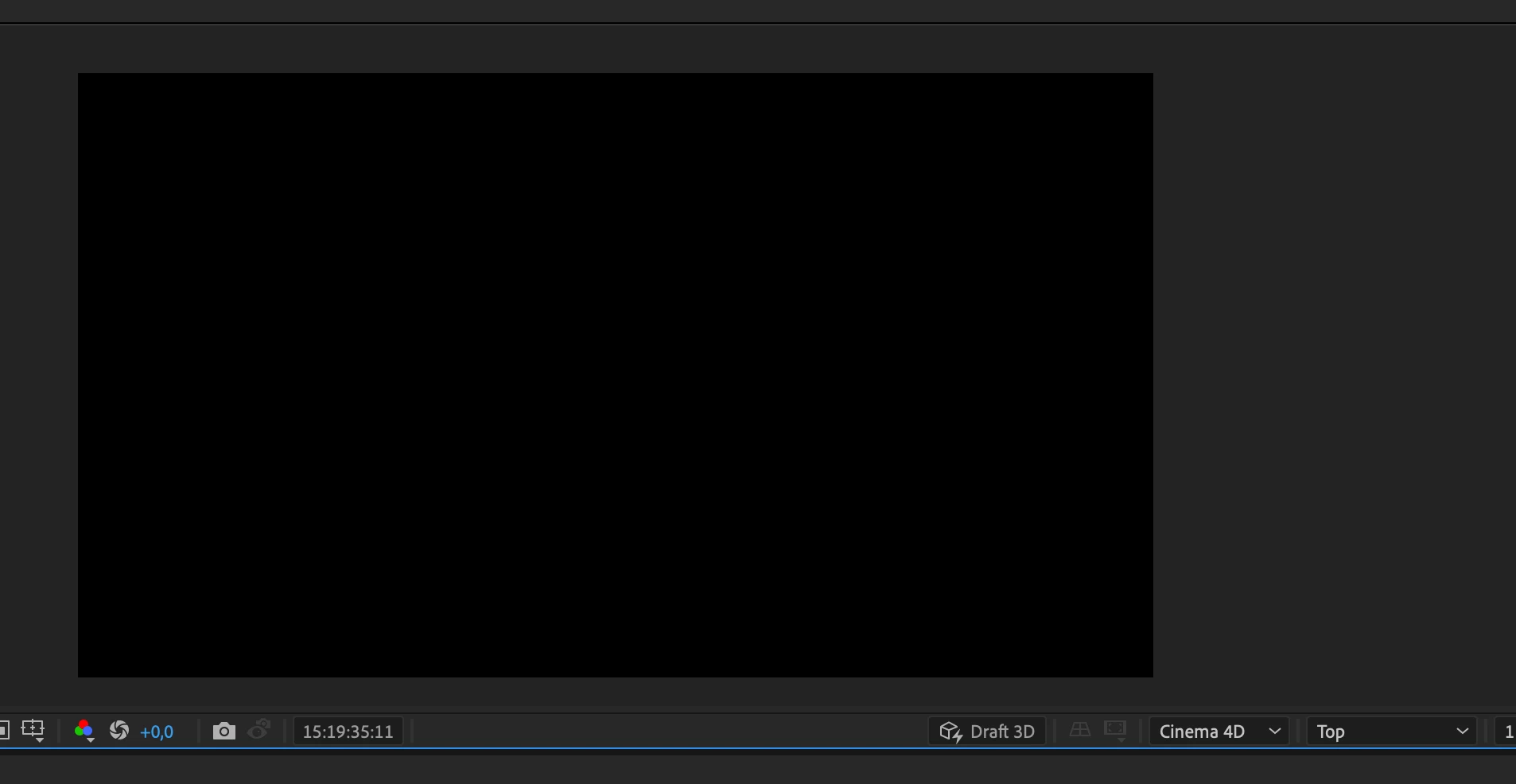
(I have tried to zoom out as muck as I can but it doesn't work.)
When I created my light I can see that it lights up my text, but I can't see the light isself. There are no coloured arrows to move the light with the selection tool. It is suposed to look like this:
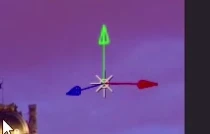
I can't see anything.
Kind regards
Kaspar Norberg
 AdChoices