Answered
Total newbie question
Completely new to AE. Just opened it for the first time and got this message.
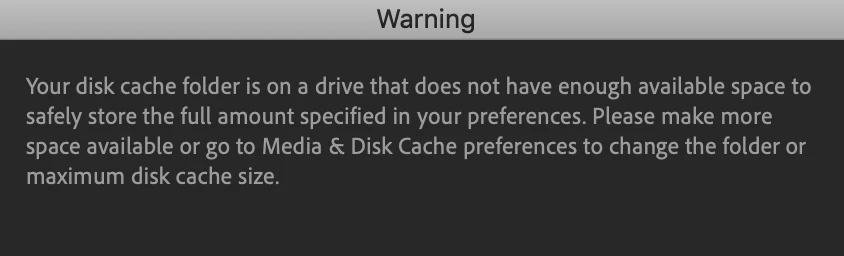
Can someone explain it to me in plain English? I have an iMac, these are my drives.
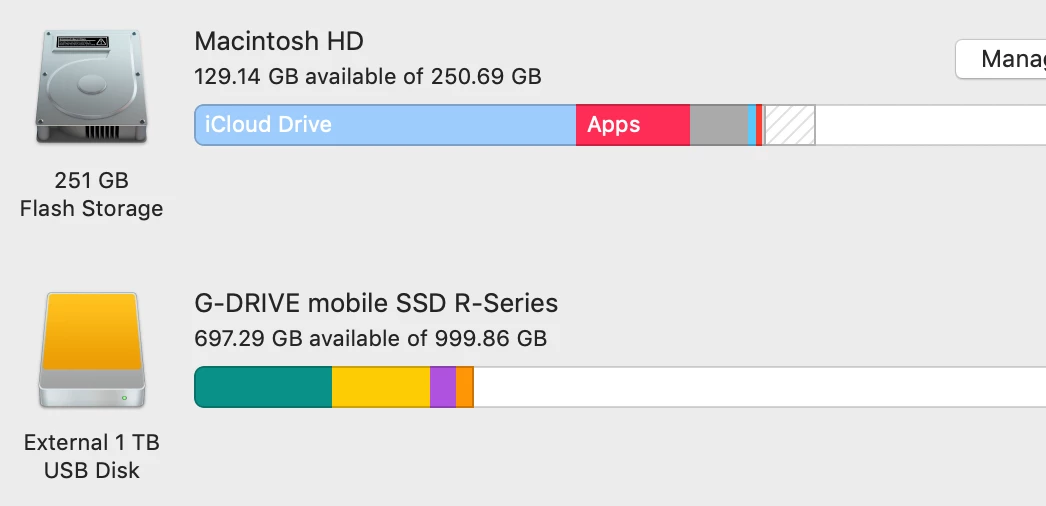

Completely new to AE. Just opened it for the first time and got this message.
Can someone explain it to me in plain English? I have an iMac, these are my drives.
You have the answer in that message from AE.
Your cahce size that you specified in preferences is more than you have on drive that you specified to be cache disc. As you are newbie - those are probably default settings in your AE.
To access those settings you have to go to Edit>Preferences>Media & Disk Cache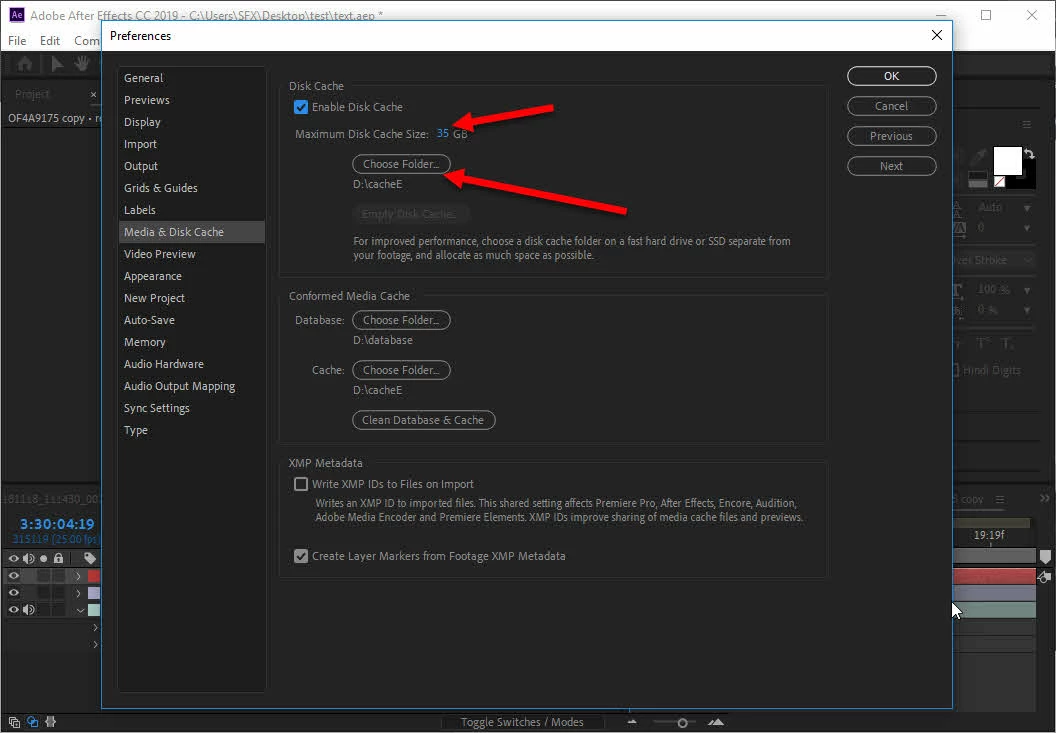
You can turn off disk cache completly (uncheck that blue mark) or edit preferences to your discs. So 1 chose place where your cache wil be stored (chose folder) - best wuold be ssd drive that is not system one. Then you have to chose max Disk Cache size (it should be about less than 80% of your free space avaliable.
After that you will not see that message.
But that message is just information and it is not disturb any AE work or stability (more or less).
Already have an account? Login
No account yet? Create an account
Enter your E-mail address. We'll send you an e-mail with instructions to reset your password.


 AdChoices