
Track Matte / Masking Doesn't Retain Colour
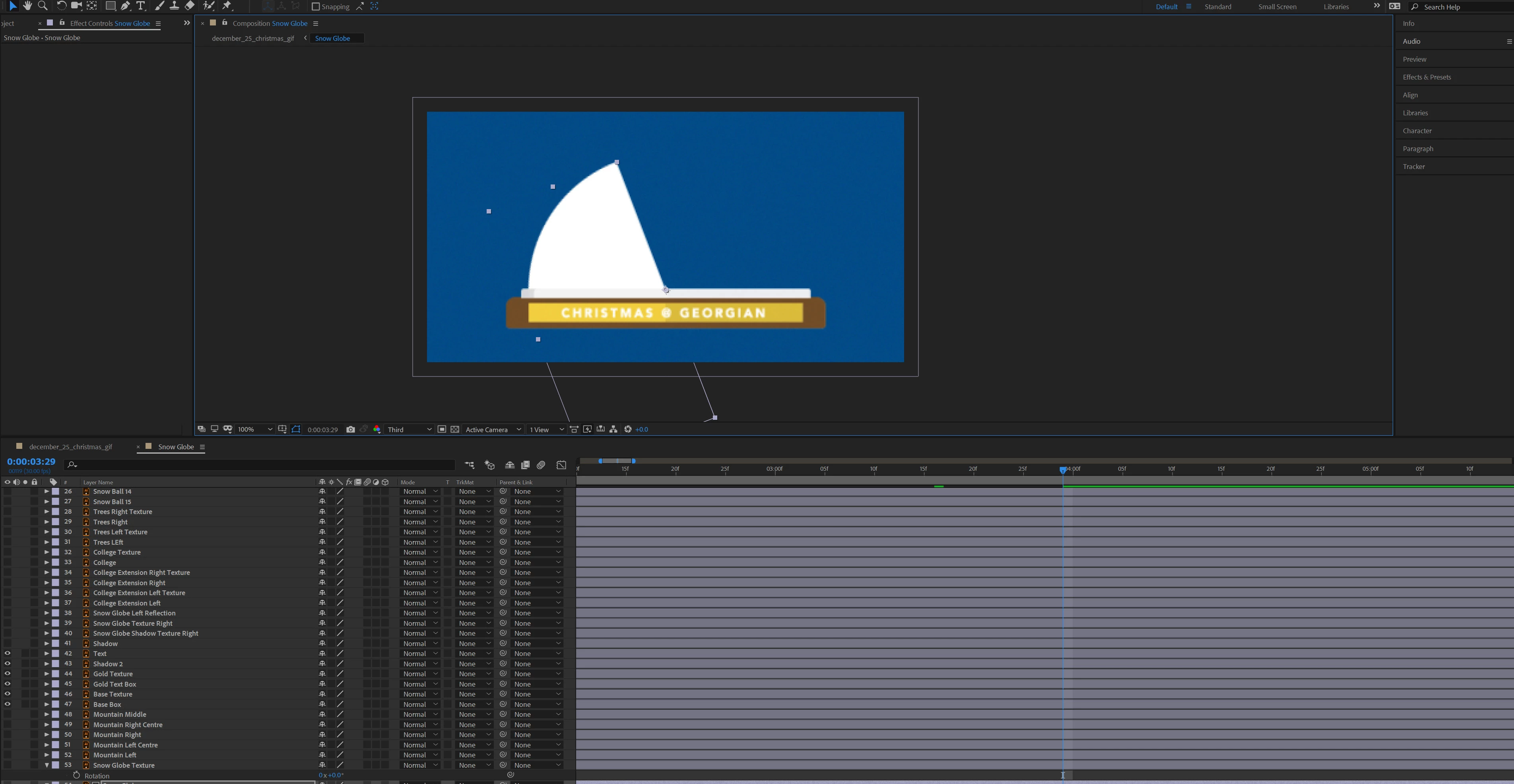
hello so I am trying to mask this "snow globe" so it comes out of the "base" of the snow.
The original colour of the snow globe is a teal (as seen below):
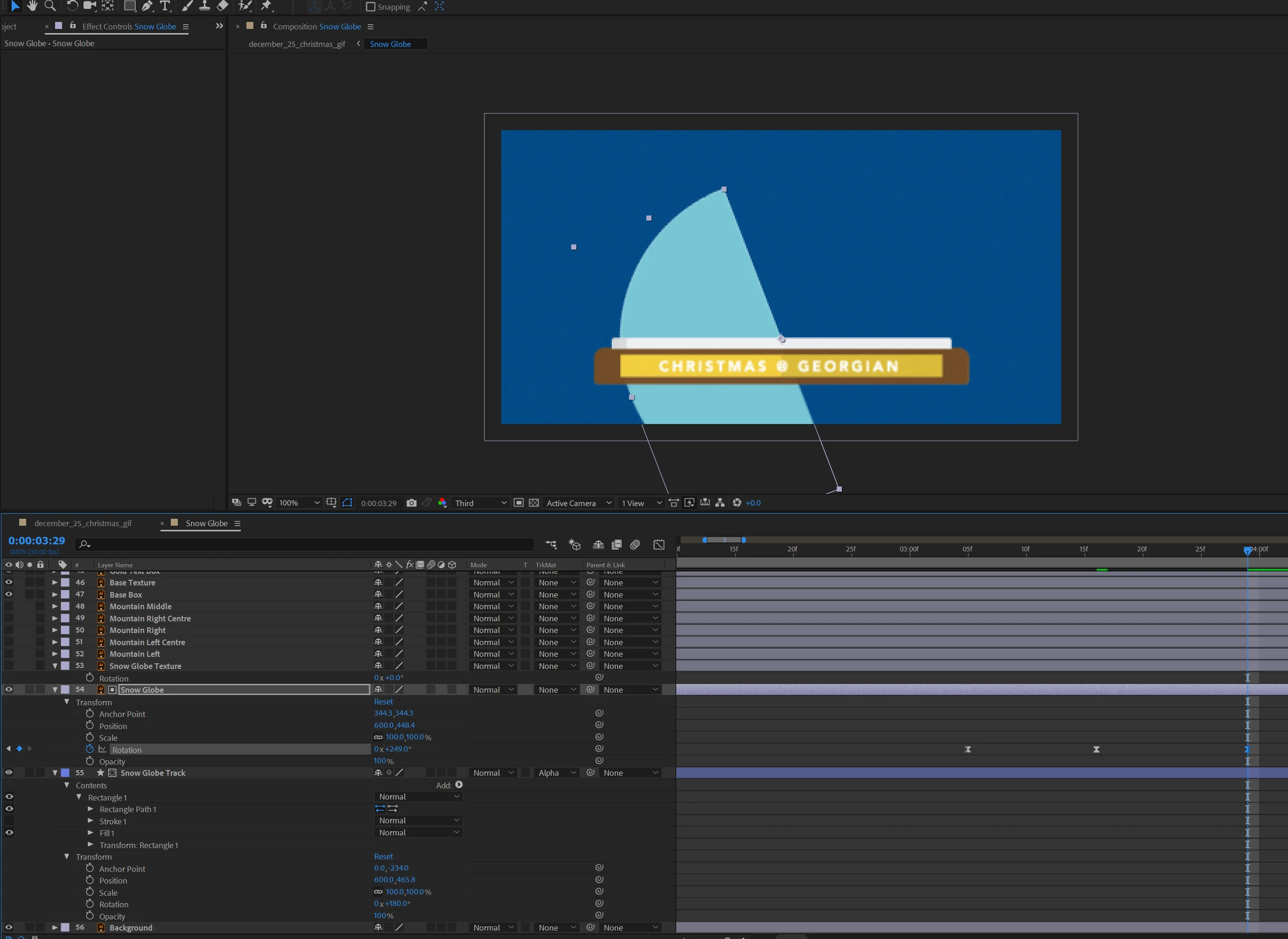
but as you can see, when I turn on the layer (unhide the layer) it doesn't mask the globe shape as if it were coming out of the base of the globe.
I have a slide here for the layers in case I might be missing something or I'm just straight up dumb.

Final premise: I would like to retain the shape colour while still being able to Track Matte the snow globe as if it were coming out of the base of the globe. Is there a way? Is it because I didn't convert the vector files in Illustrator to shape files in AE? I'm sorry if its an obvious mistake, I'm new to the AE world haha. Thanks for all your help in advance.
 AdChoices