biancam8537816
Participating Frequently
April 16, 2019
Answered

Track Matte Not Working

  • April 16, 2019
  • 1 reply
  • 30298 views

HI there,

I am having trouble getting Track Matte to work. I have searched the forums but have not found a solution that works for me...

Can anyone shed some light on why this may not be working?

The "Wave MASK" should mask the "Wave" png above it. i.e. wave should be hidden outside pink rectangle.

Is track matte not the appropriate use for this?

Thank you,

Screen Recording from Bianca Mormina on Vimeo.
This topic has been closed for replies.
Correct answer Jose Panadero

Okay, let me know if this is what you need to see.

Thank you,


Yes this is what I need. It looks like you have created a Mask over a shape layer but the alpha matte is not using the mask because you have no content in this layer, it is empty. What I would do is to create a Solid (Layer > New > Solid) and over this solid create the rectangular mask I see in your second image. Then it should work.

1 reply

Jose Panadero
Community Expert
Community Expert
April 16, 2019

If I understand you , the layer order is incorrect. The layer that act as a mask must be over the layer that is going to be masked and the visibility of the layer that act as a mask must be deactivated. The correct order is:

Layer 9 -> Wave MASK

Layer 10 -> Wave with the Alpha Matte option selected.

biancam8537816
Participating Frequently
April 16, 2019

Thank you for your quick response!
Unfortunately when I tried this, the "wave" png disappears completely.

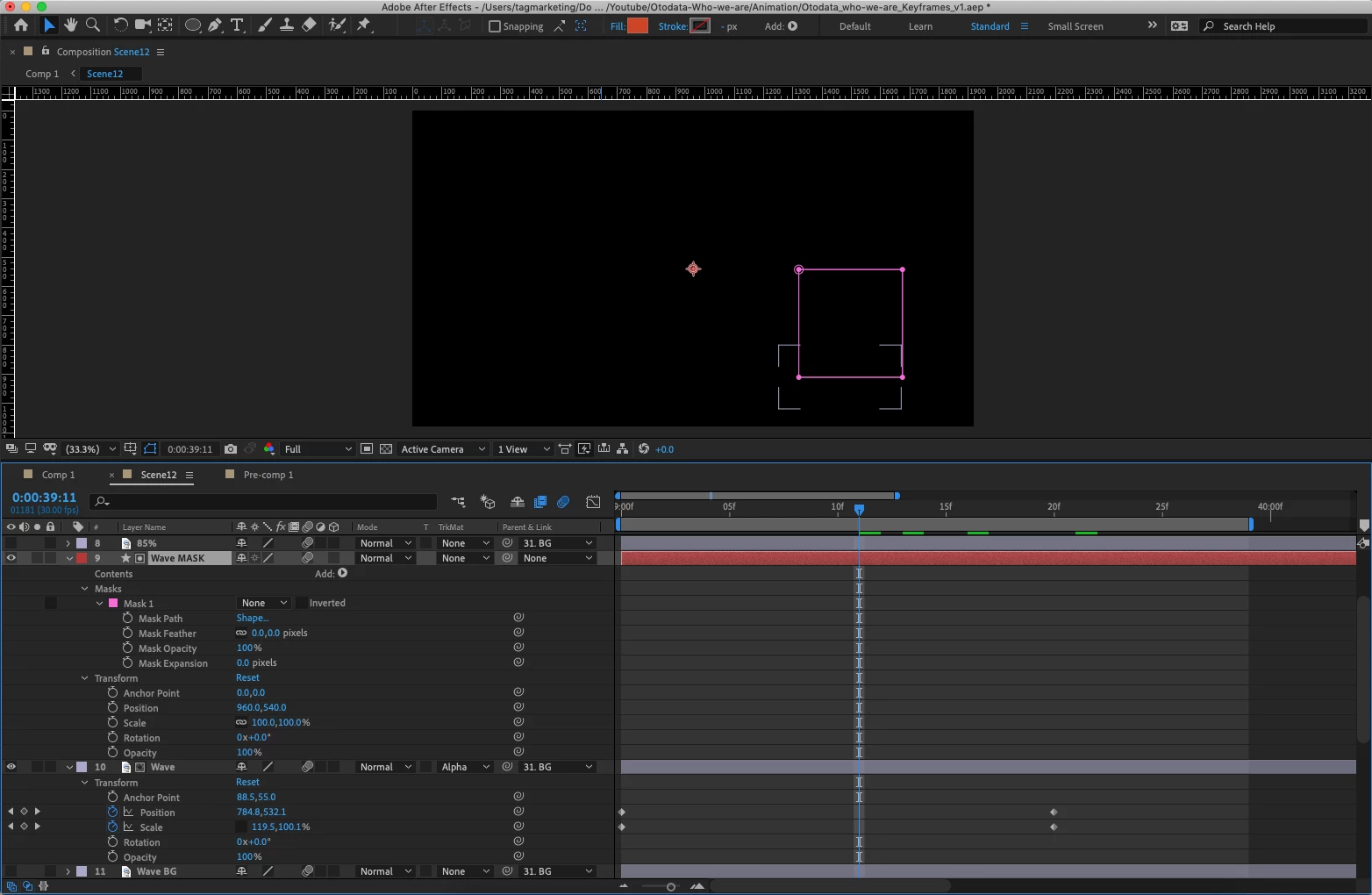
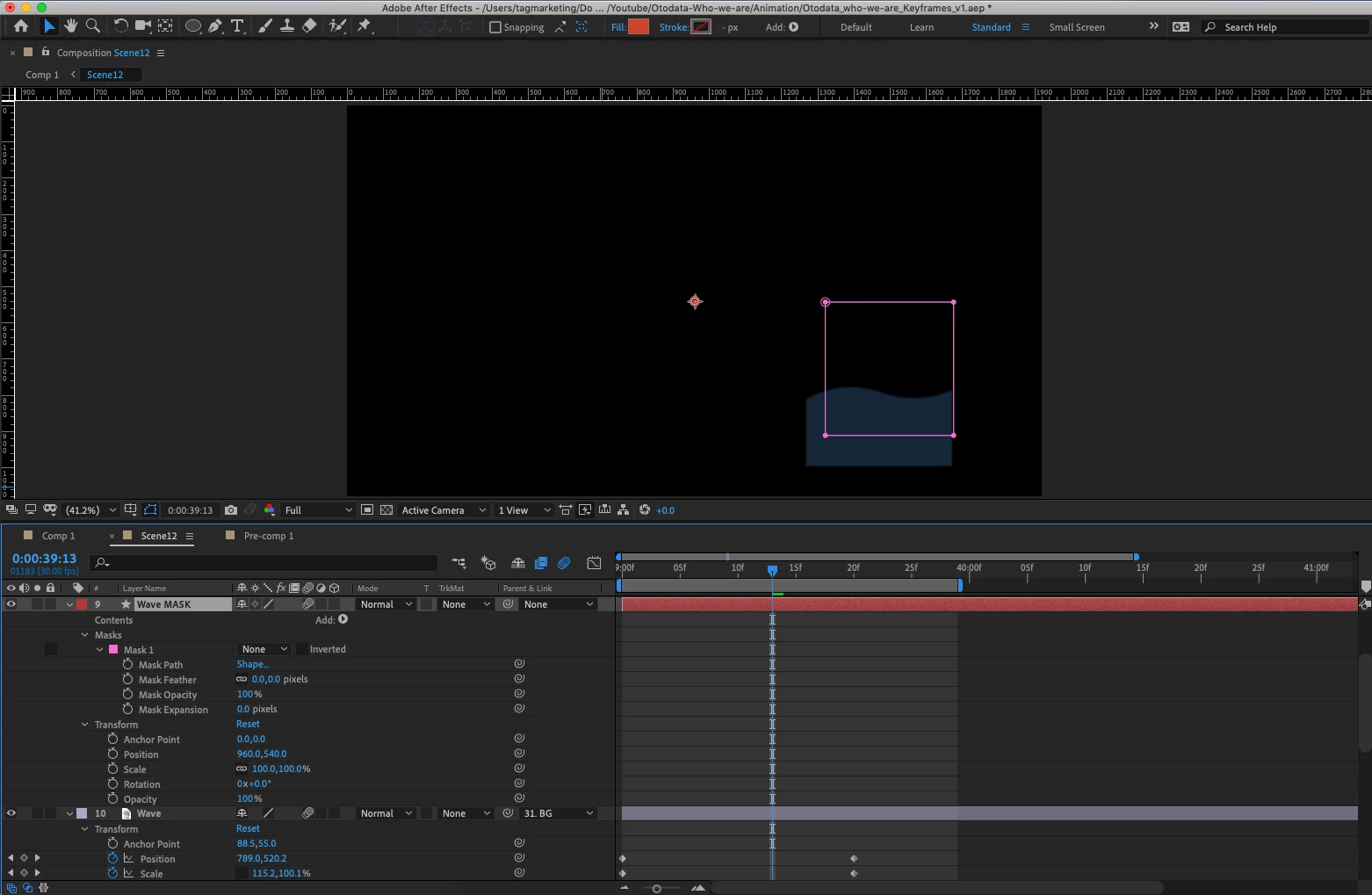
Here are two images:
One with TrkMask "none"
The other with TrkMask "Alpha Matte"

Jose Panadero
Community Expert
Community Expert
April 16, 2019

Could you upload a screen capture only with the layers 9 and 10 visible?