Participant
March 30, 2017
Answered

Tracking a plain with no markers?

  • March 30, 2017
  • 1 reply
  • 287 views

Greetings!

Recently I have been trying to track this footage of Trump to create one of these funny internet videos: 
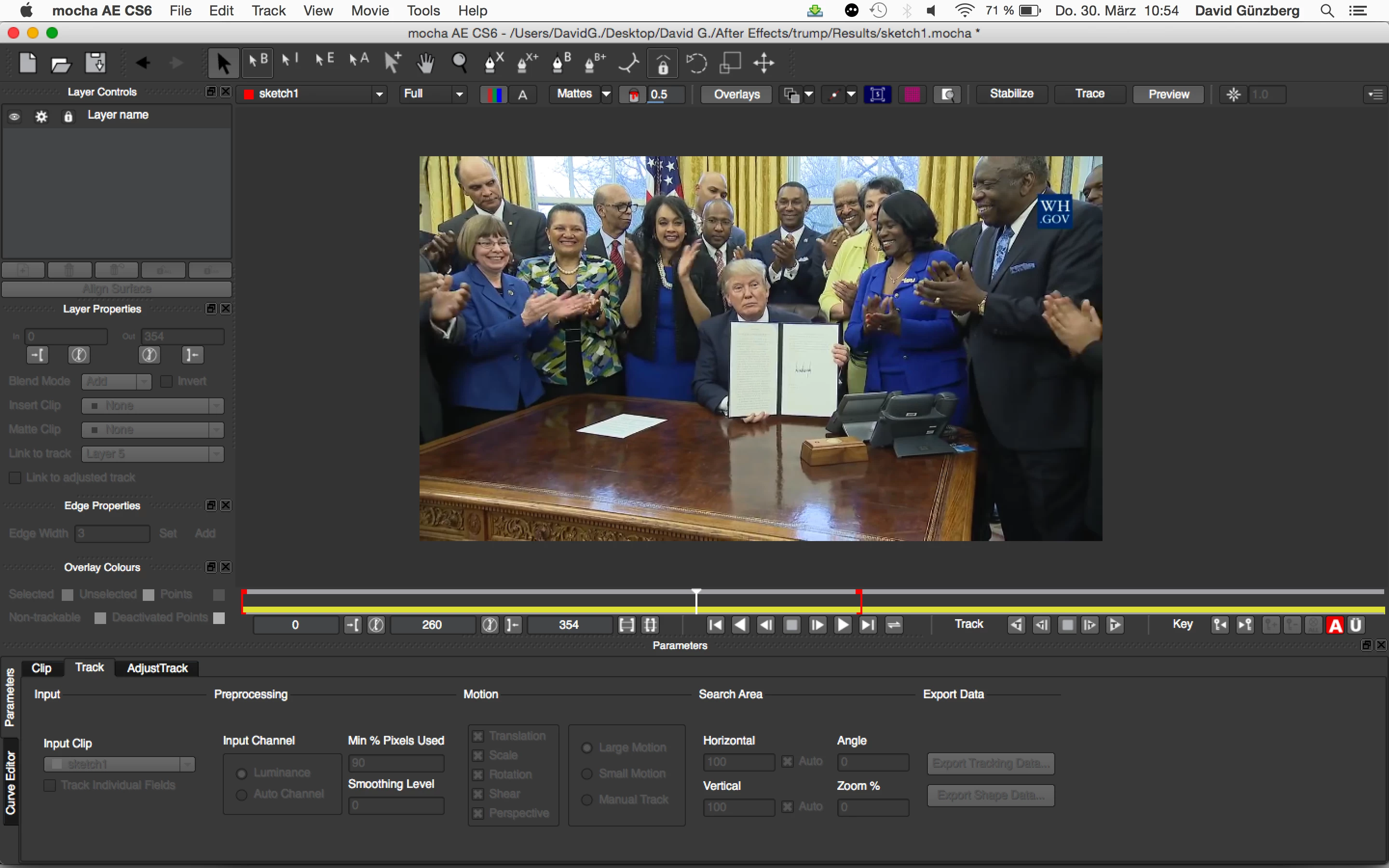
I want to track the left side of the booklet he's holding, but my problem is that I can't create a proper layer because there simply arent enough tracking points on the book. The shapes I draw are way to shaky and are jumping all over the place.

Are there any tips and functions I'm missing out that would help me or is this doomed to fail?

Thanks in advance!

This topic has been closed for replies.
Correct answer Rick Gerard

For something like that I would use Corner Pin Tracking from the Track Motion panel and make sure you pick a large enough area of detail to get a good track from the highly compressed footage you have to work with. Just make the tracking and search boxes bigger.

If that gives you problems then use Mocha and corner pin track there.

1 reply

Mylenium
Legend
March 30, 2017

Well, sometimes being funny comes with hard work... It may be like peeling shrimp all day, but occasionally only manually matching and masking get you what you want. If that's not up your alley, then just leave it be. I'm sure the world can do without another video poking fun at Mr. Trump.

Mylenium

Rick GerardCommunity ExpertCorrect answer
Community Expert
March 30, 2017

For something like that I would use Corner Pin Tracking from the Track Motion panel and make sure you pick a large enough area of detail to get a good track from the highly compressed footage you have to work with. Just make the tracking and search boxes bigger.

If that gives you problems then use Mocha and corner pin track there.