I should try luma matte. I manage to get interesting result extracting the white in the still frame and then with equalize and wiggler generating variation of the amount of equalize over the brighness. But still, it's not in synk with the light variation in the video. There must be a way to trigger the equalize from the level of light in the underneath video. 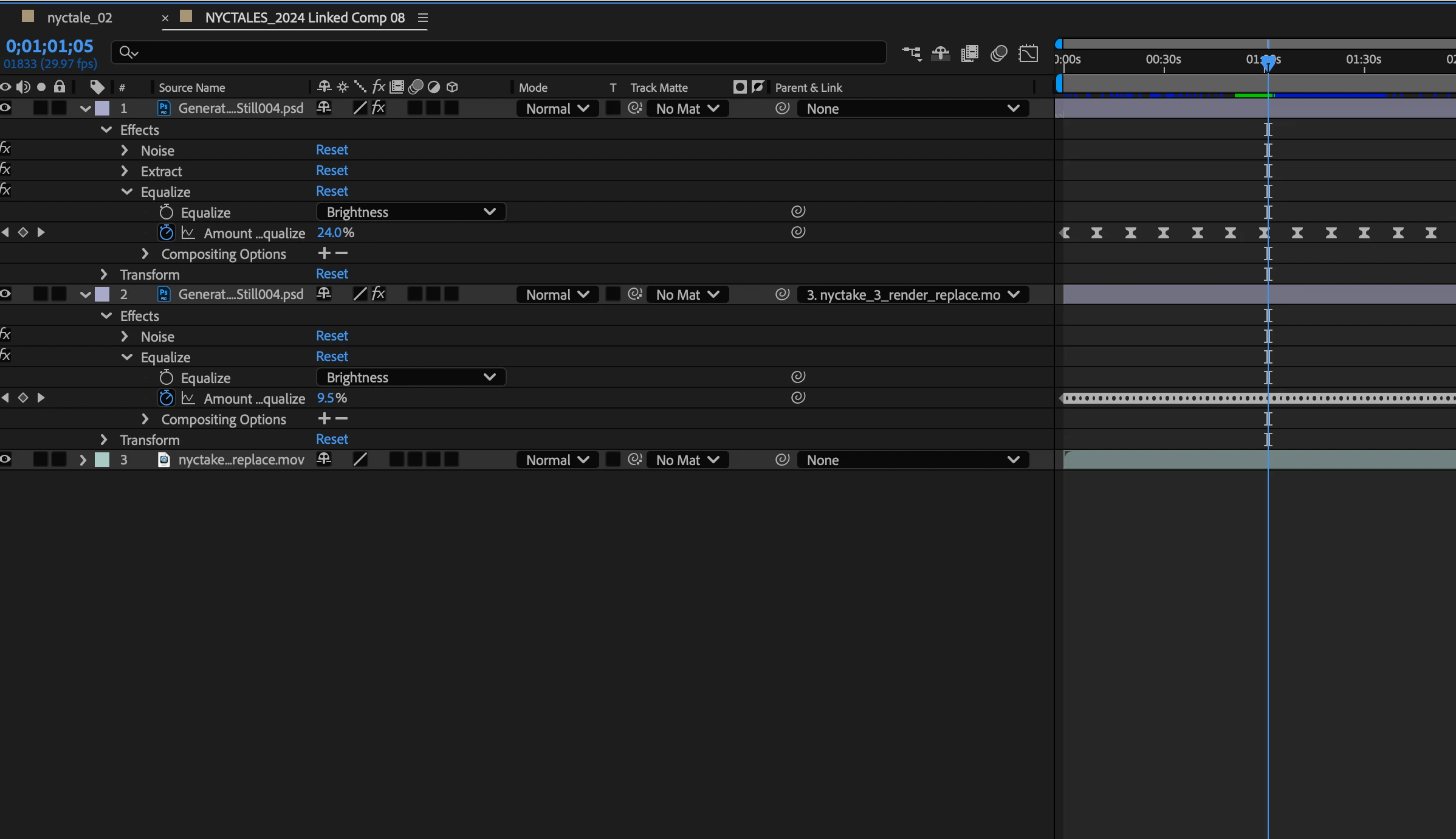
I'm still having trouble seeing one of the images you are working with, but do I understand right that you are trying to apply the fluctuations in the lighting of the video to a still image, to make it look like they are lit from the same light source? If so, there are a couple of approaches you could take, including using an expression that samples the video brightness and uses that to drive a property on your still layer.
However, there might be a way to do this without expressions. First you will need to isolate a part of the image that works well for driving the lighting variance. Precompose your image, and inside that precomp mask out only, say, part of the tree branch that doesn't consistently blow out to 100% white or otherwise get clipped. Drop a black solid underneath the video layer to ensure the alpha channel of the comp is filled with black (this is important for the next steps). If your video has grain, a bit of gaussian blur would probably be a good idea too.
Then, back in your main comp apply a Minimax effect to the precomp that contains the video, leave it set to Maximum, and set the Minimax radius to the widest pixel dimension of your video (e.g. 1920 if the video is 1080p). This will make the entire video a solid color that matches the brightest pixel in the precomp, so it should vary just like the brightest pixel. Set the video layer to use the Multiply blend mode and place it over the video you want to "light". You will likely need to add levels or curves to adjust the brightness to your liking.



 AdChoices