Inspiring
June 16, 2017
Answered

Tracking multiple points to multiple points

  • June 16, 2017
  • 1 reply
  • 1444 views

Hello there, I have png which is full of these red dots. I would like to track it to match the cupboard holes (movement: the camera is on a track and move forward).

Is there a way for me to attach multiple points onto this red dot png and then link it to the feature center of the tracker and then it automatically skews/perspective/scale/position by itself.

I know a way to do it but mine is slow and tedious. I was just wondering what is your fastest/easiest way to do this just to improve myself in the future. So let me know how would you deal with this in my situation. Thank you!

Here is a screenshot example of the red dots in place,
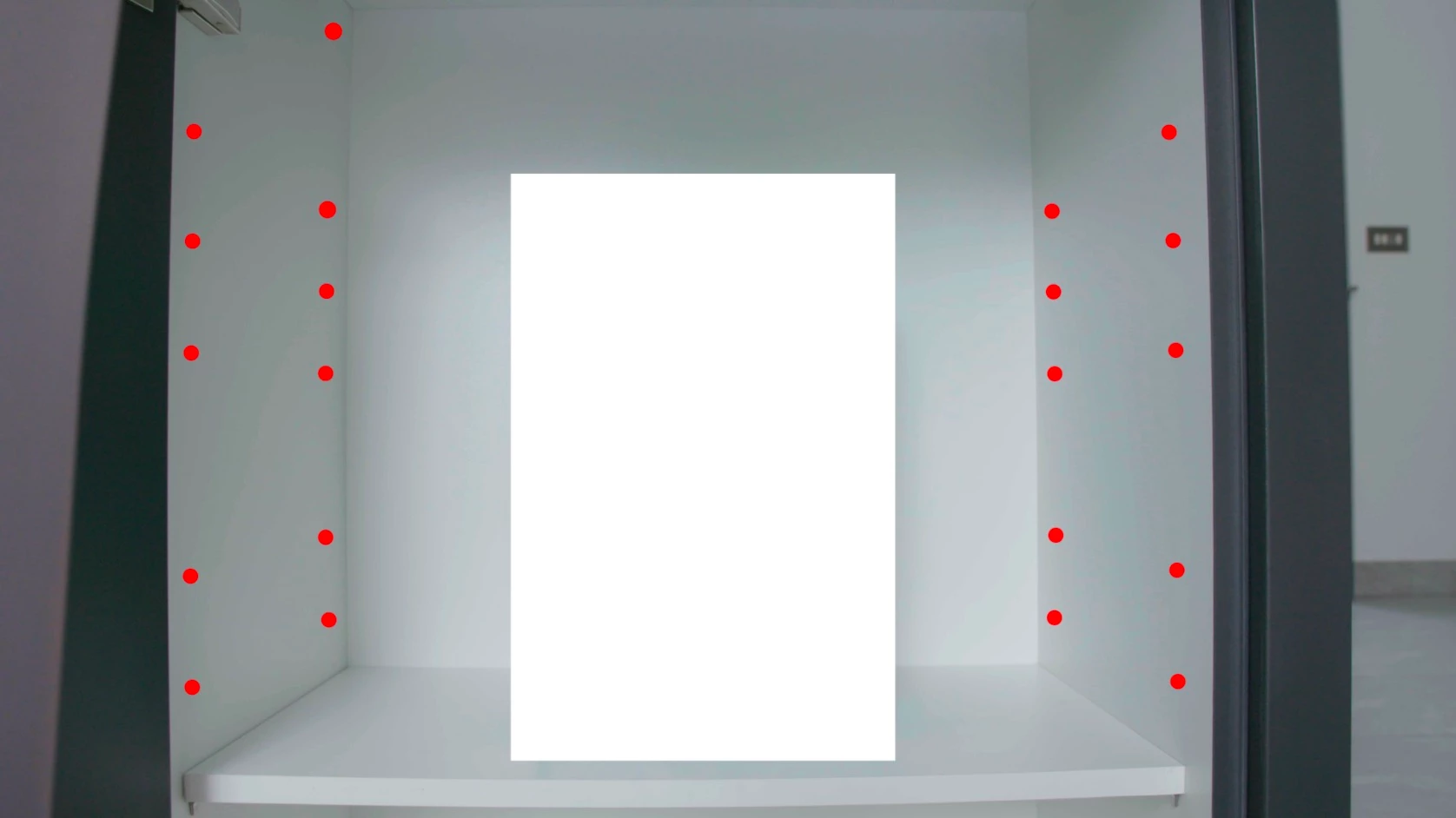
But I would like it to stick to the holes in the cabinet as the footage goes along.
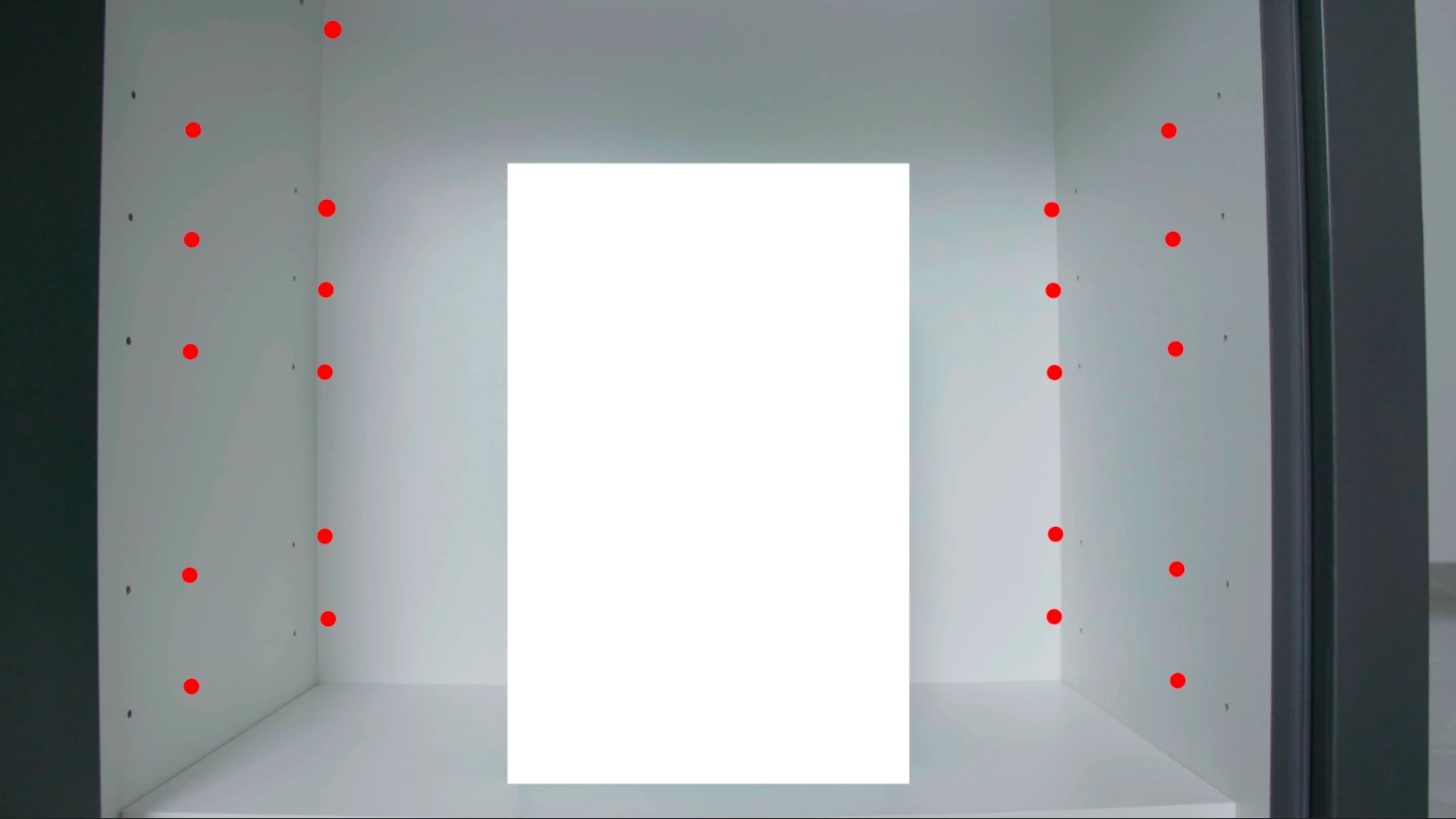
P.s: I tried scaling and it doesn't work as the points move along towards different position. Thanks again!

    This topic has been closed for replies.
    Correct answer Roei Tzoref

    try the reversible stabilization workflow.

    1. trim the in point of the layer to where the dots start to appear 00:19. use warp stabilizer on the shot. default settings. under advanced set it to reversible stabilization. it will stabilize the shot still.
    2. click twice on the layer and use the stamp tool to stamp on the holes.
    3. duplicate Ctrl+D the WS effect and place it after the paint effect, set it to reverse stabilization.

    for more information about this method look here: https://www.provideocoalition.com/using-reversible-stabilization-in-warp-stabilizer-vfx-for-screen-replacemen/

    1 reply

    Roei Tzoref
    Legend
    June 16, 2017

    can we see the shot?

    from the screenshots it looks like these characteristics define your shot:

    • the camera is moving and not the elements in the frame.
    • there are multiple points you want to affect.
    • there is perspective information.

    which means that this is a good candidate for the 3D Camera tracker. instead of 2d track multiple points one by one, you track the camera and free to attach any elements to noticeable features in the video.

    workflow here: Tracking 3D Camera Movement in After Effects.

    this also might be a candidate for the reversible stabilization workflow with the warp stabilizer: https://www.provideocoalition.com/using-reversible-stabilization-in-warp-stabilizer-vfx-for-screen-replacemen/

    Inspiring
    June 19, 2017

    Hey there Roei,

    Thanks for the reply, your links are amazingly helpful! I didn't know you could highlight the tracking points in warp stabiliser and 3D tracker.

    I uploaded the video of the shot, https://vimeo.com/222170752

    what I have in mind on what you said is, I could maybe clone stamp tool the holes in psd and export a png and use reverse warp stabiliser on it to overlay on top of the holes. Have I got it right or do you mean something else?

    Thanks for the help Roei!

    Roei Tzoref
    Roei TzorefCorrect answer
    Legend
    June 19, 2017

    try the reversible stabilization workflow.

    1. trim the in point of the layer to where the dots start to appear 00:19. use warp stabilizer on the shot. default settings. under advanced set it to reversible stabilization. it will stabilize the shot still.
    2. click twice on the layer and use the stamp tool to stamp on the holes.
    3. duplicate Ctrl+D the WS effect and place it after the paint effect, set it to reverse stabilization.

    for more information about this method look here: https://www.provideocoalition.com/using-reversible-stabilization-in-warp-stabilizer-vfx-for-screen-replacemen/