Participating Frequently
September 20, 2018
Answered

Tracking - perspective corner pin

  • September 20, 2018
  • 1 reply
  • 3576 views

Hii I have a question about tracking.

Im tracking a board (cutting matt) that lays on a table.

The footage is 4k.

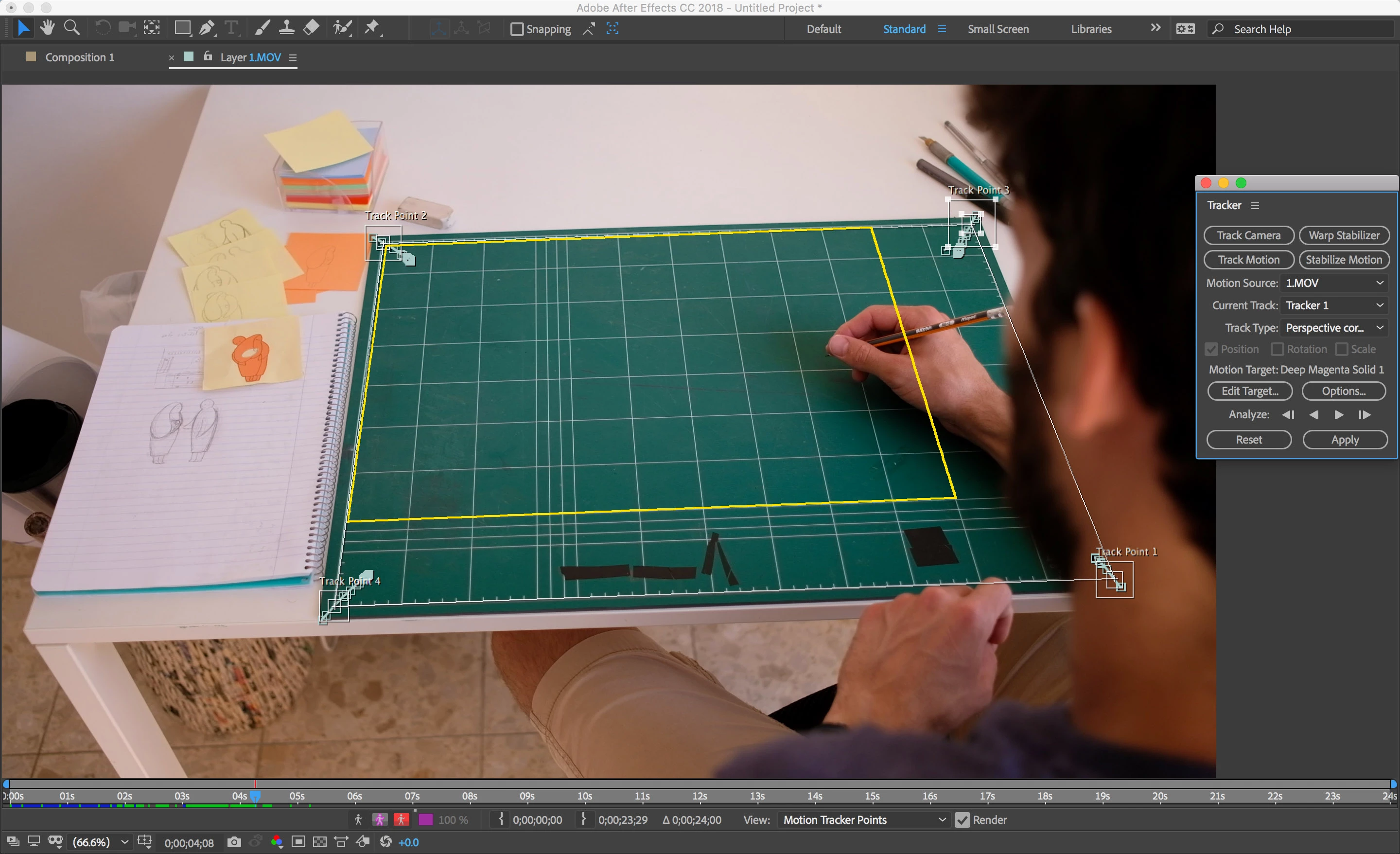
One corners of the board is hidden along all the movie but the board has measuring lines on it so I can track a smaller area on the board without distructions and the tracking results are pretty good.

But then when I use this tracking, the "target" comp has to be the same dimensions as the tracked area, otherwise it will stretch the target comp to fit the tracking area.

is there a way to track the smaller but clean area and to put a larger comp so it fits all the board?

I add a picture so u can see

Thanks

This topic has been closed for replies.
Correct answer Rick Gerard

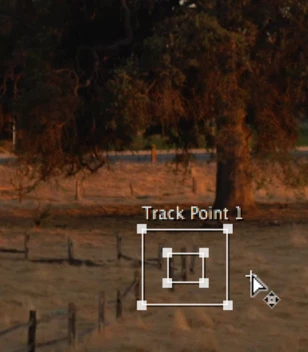
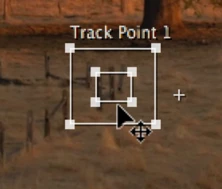
You can put the area of interest, the smaller square in AE's tracker, on any detail then carefully move the attach point to another location to offset it. I do that all the time. The cursor will change from a large + to a small one like this:

vs

You should be able to use the connecting lines between the attach points to line up the edges.

The replacement footage is going to be the size of the layer so the best thing to do to keep it from being distorted is to measure the aspect ratio of the matte, create a comp that is the same aspect ratio, then insert your replacement footage into that comp and let it crop if it has to. That will keep the footage from distorting.

I would probably use Mocha instead of corner pin tracking for that shot. I have developed what I call advanced corner pin tracking using Mocha, CC Power Pin and corner pin that makes the roto easier and allows a lot more control. It's pretty easy to do. Here's a demo of the technique.

1 reply

Rick GerardCommunity ExpertCorrect answer
Community Expert
September 20, 2018

You can put the area of interest, the smaller square in AE's tracker, on any detail then carefully move the attach point to another location to offset it. I do that all the time. The cursor will change from a large + to a small one like this:

vs

You should be able to use the connecting lines between the attach points to line up the edges.

The replacement footage is going to be the size of the layer so the best thing to do to keep it from being distorted is to measure the aspect ratio of the matte, create a comp that is the same aspect ratio, then insert your replacement footage into that comp and let it crop if it has to. That will keep the footage from distorting.

I would probably use Mocha instead of corner pin tracking for that shot. I have developed what I call advanced corner pin tracking using Mocha, CC Power Pin and corner pin that makes the roto easier and allows a lot more control. It's pretty easy to do. Here's a demo of the technique.

shayuwAuthor
Participating Frequently
September 20, 2018

Wow amazing and SUPER helpful.

I really appreciate it.

actually I have never used Mocha before and I guess I should begin.

going to try it right now.

Thanks.