Participating Frequently
May 6, 2017
Answered

Tracking Rotation of Object in a scene

  • May 6, 2017
  • 4 replies
  • 8713 views

Hi, this is my first time posting. I have tried to find an answer to my question but I am not quite getting what I'm looking for.

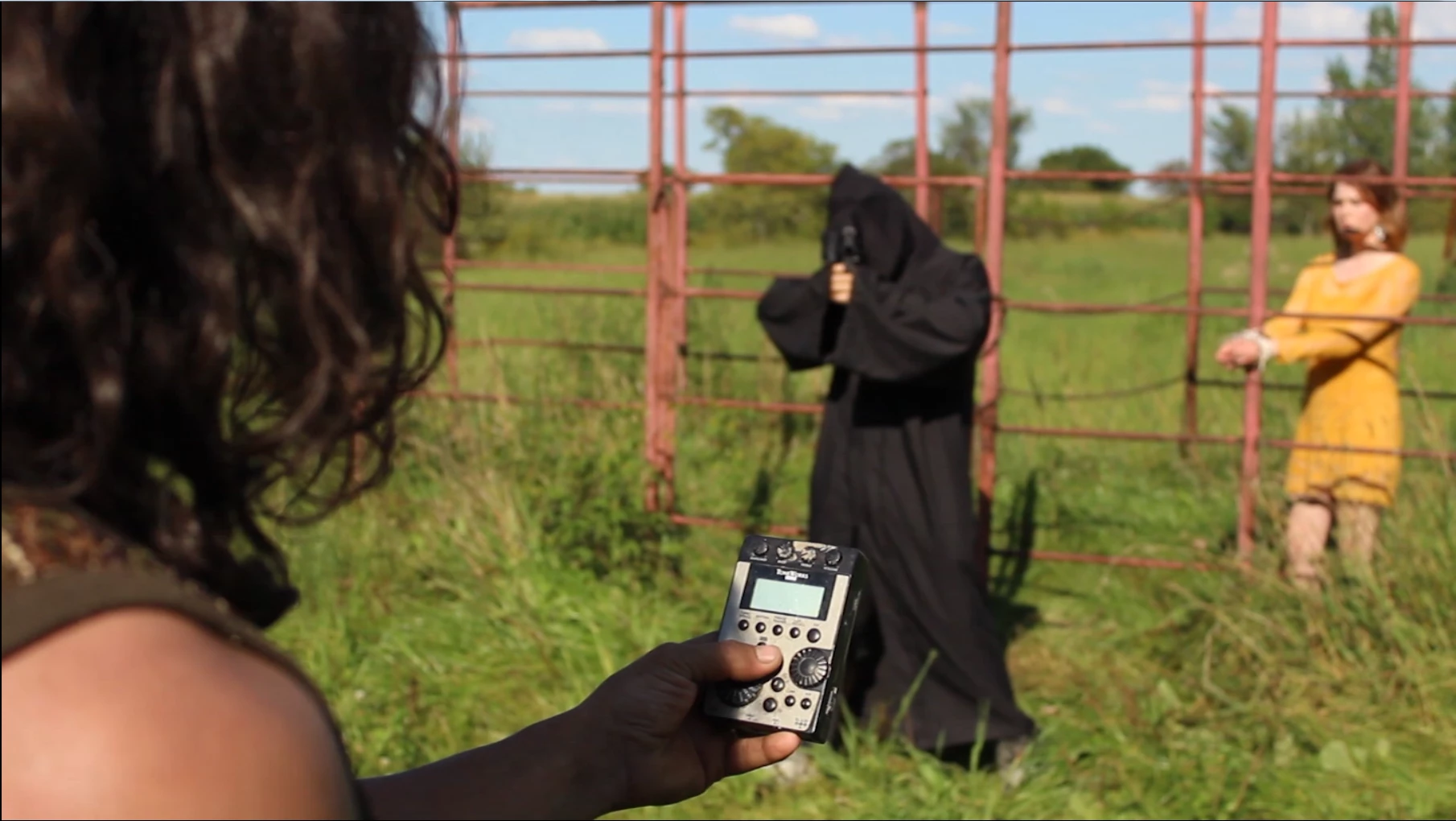
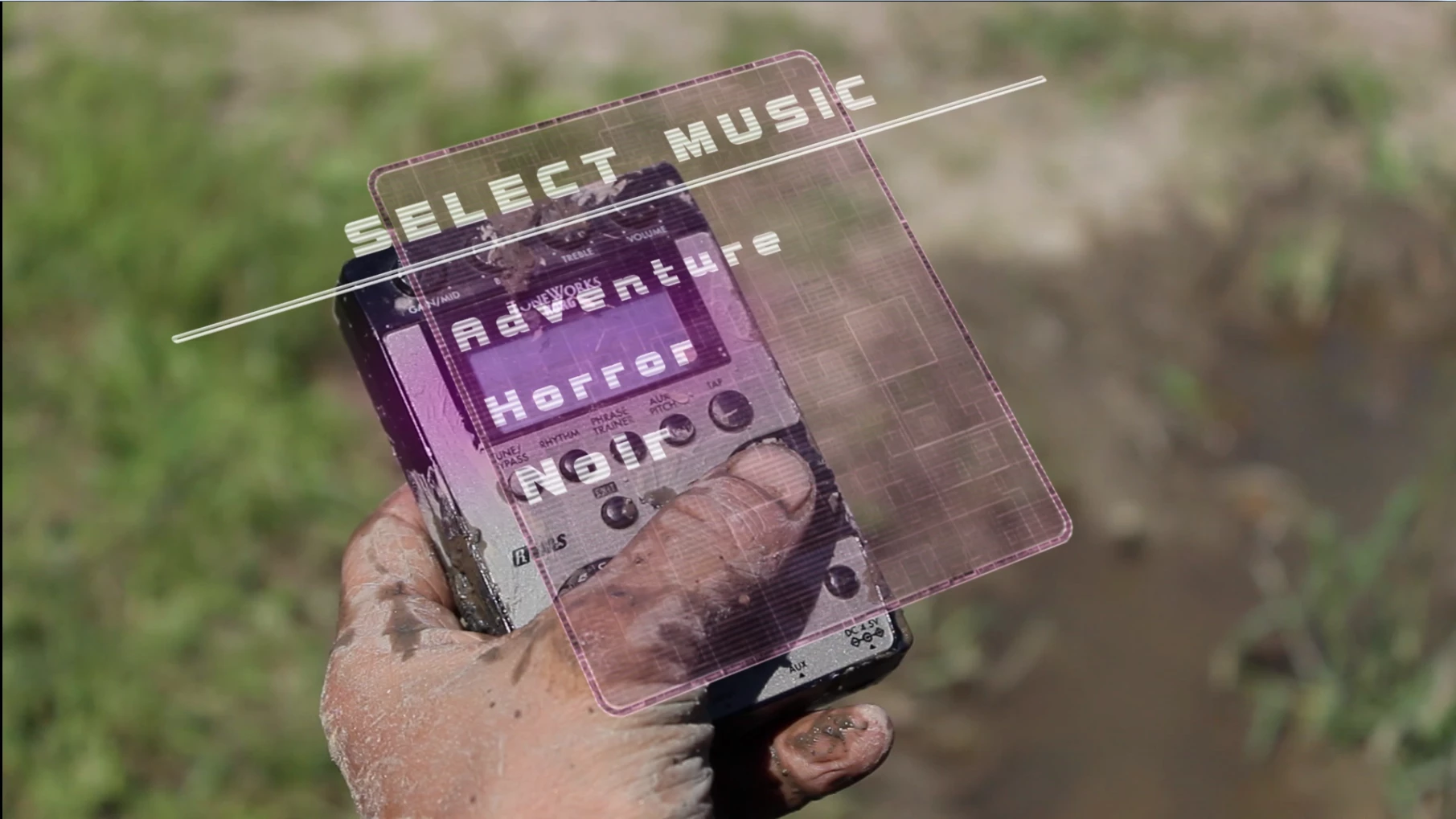
I'm trying to have a holographic screen hover over an object that my main character is holding. This happens in a couple of shots. I was able to pull it off in a couple of shots using simple planar tracking in mocha but the rotation is always a bit off and I need to correct manually way too often.

I am sure there is a way to track not only the position but the rotation of my object in 3D space as to simply get a rotation axis to which I could parent my hologram composition. I have attached a couple of screenshots for reference.
This topic has been closed for replies.
Correct answer Roei Tzoref

But of course! Here it is!

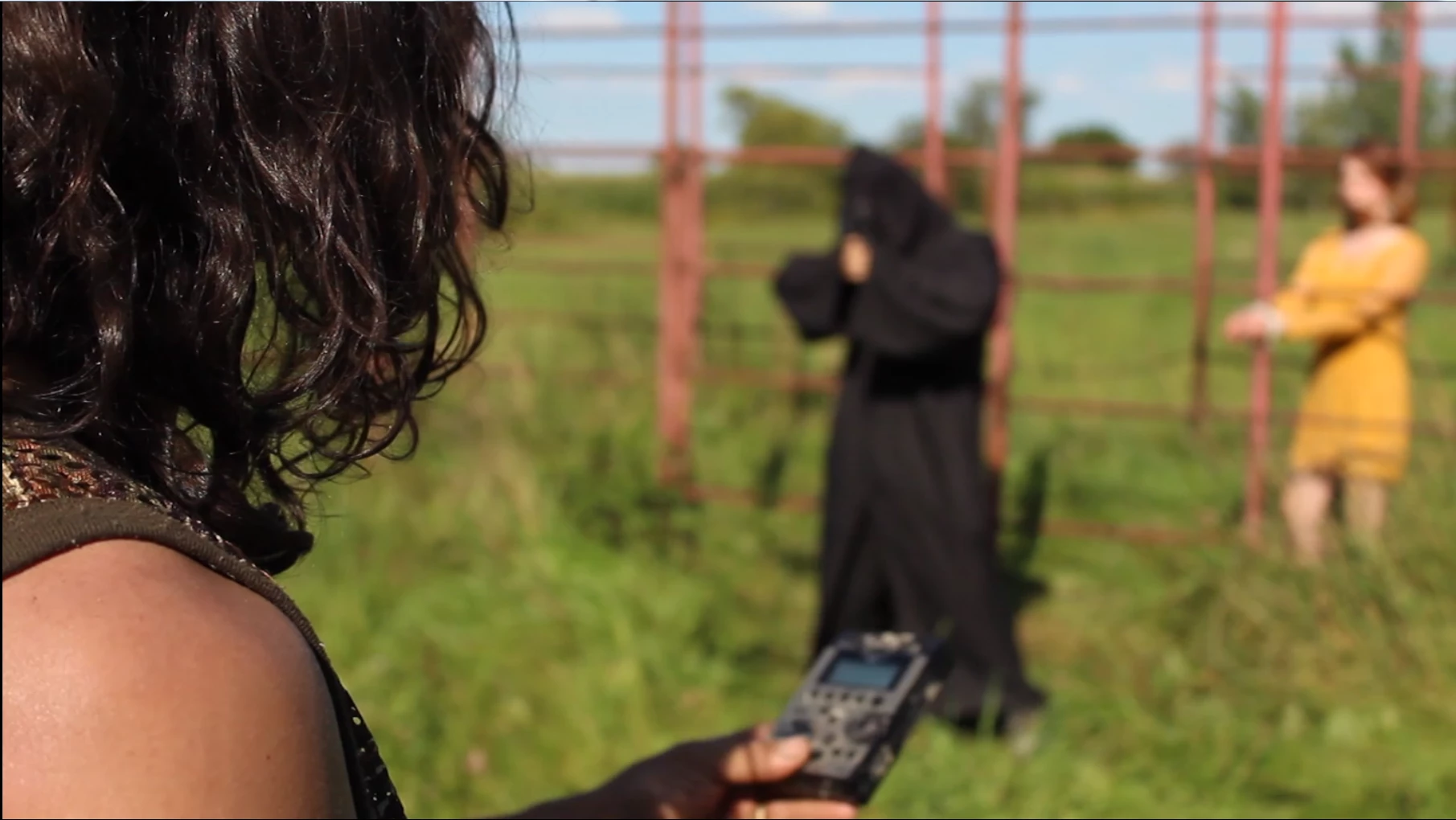
https://www.dropbox.com/s/dmy1lnddjgs1mlr/Test%20Comp%20clean.mp4?dl=0


looks fine to me with this setup. make sure you get a track that sticks. in Ae 3D it and parent it to a 3D null and offset the Null in Z, scale a little, adjust maybe with position for the first part and you are good to go:

4 replies

G2G worldAuthor
Participating Frequently
May 6, 2017

Here's how it looks when I do a 4 corner pin and push back the z axis a bit. It looks okay but you can see how it rotates on it self instead of how it should. Is there a way I could get the perspective right without having to compensate manually every time?

Roei Tzoref
Legend
May 6, 2017

can you upload a clean shot so we can work with it?

G2G worldAuthor
Participating Frequently
May 6, 2017
dbDavideBoscolo
Legend
May 6, 2017

Well you can track the camera with AE, Mocha or Cinema4d.

The problem is the 3d object. What about the object tracker feature in Cinema 4d?

Cinema 4D R18 Object Tracker Test - YouTube

Don't know much about it but looks like it's what you need. Could be?

G2G worldAuthor
Participating Frequently
May 6, 2017

Yup! Exactly what I'm looking for. Was hoping I wouldn't need to get Cinema4D to do this seems pretty expensive

G2G worldAuthor
Participating Frequently
May 6, 2017

I appreciate the use of mocha as far as planar tracking goes and the video you included in your comment would be the perfect way to go about having my image displaying right on the device my character is holding. However what I am looking for is some distance in 3D space between the device and the hologram. As if it was hovering over it. Once again and it would be no problem if the device wasn't moving and rotating around in the hands of the said character.

However what I am looking for is some distance in 3D space between the device and the hologram. As if it was hovering over it. Once again and it would be no problem if the device wasn't moving and rotating around in the hands of the said character. Unless I'm missing something obvious I'm thinking that I need 3D space rotation data to parent my comp to.

Here is a graph what I'm looking for.

Roei Tzoref
Legend
May 6, 2017

if this is a flat screen you need to move in parallax with the object, then after you track it accurately on the screen, try set as a 3D layer and push the Z position back. if your layer has keyframes then 3D it, parent to a 3D null and move the null back. it might give you the offset that you need. of course if we could see the shot we could be more helpful and walk you through it.

G2G worldAuthor
Participating Frequently
May 6, 2017

This is pretty much what I'm doing. The problem is that the z axis is in relation to the background and not to where the emitting device is facing. It works half the time but I need to compensate when it rotates too much and I'm trying to find a simpler way to go about it. I will upload some footage so you guys can see better.

dbDavideBoscolo
Legend
May 6, 2017

You can use Mocha for planar tracking:

Videos « Imagineer Systems

'mocha AE CC is licensed by Adobe and ships free inside After Effects Creative Cloud.This free version is launched from within AE and features mocha’s planar tracking and masking functions, limited to support for After Effects Creative Cloud.'

There is an out of focus shot there, so you'll probably have to adjust it manually.

G2G worldAuthor
Participating Frequently
May 6, 2017

Like I said, as far as tracking with mocha I have no problem and the racking focus wasn't too much trouble, the problem is that mocha doesn't deal with any 3D data.

If I wanted to have the image skew perfectly on the device I wouldn't have any problems. What I would really like to be able to do is to have data for rotating an axis facing forward of the device and that allows me to move and rotate my hologram as a 3D object based on that plane that I'm tracking. Or is there an easier solution to get the same results that I'm missing?

Community Expert
May 6, 2017

This is a perfect application for Mocha's corner pin tracking. This is the technique I use for this kind of tracking. Even though the shot is different, the technique will work perfectly.