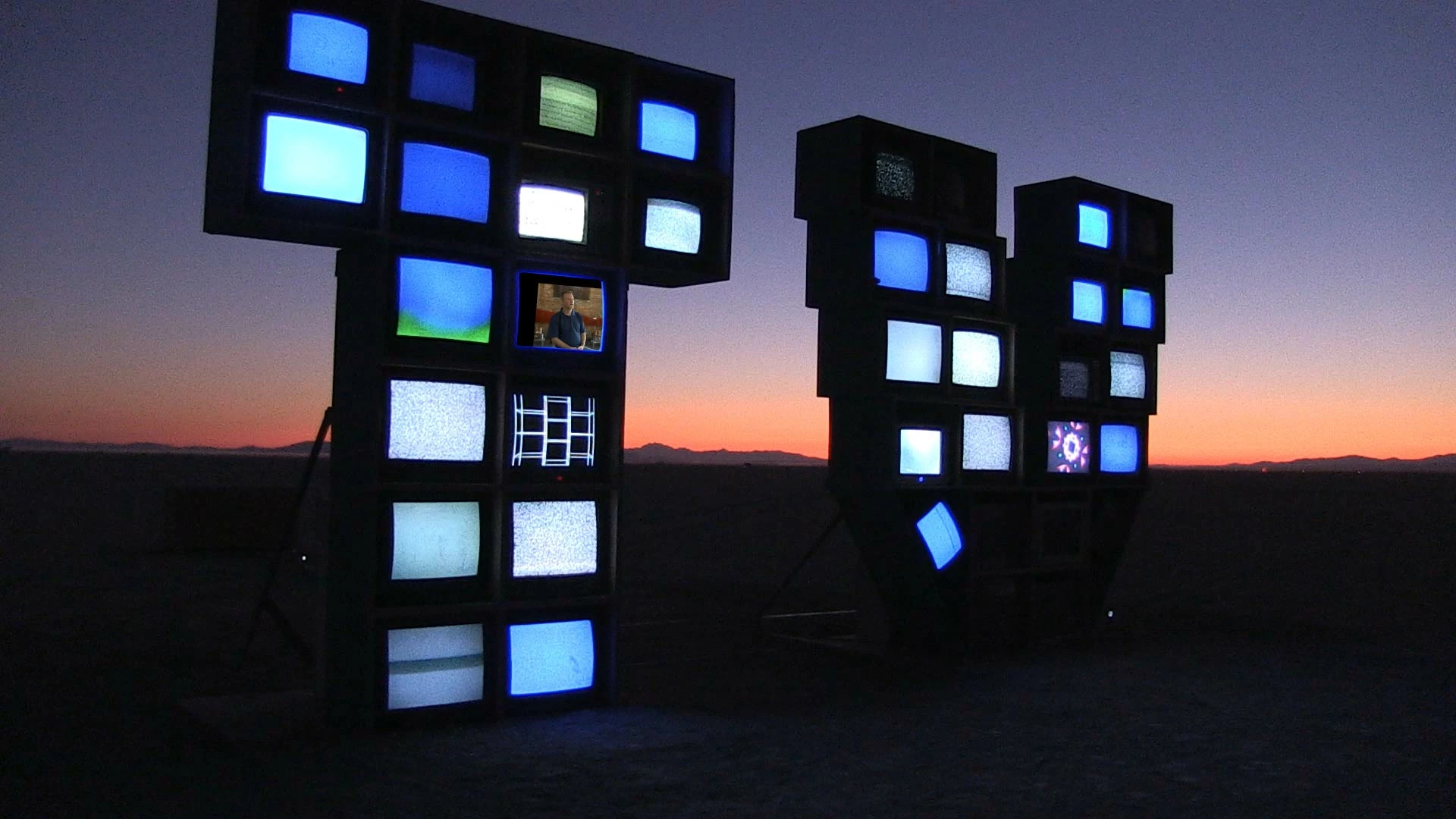
Hi Rick, here is the shot. All the screens in the monitor installation are showing static except for the one I created a mask in Mocha AE. I simply want to track the video replacing the screen and track it with the motion of the shot. I resolved my issue by manually doing key frame edits using the Transform - position tool. It seems to me that AE tracking has to be done frame by frame as there is no automation. A friend who does visual effects told me I should use Fusion instead? Also, Mocha AE workflow doesn't work for the video layer beneath the monitor installation. Does native AE tracking provide any automation or is does that have to be done manually frame by frame?
The workflow is even easier. Draw a spline around a couple of the monitors that are on the same plane. Perspective track the movement. Adjust the surface so that it just covers the screen. Verify that the track is good and the surface sticks to the screen.
Name the layer Corner Pin, turn off the tracking cog, lock the layer.
Add another spline to act as a mask for the shape of the screen that is tight to the screen and adjust the edge properties as in any of the Rotoscoping tutorials you'll find on the Boris FX Mocha tutorials page.
Name the layer Mask, turn off the tracking cog, lock the layer, and return to After Effects.
Make sure your replacement screen fits the comp, pre-compose if necessary, then apply the corner pin data from Mocha to the replacement screen. Use the mask data to create a mask and set it to subtract to poke a hole in the shot. You're done. The tracking is taken care of. Here's a link to the project file. Here's a video showing the workflow. I just simulated a camera move and ran Mocha AE to create corner pin data, a couple of surfaces, and a couple of masks to replace two screens in the shot.
Honestly, about 10 minutes with this introduction to Mocha AE tutorial should have given you all you need to know.

 AdChoices