ninose11
Inspiring
August 30, 2024
Question

Transparent areas of Vector map from Illustrator show up opaque when imported into After Effects

  • August 30, 2024
  • 2 replies
  • 401 views

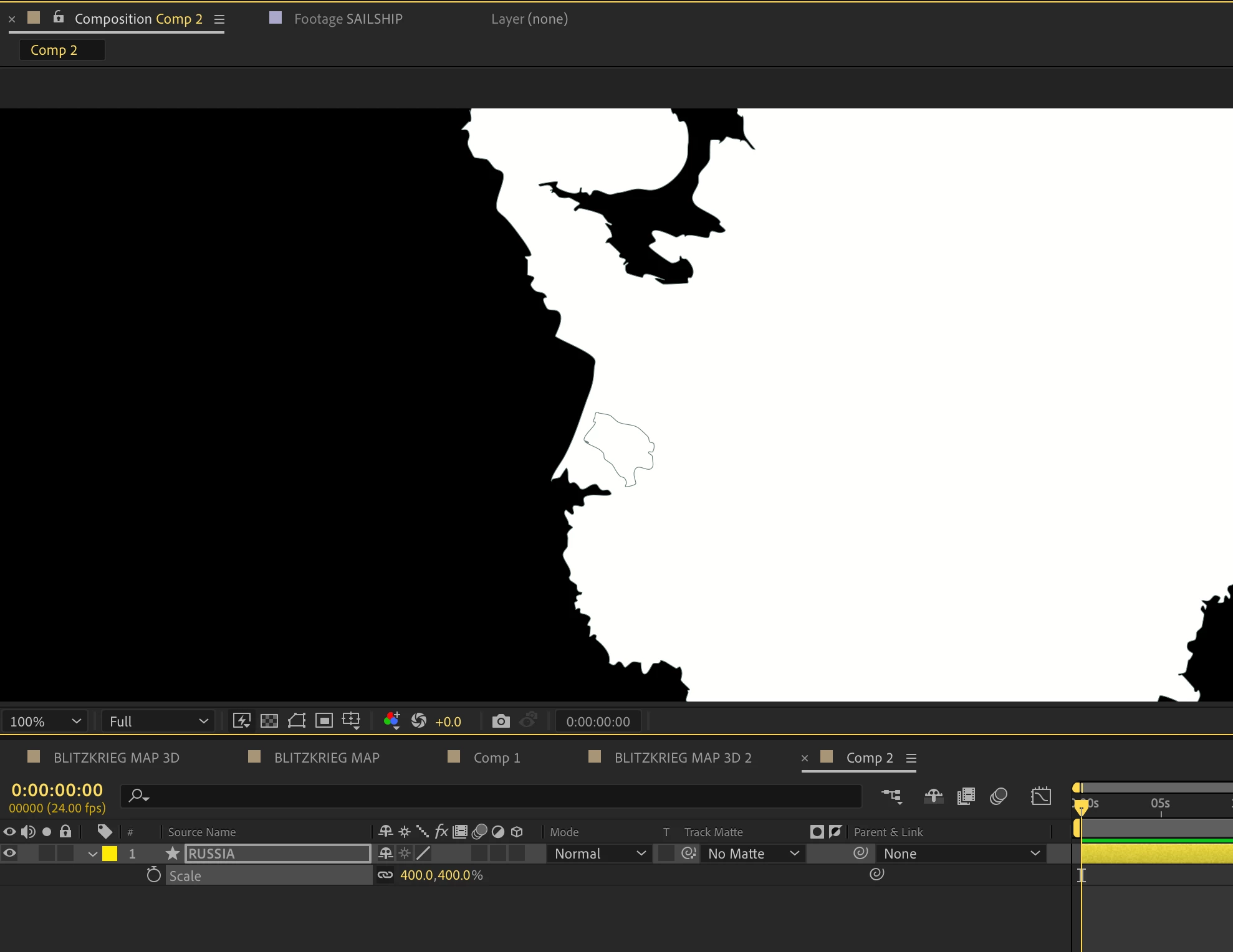
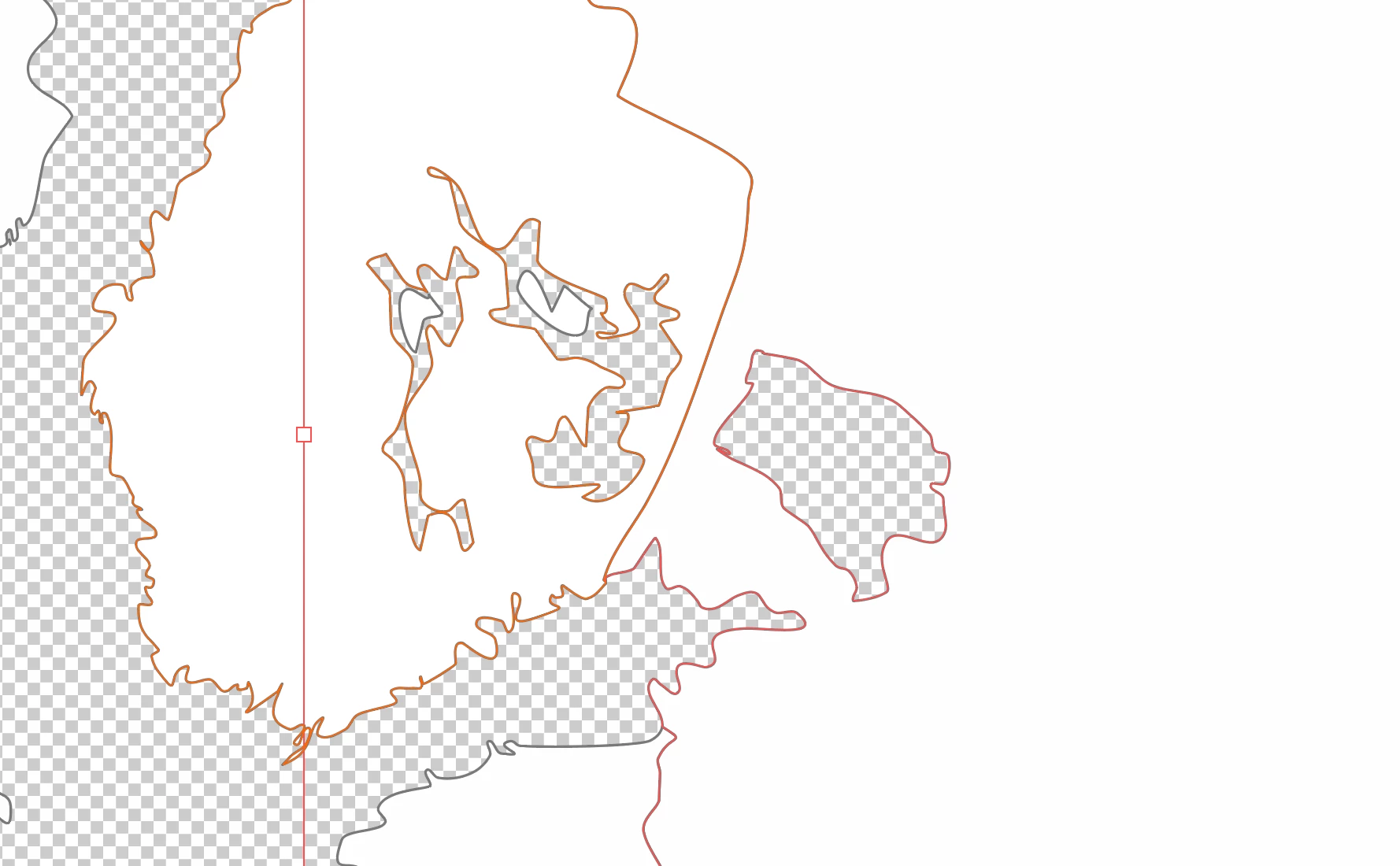
I've been wracking my brains trying to understand what the issue is. I have a vector map of Russia done in Adobe Illustrator. I enabled Illustrator's Transparency Grid to highlight the problem. I have transparent areas for the lakes. But these lakes show up as opaque when my Russia layer is imported from Illustrator to After Effects via the Overlord plugin.

Thank you in advance to anyone who can help me solve this mystery. 
 

This topic has been closed for replies.

2 replies

Community Expert
August 30, 2024

I do not think your layers in Illustrator are correctly set up. I'm not seeing any layer structure in your screenshots. The only thing I see is a single layer in the timeline. 

Community Expert
August 30, 2024

The black is showing because you have not turned on the Transparency grid or placed another layer below the AI layer.

ninose11
ninose11Author
Inspiring
August 30, 2024

Hi Rick, my problem isn't the black background showing, it's that there shouldn't be white where that lake is because in the original Illustrator file, there's nothing behind my map of Russia. Where that lake is, there's only transparency. I used the Shape Tool to punch a hole to make the lake area empty.