Transparent shape gradients
So, the company I work for has a catalog of brand icons they use for design and animation. They all exist as AI files. I wanted to convert them all to shapes and optimize them for animation, then same them to a library as animation presets for the team to use when needed.
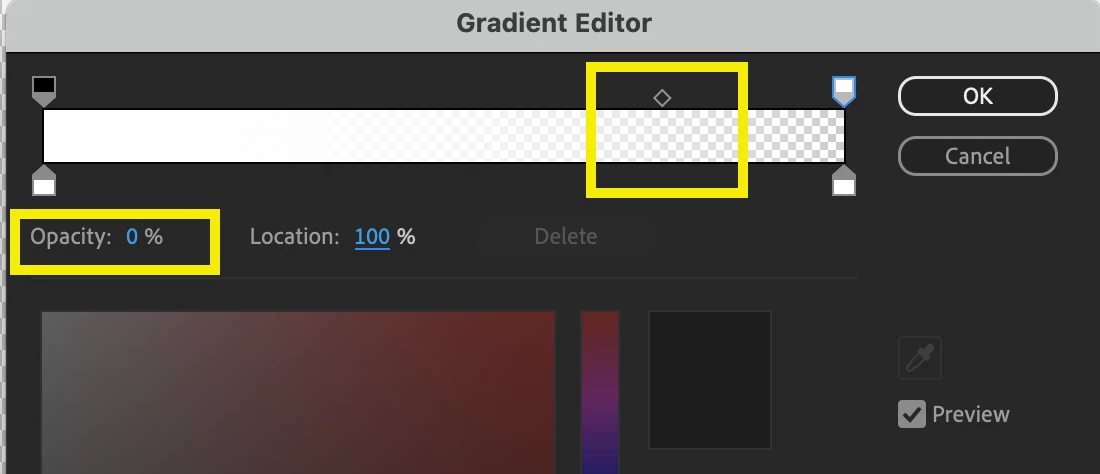
The problem is that the outlines have a section that is transparent and then grades into a full opacity color (I've attached an example below. It's not a brand icon, just a mockup for making the point). AE doesn't like that. For the white icons, I simply make a gradient with black and set it to screen transfer, but that trick doesn't work with the color icons as the whole thing goes semi transparent (since it has some black value).

Is there a way - within a shape - to make a gradient stroke and set one color to be transparent? Much like the gradient tools in PS and AI. Otherwise my master plan is kaput.
Any box I'm forgetting to check, expression I'm not thinking of? If not, Adobe should make that possible!
 AdChoices