
Participant
April 19, 2021
Question

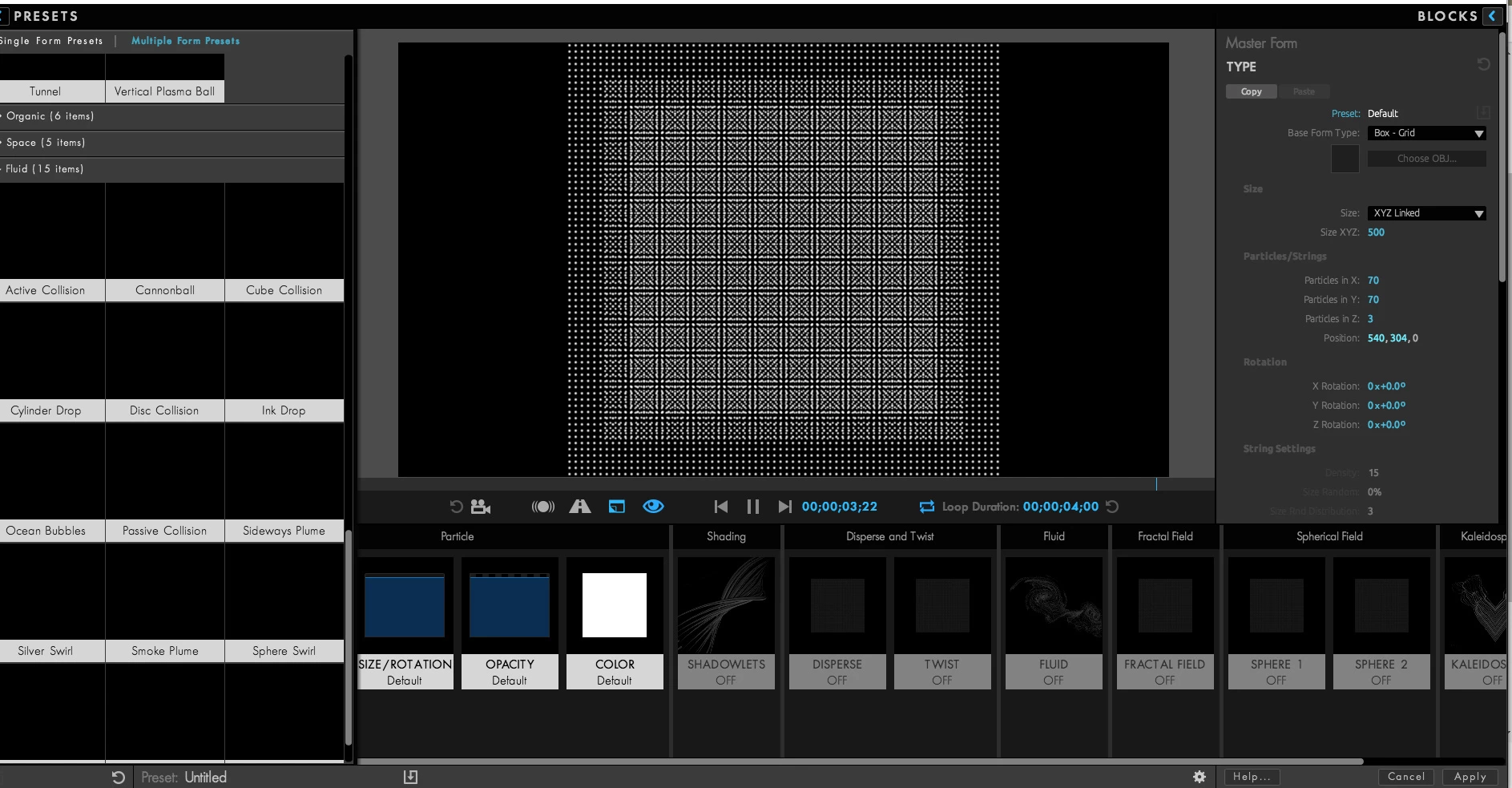
trapcode form crashes entire laptop

  • April 19, 2021
  • 1 reply
  • 716 views

i don't know my specs, i just know it's ae 2019 on a windows 10 laptop.

my problem started yesterday; it was working fine before that. trapcode form now refuses to load the presets menu and if i don't kill ae with the task manager, it freezes the whole laptop and i have to turn it off w the power button. this happens every single time and hasn't been fixed with restarting the laptop. i have particular and it doesn't crash at all. 
This topic has been closed for replies.

1 reply

ToolfarmJP
Community Expert
Community Expert
April 20, 2021

I would recommed two options. One is you update your graphic card driver. If it does not work well, you change the option to File menu > Project Settings > Video Rendering and Effects tab > Mercury Software Only.

besttoyou
Participant
August 21, 2021

THANK YOU TOOLFARMJP. YOU FIXED MY AE CRASHES FROM TRAPCODE FORM AND ANOTHER PROBLEM THAT TOOK YEARS I COULD NOT FIGURE OUT WITH AE UPDATES!


ToolfarmJP
Community Expert
Community Expert
August 21, 2021

I am pleased to hear so.