
Participant
November 6, 2018
Answered

Trim paths changes stroke width

  • November 6, 2018
  • 3 replies
  • 1191 views

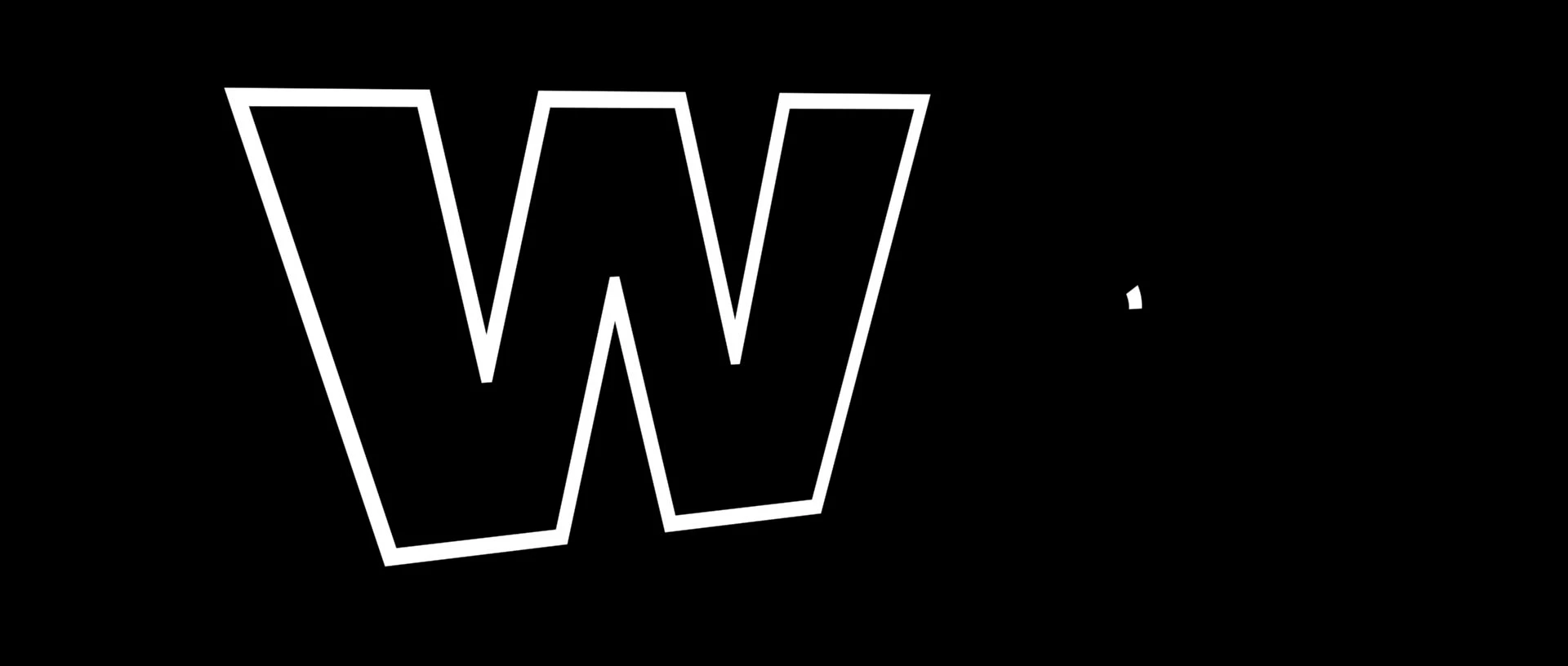
I used "Create shapes from Vector Layer" on a logo. I applied a 2 pixel stroke and then a Trim Paths. When the Trim Paths finishes the W, the stroke width changes. It's slightly larger during the drawing phase and then finishes at the 2 pixel stroke width. The inside edge of the stroke pops into the shape. The outside of the stroke stays the same.

After Effects CC 2019 (Version 16)

Mac Pro (Late 2013)

2.7 GHz 12-Core Intel Xeon E5

64GB 1866 MHz DDR3

AMD FirePro D700 6144 MB

This topic has been closed for replies.
Correct answer David Arbor

I see it too. I think it's just the way the two different render engines interpret the stroke. If you're not extruding these shapes, then you shouldn't use the Cinema 4D render engine, it can be much slower than Classic 3D if you don't need its features.

Also, it's worth filing this as a bug on UserVoice. Even if it is "as-designed" it's still not the expected behavior for the user, thus worth filing: After Effects: Hot (1018 ideas) – Adobe video & audio apps

3 replies

BrianP74Author
Participant
November 6, 2018

I had it on Cinema4D renderer. When I switched to Classic 3D it worked correctly.

Mike_Abbott
Legend
November 6, 2018

Yes - I'd just tested two or three Ai files and I could see a increase of size on one of them with the C4D renderer - and also the depreciated Ray Traced Renderer. I'll investigate and see if I can determine what's going on. I won't be able to respond immediately (it's late evening in my part of the world), so hopefully David or others will pick up the thread.

Mike_Abbott
Legend
November 6, 2018

I think it's a scaling issue.

Check how big the original Illustrator file is. If I import a very small Ai file, scale it up, then convert it to a shape layer I get this result.

BrianP74Author
Participant
November 6, 2018

I did not have 2 strokes on the shape layer, only one. I went back to try and duplicate the stroke error and it didn't happen for me, UNTIL I made the layer 3D. When I clicked the 3D layer button, the stroke changed size. When the layer is 2D the effect works fine. Why would making the layer 3D have this affect on the stroke?

Mike_Abbott
Legend
November 6, 2018

What 3D rendering engine do you have selected? 

Inspiring
November 6, 2018

It's hard to tell what's really going on because you have a black letter on a black background, but when you converted the AI layer to a Shape Layer, what were the contents of it? Is the W composed of a Fill or a Stroke? What was the reason for adding the stroke if the letter already had one? My guess is that you added the Trim Paths to the 2px stroke, so your "W" isn't really changing width, as much as a 2px stroke is getting animated on top of what was there before.

The best way to see what's really happening is either turn on your Transparency Grid or put a colored background down. Again, it's hard from the screenshot to tell whether your "W" has a black fill, or if it's transparent and on a black background.

Mike_Abbott
Legend
November 6, 2018

I think David is correct - that you have two strokes on your object.

I suggest you fully twirl open your shape layer and post a screenshot of the timeline here.