


spurr1
Participant
June 3, 2019
Question

Trouble Auto-Tracing

  • June 3, 2019
  • 3 replies
  • 6615 views

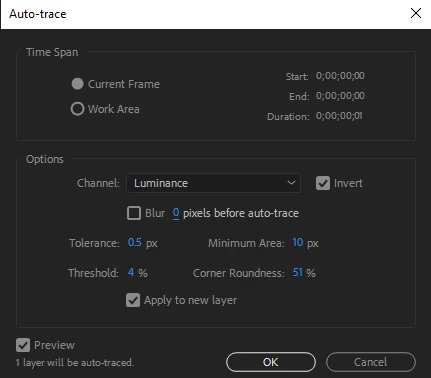
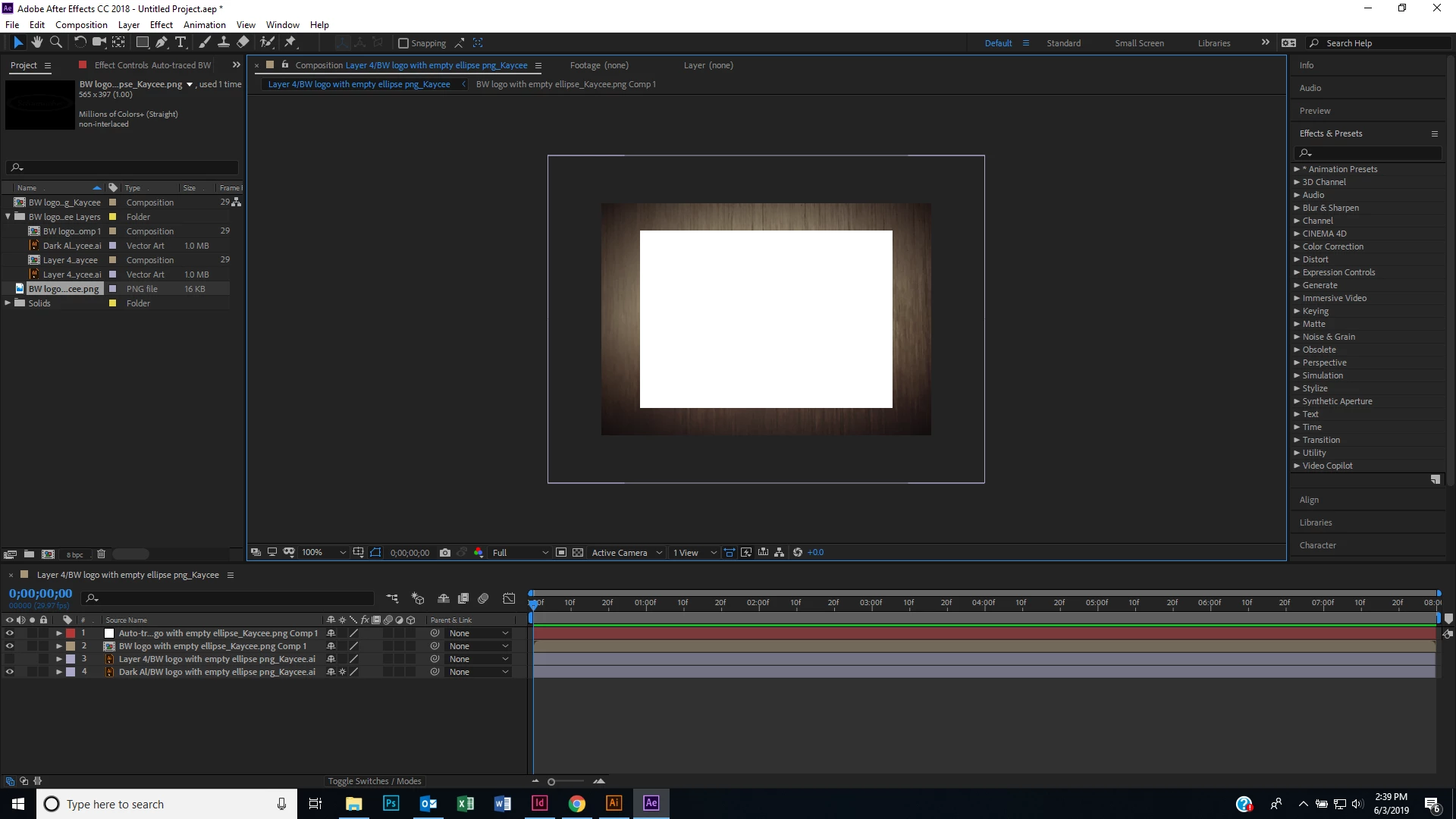
I am trying to auto-trace a logo to make it appear as if it is being etched-out or traced by a laser. I have a vector of the logo, an illustrator file with layers, and a png, but I haven't been able to figure out how to outline it with any of them in after effects. Every time I auto-trace, it just turns my layer into a white box. Do I need to use the pen tool or something? Some hints would be much appreciated!
    This topic has been closed for replies.

    3 replies

    Participant
    October 9, 2023

    If you have any effects on the layer try to delete them and than auto trace.

    Participant
    December 19, 2022

    Hi Bro, its very simple you just need to go to illustrator and increment the stroke weight to point 1of your art work and then use in After effect. It will definately work !!!!!!!

    Remember me in your Prayers

    Community Expert
    June 3, 2019

    This Auto-trace tool is good but it is not perfect. It works best with flat and contrasting colors. Maybe your logo is very complex, try with these parameters that are default.

    Byron.
    spurr1
    spurr1Author
    Participant
    June 3, 2019

    Thanks, but it didn't work, I still got a white box. How can I outline my logo to make it look like it is being traced out? Any other ideas?

    Community Expert
    June 3, 2019

    Apparently you should use the pen tool and then you could use an operator.

    Byron.