Trouble exporting movie file with Animation in AE 2020
- May 27, 2020
- 2 replies
- 680 views
Hi All!
I'm having trouble exporting a movie file that is 1 minute long. 4k resolution (60fps) and has light animations made in AE. It's a project that was fully edited in Premiere 2020 but was eventually moved to AE to add animations to it (which has been done) -> then with hopes to export (where I am now).
My issues have been.. Once the movie file completes exporting, it will just playback a grey image (no video or audio) on the final exported video file.
The newest issue has been disk space, so I tried saving the video on my external harddrive and the same issue happens with the grey image and no real audio or video.
Does anyone have any suggestions on how to export this properly? 🙂
I've included 4 screenshots below for better details and visuals:
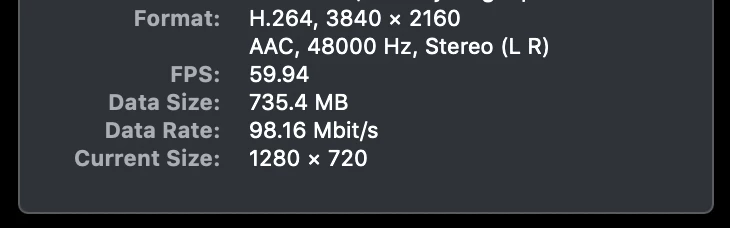
1.) Shows the original source footage properties (format, fps, etc)
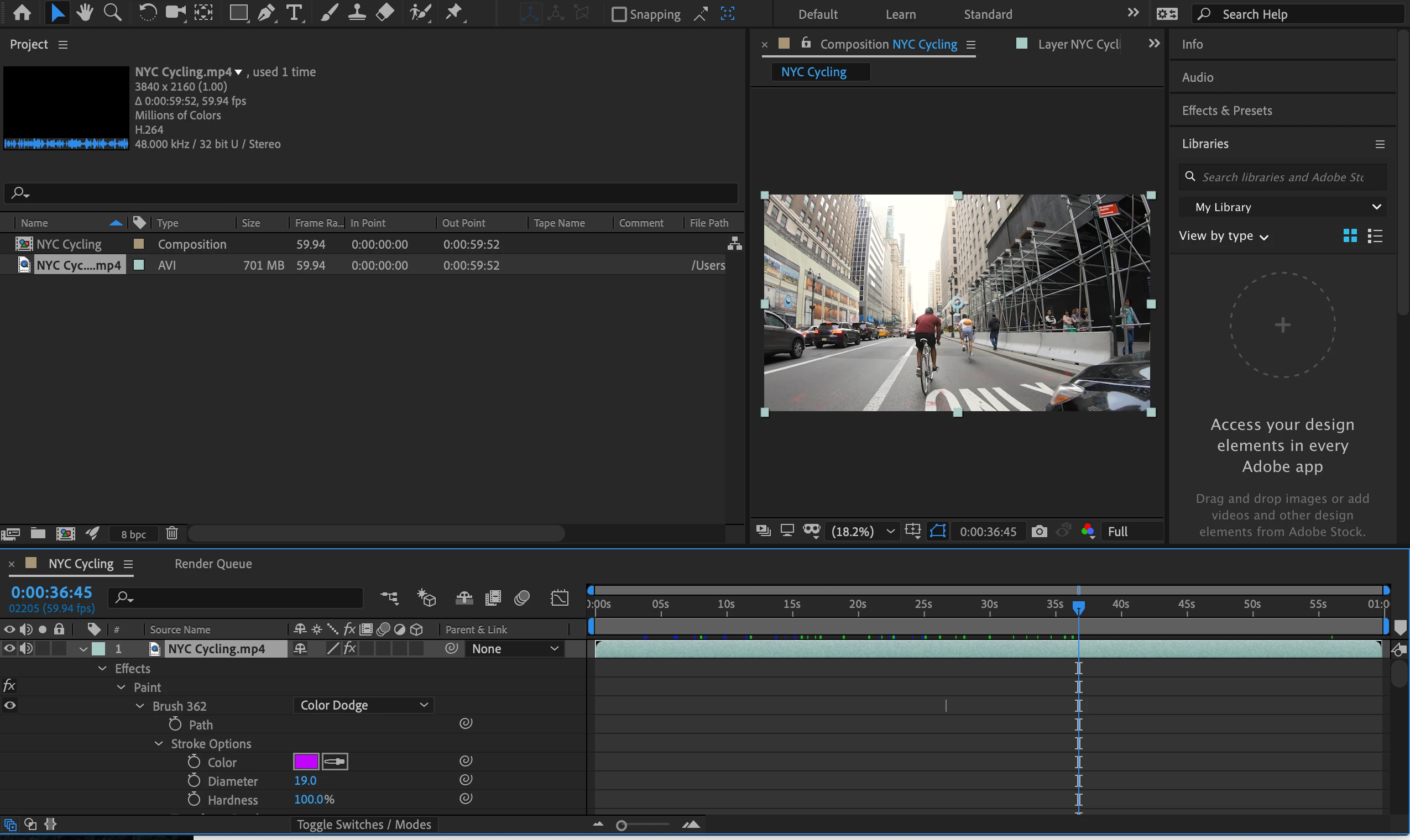
2.) Layer selected while pressing "uu"
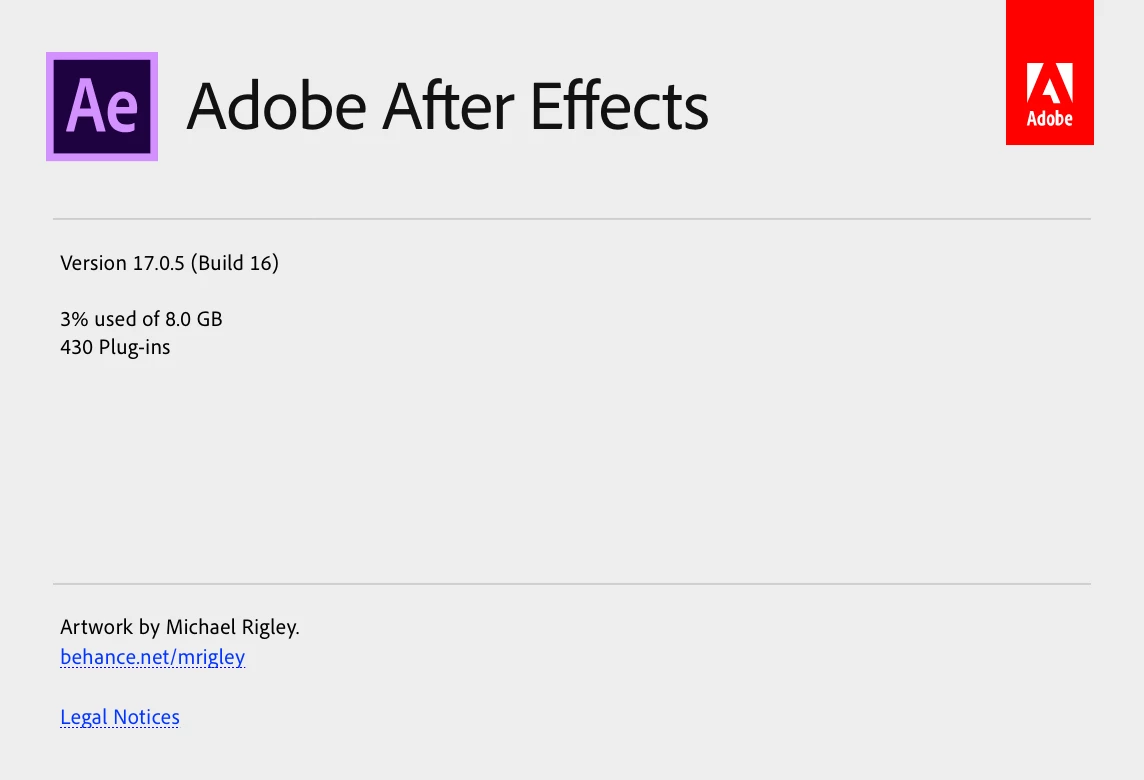
3.) After Effects version
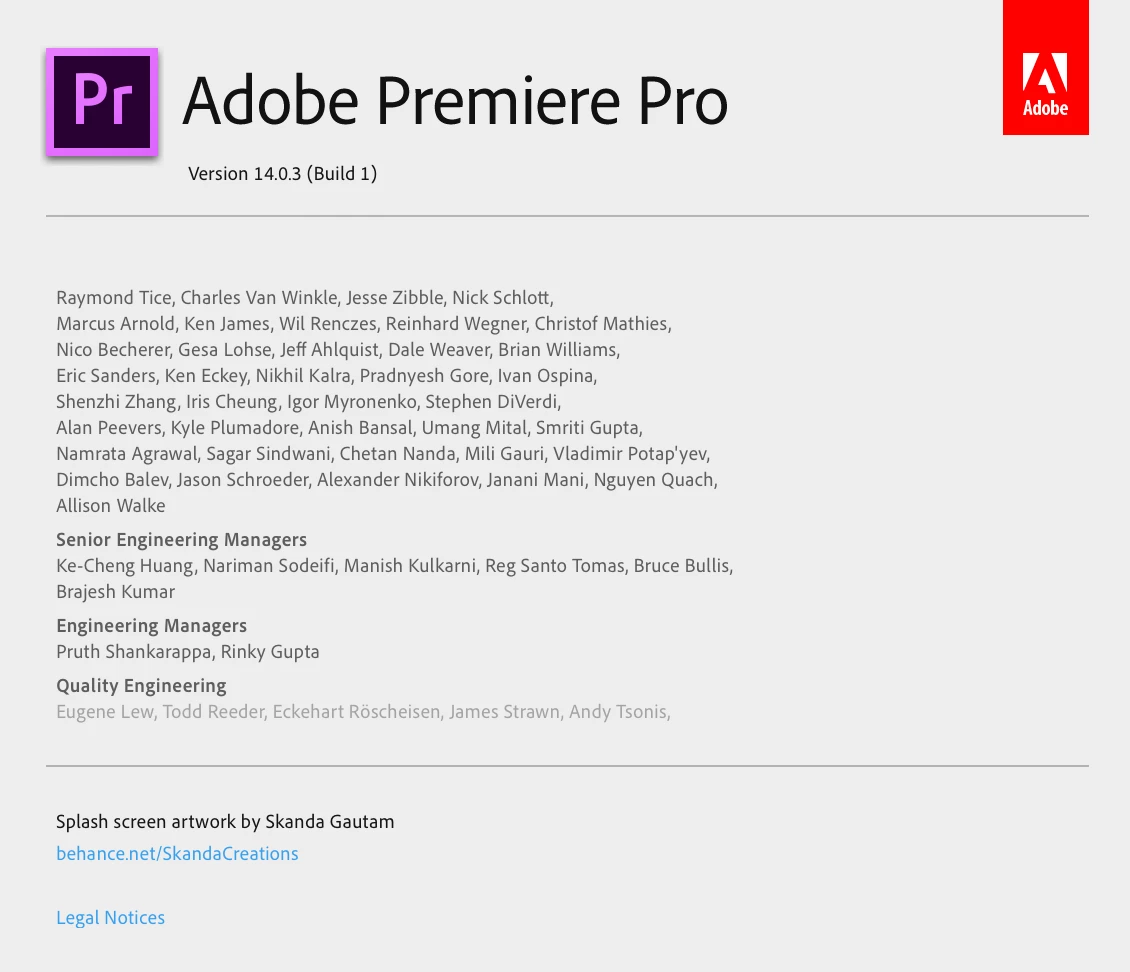
4.) Premiere Pro version
I'm not 100% knowledgeable of AE.. I've used it just a handful of times.
I'm trying to export the final project which is my trouble!
Thank you again for any help you can share!
Stay well,
- Leon
Topics
 AdChoices