

Question
Troubleshoot a script error
For the past few weeks I've had the most annoying script error when trying to open a file (often times a file that I had open just minutes before)!
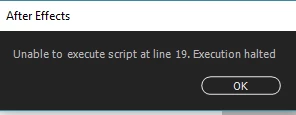
Which causes a crash of course, and then the next Ae start I get this very helpful error message:
The only way I've been able to get around it has been to have start a new file and import. But the constant versioning up of the files... My folders are a huge mess! That loop will continue as long as I'm trying to open the file after I see that error. And it's happened on many different files, some 3D composites other 2D simple animations.
Anyway to figure out what this error actually is?
 AdChoices