
Trying to figure out the best way to ask this question as I couldn't find anything in the FAQs...
The video inside the TV screen is much larger than the space it is taking up, however I can't see the dotted boundary lines and anchor point, even when I click on the layer in the timeline. What tool do I use so I can see the boundaries and anchor point of this or any image in the composition panel? Sometimes it shows and sometimes it doesn't and I've tried this and that to get it to display. I'll post another snippet below to actually show you what I am talking about as a picture is worth 1000 words. Look the skull in the image below and you's see there's a border of square dots and the anchor point clearly visible around this object. In the above screen shot I have selected the layer in question but my border and anchor point still doesn't display. How do I get this to display consistently in AE so I don't have to resort to guesswork when resizing an image? Again, depending on the composition I create, sometimes I get this ability and sometimes I don't. I want it to show 100% of the time. Thank you.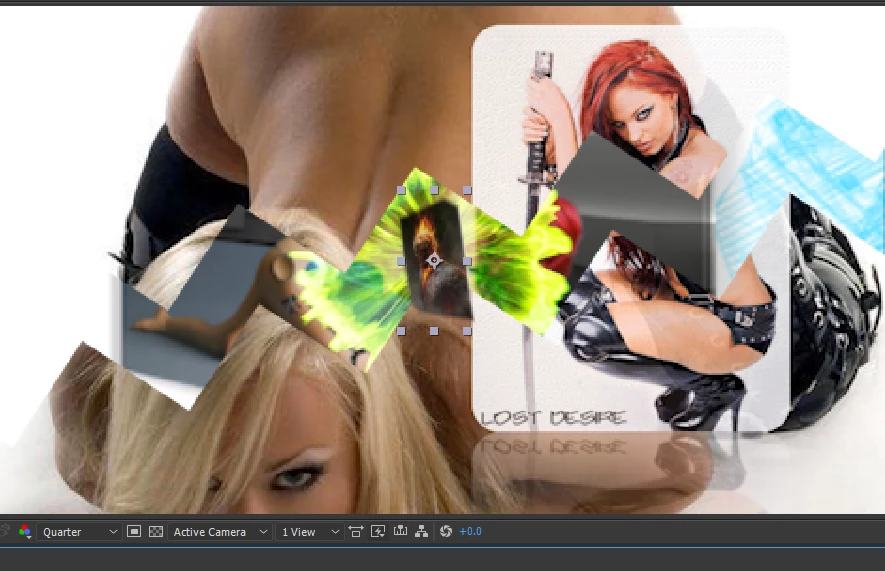
 AdChoices