
keithm1972
Inspiring
October 10, 2022
Answered

Trying to fix issue with mask feather vs. mask opacity.
  • October 10, 2022
  • 3 replies
  • 535 views

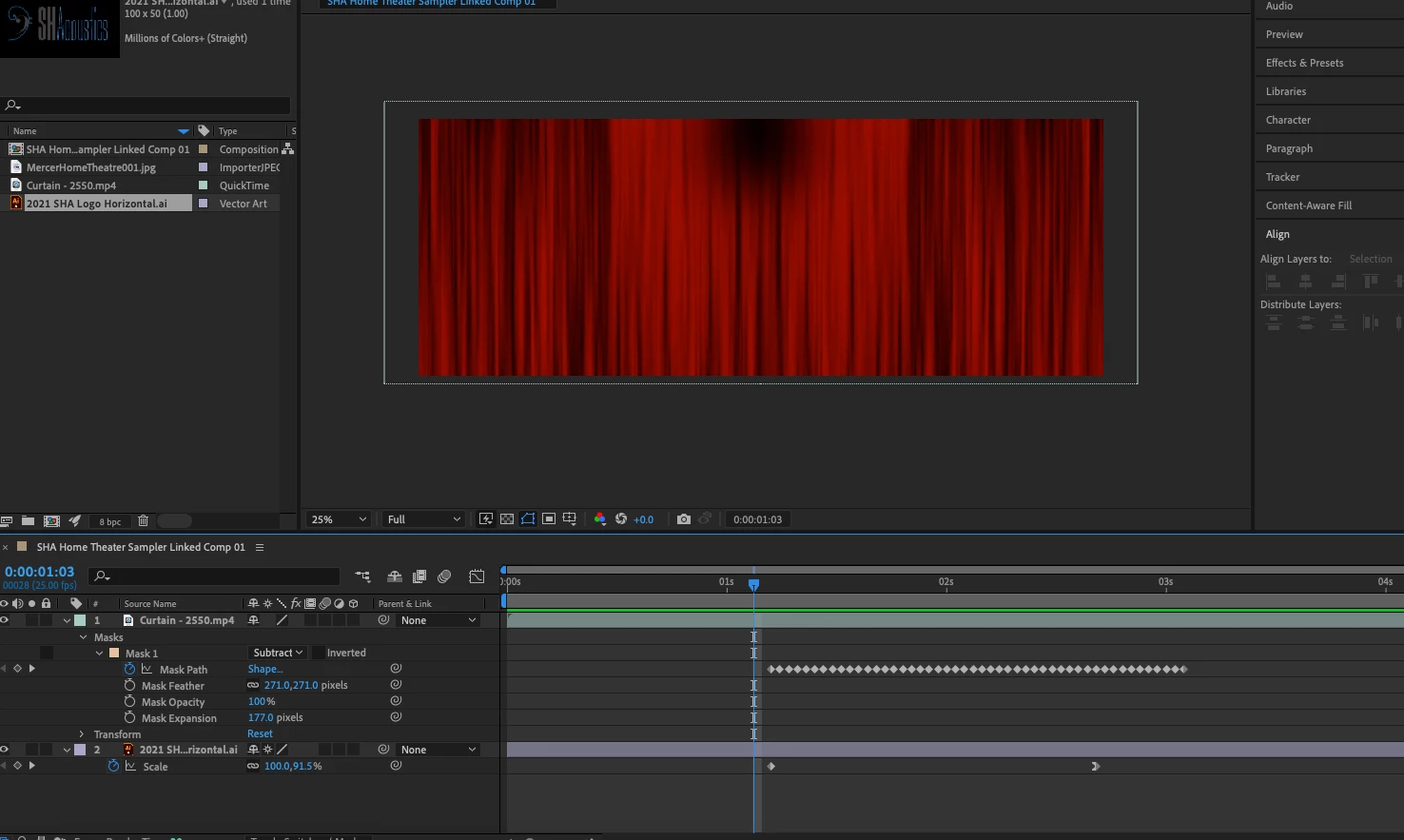
I'm playing with that trick where these movie theater curtains open up to reveal an image (in this case a company logo) behind it. The challenge is getting the blend where the curtain doesn't have an ugly black shadow before the mask animates, shown in the upper-center of the image above.
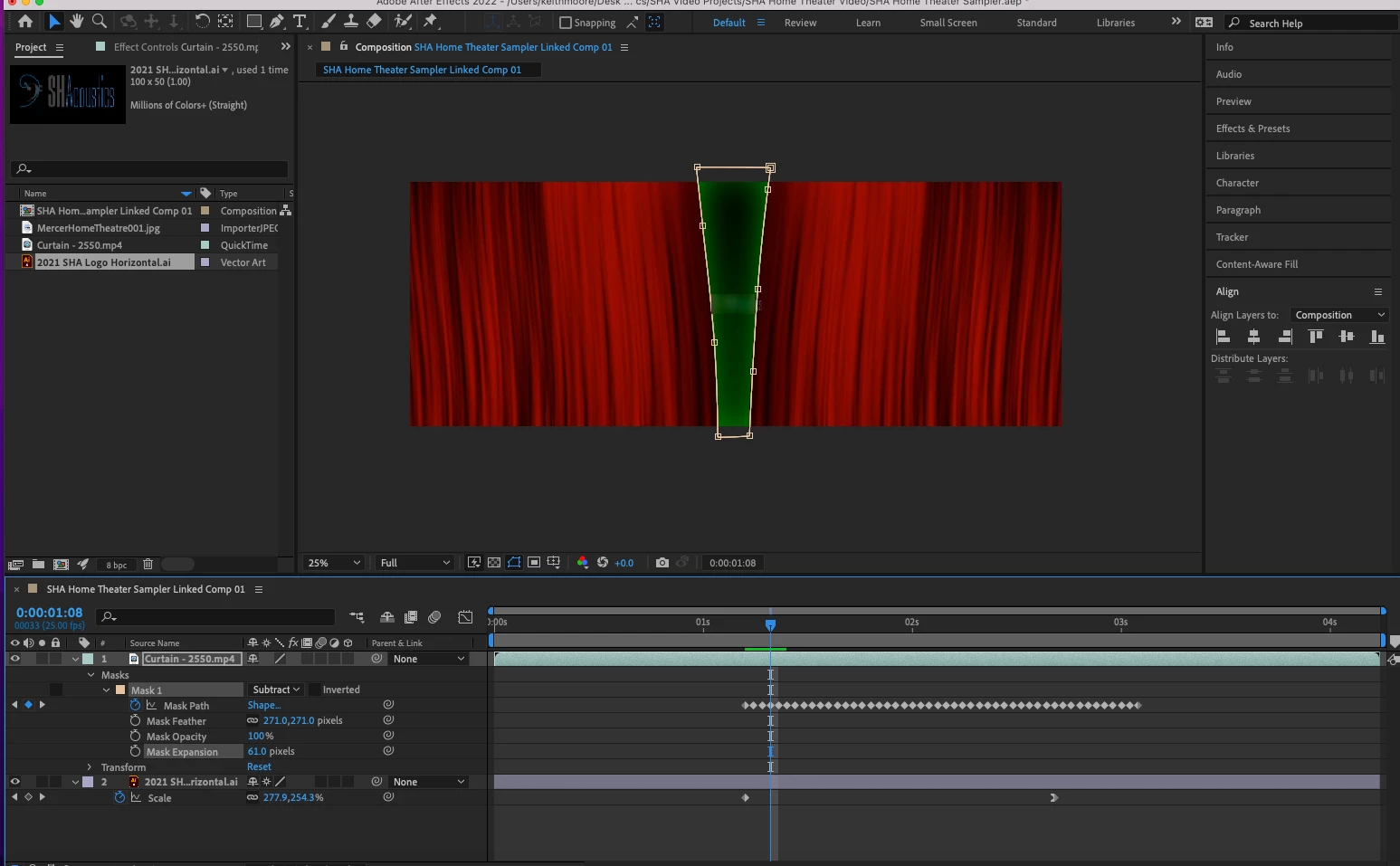
 

The problem is when I lower the mask expansion to remove that shadow the green tint of the original animation returns. I get either ugly shadow and no green or no shadow and green.


Do I need to make a choice or is there another step to balance these options out?


This topic has been closed for replies.
Correct answer Rick Gerard

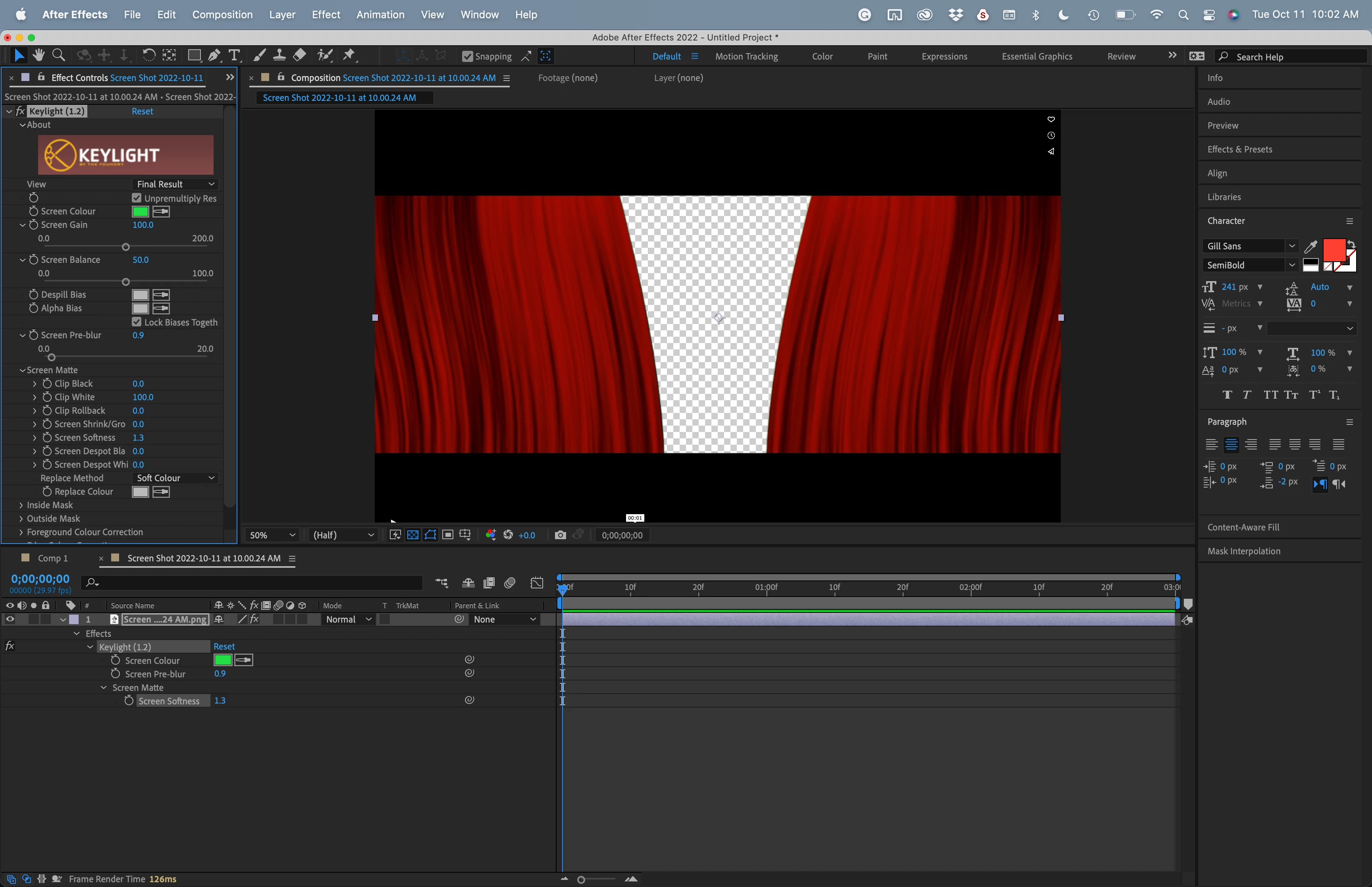
You will have to explain where the green tint comes from. I don't see any effects on Layer 1 (the curtains). I assume that the MP4 is stock footage with green behind the curtains. If that is the case, you probably don't need an animated mask. You need to use Keylight to create transparency. 


I found Curtain 2550 on Vimeo. It looks like the clip you are using. All you need to do is apply Keylight and carefully tweak the settings to get a clean edge.


3 replies

Rick GerardCommunity ExpertCorrect answer
Community Expert
October 11, 2022

You will have to explain where the green tint comes from. I don't see any effects on Layer 1 (the curtains). I assume that the MP4 is stock footage with green behind the curtains. If that is the case, you probably don't need an animated mask. You need to use Keylight to create transparency. 


I found Curtain 2550 on Vimeo. It looks like the clip you are using. All you need to do is apply Keylight and carefully tweak the settings to get a clean edge.


keithm1972
Inspiring
October 11, 2022

Keylight handled the problem easily. Thanks!

Mylenium
Legend
October 11, 2022

You need to work with duplicates, that's all I'm saying. You have to use your mask twice - once to produce the darkening at the edge and a second time, but without feathering. The darkening would ideally be inside the pre-composition and in order to fully control the situation and not rely on "it happens because there's transparency" you'd also add a black solid underneath. Then in the parent comp you'd re-use the mask to remove your green. If you want to be super smart about it, in fact you wouldn't even use the mask directly, but rather create it in a separate sub-comp (unfeathered) and then use it as an Alpha/ Luma Matte. That way you can re-use it directly multiple times without needing copy & paste of masks and feathereing would be done by blurring the respective matte layers.


Mylenium

Mylenium
Legend
October 10, 2022

You need to structure your work. This is a classic case of "guy tries to do everything at once (and gets shafted)", no offense. Pre-compose the coloring, apply the masking in the parent comp.


Mylenium 

keithm1972
Inspiring
October 10, 2022

I get the structuring part, but not the "pre-compose the coloring". I created a mask hiding the green screen as the curtain opens to expose it. The curtain is simply a stock animation from Pixabay. You're saying do that after I pre-compose, but pre-compose what when I'm starting with this curtain animation?


Thanks!