
Participant
September 22, 2022
Question

Trying to use audio spectrum but it reacts to nothing

  • September 22, 2022
  • 1 reply
  • 109 views

Hey guys I'm trying to use audio spectrum and for some reason it's reacting to nothing. When I use "replace with after effects" in adobe premiere pro it pulls it up normally but the audio I spliced out is still there but it's invisible (represented by the non solid sea foam color) and I assume it's reacting to that and I can't figure out how to remove it completely or at least make audio spectrum only react to the non-cut audio.
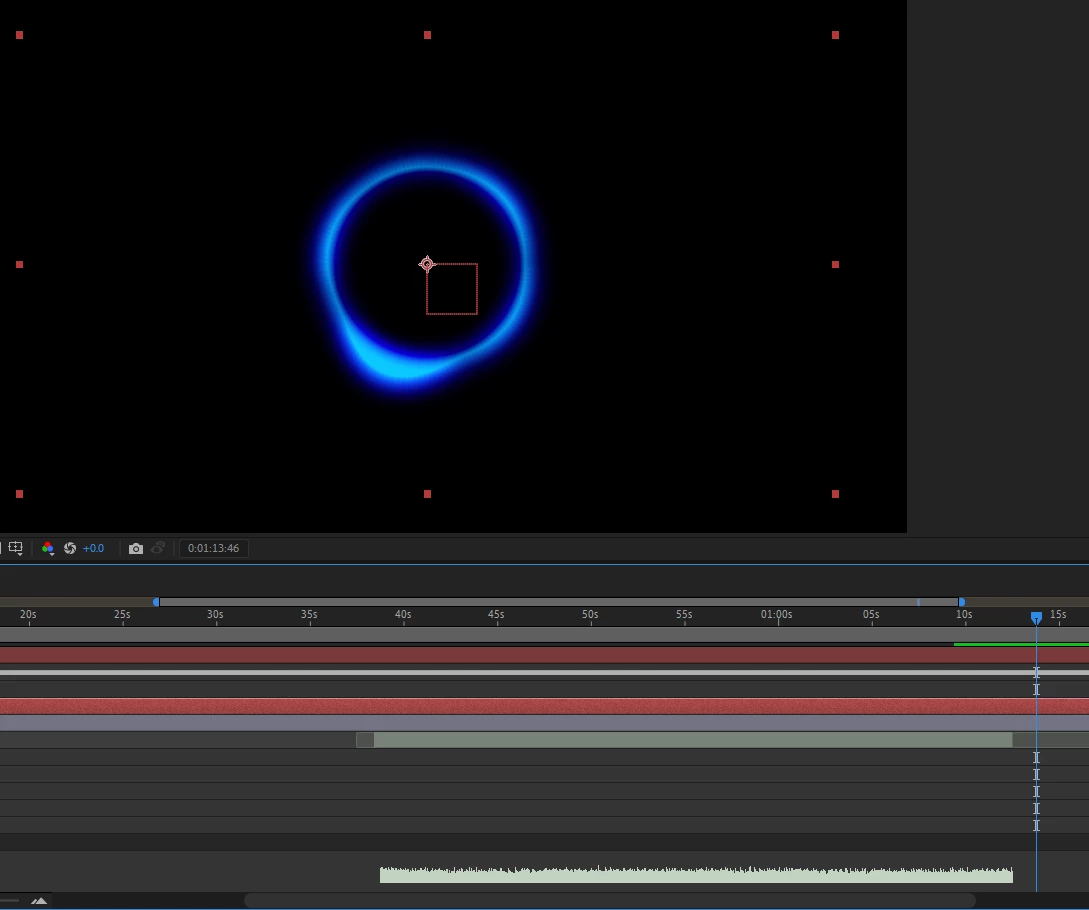
If someone could help be much appreciated, thank you.

This topic has been closed for replies.

1 reply

Mylenium
Legend
September 23, 2022

Without exact info about your setup in Premiere, the sources used, system info and so on we can't tell you much. That and of course cropped screenshots are kind of useless when we can't see the left side of the timeline with all the properties and switches or the effects controls. That said, the best way to proceed would likely be to actually export your audio as a WAV or such from Premiere and simply use that in AE. If stuff with DynamicLink in AE becomes uneditable it usualyl means you did something in Premiere that AE can't replicate like applying some fancy audio mixing or effects or using multichannel/ multitrack audio in the first place.


Mylenium