
Answered

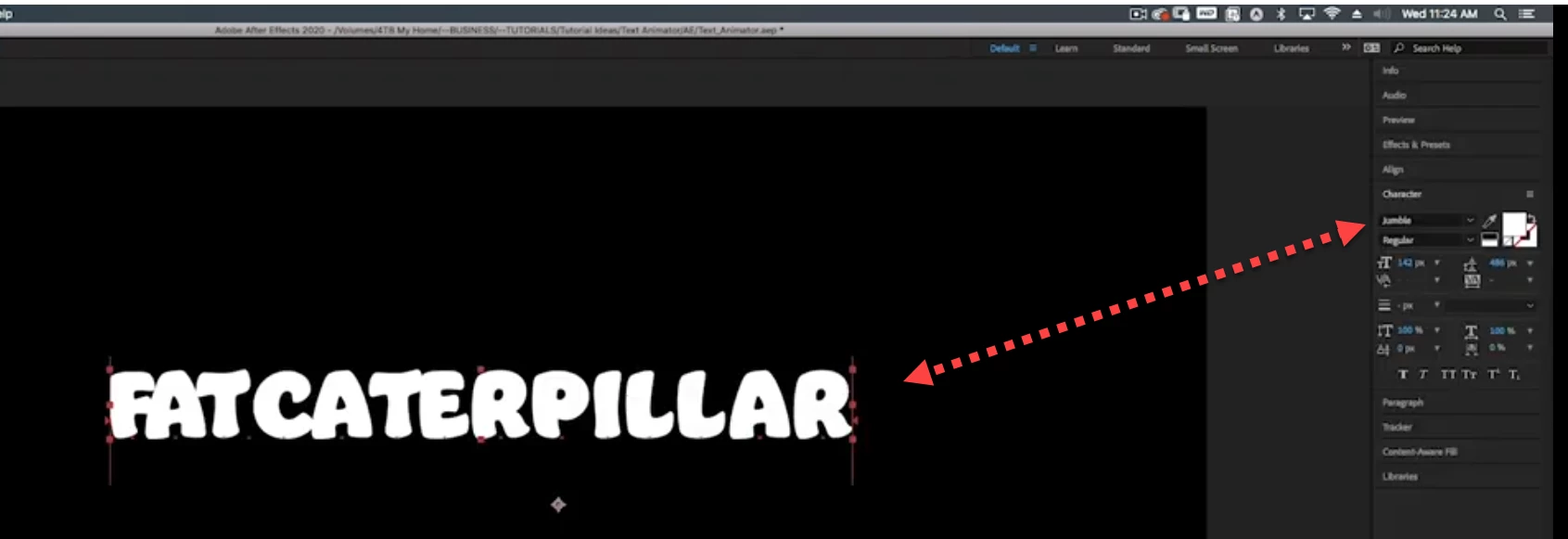
Not sure what you're asking, but the font from your screenshot is called "jumble" and searching Google for "jumble font", the first link is here: https://fonts.adobe.com/fonts/jumble
All you have to do is click the Activate toggle and Adobe CC will load it onto your system
Already have an account? Login
Enter your E-mail address. We'll send you an e-mail with instructions to reset your password.
 AdChoices