


Participating Frequently
December 10, 2025
Answered

Typewriter Console changes my text colors

  • December 10, 2025
  • 1 reply
  • 412 views

Hello dear AE users,

I am creating a fake developer's typing. 

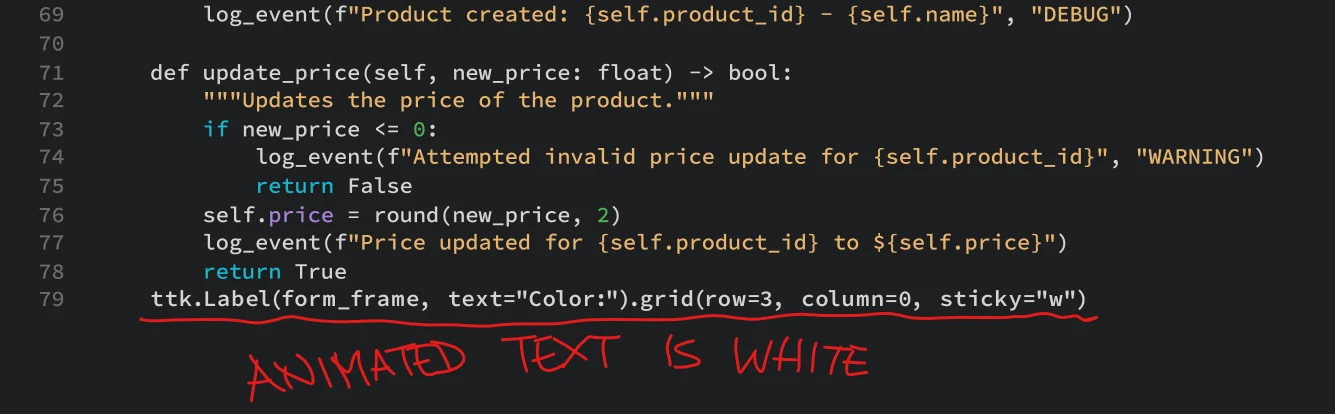
My text comes from Dreamweaver and it has the correct fill colors (some words are gray, other orange etc. like in the image)

I copy it from DW and paste it in AE and colors are still correct.

I apply Typewriter Console to simulate the writing, and text fill colors change in white.

I've noticed that if I get rid of the expression in Text>Source text, the original fill colors come back.
868826iE2122F8F64A174F1.png

What should I do? is there a line I can add to the expression to mantain the colors?

thanks a lot

Lorenzo

 

Correct answer Dan Ebberts

Thank you Dan,

the expression you provided returns an error:

Error at line 9: getStyleAt is not a function

any idea?


Make sure that File > Project Settings > Expressions > Expression Engine is set to JavaScript..

1 reply

nishu_kush
Legend
December 10, 2025

Hi there,


Thanks for reaching out.

Could you share the expression that you mentioned? As a workaround, try using the Fill effect to change the color of the text.

Let me know how it goes.


Thanks,
Nishu

Participating Frequently
December 10, 2025

Hi nishu_kush

here is the expression in Source Text created by Typewriter Console:

var t = text.sourceText;
var l = t.length;
var a = effect("Animation")(1);
var c = ["|","_","—","<",">","«","»","^"];
var d = effect("Cursor Shape")(1).value;
var reveal = t.slice(0, l*linear(a,0,100,0,1));
reveal + c[d-1];


regarding the Fill effect, how do you isolate the effect on a single word? I can't mask the effect alone


Dan Ebberts
Community Expert
Community Expert
December 10, 2025

There may be a better way to do this, but give this a try:

var t = text.sourceText;
var l = t.length;
var a = effect("Animation")(1);
var c = ["|","_","—","<",">","«","»","^"];
var d = effect("Cursor Shape")(1).value;
var reveal = t.slice(0, l*linear(a,0,100,0,1));
var expr = "style";
for (var i = 0; i < reveal.length; i++){
  var s = getStyleAt(i,time);
  var fc = s.fillColor;
  expr += ".setFillColor([" + fc[0] + "," + fc[1] + "," + fc[2] + "]," + i + ",1)";  
}
expr += ".setText('" + reveal + c[d-1] + "')";
eval(expr);