


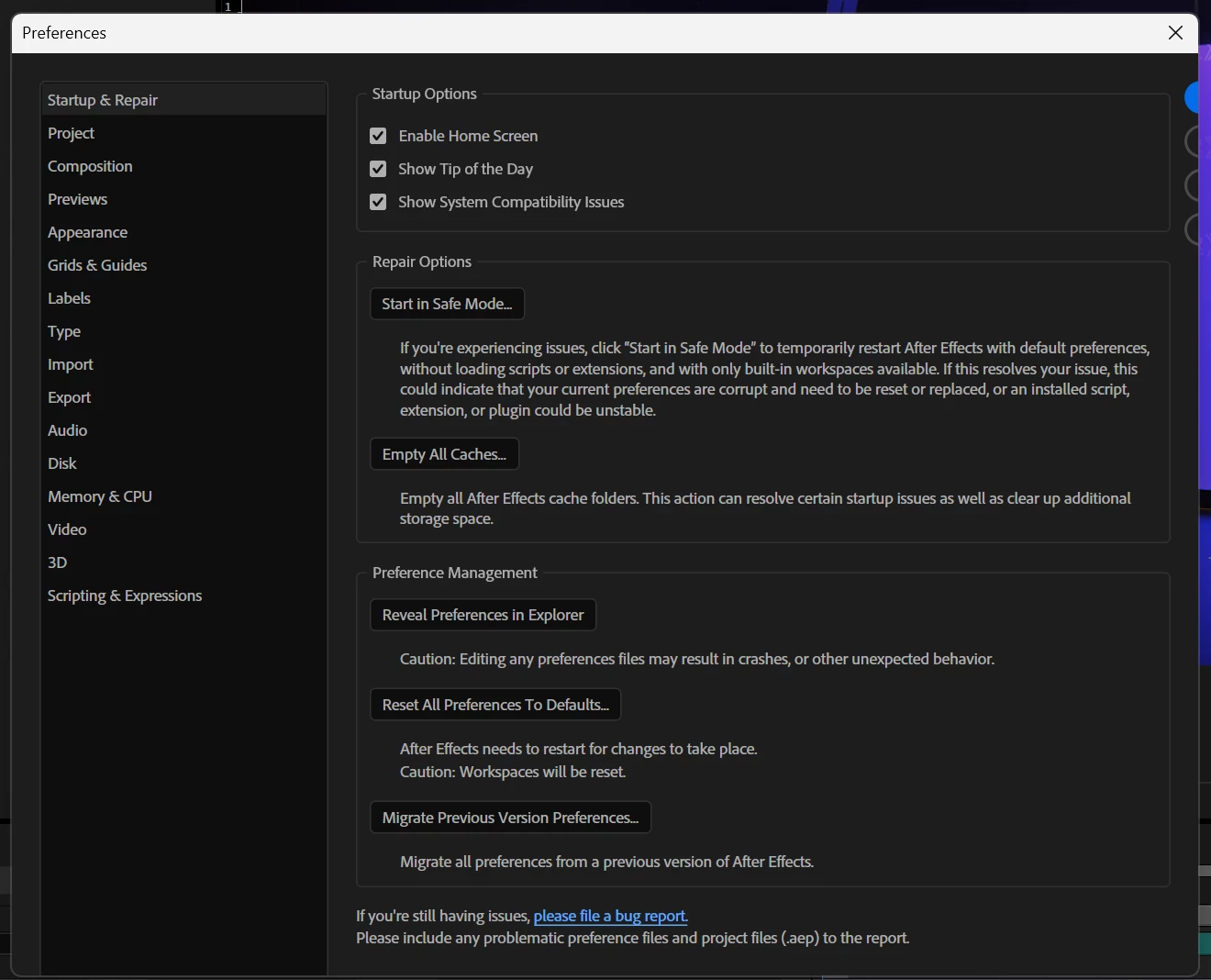
UI / interface scaling issues on Windows 11. Preferences dialog box clipped and hiding options.
Have tried all sorts of varieties of drivers, hardware acceleration on/off, Windows display scaling, high DPI Windows compatibility settings for application launch, nVidia Control Panel app settings, different cables, ports on my GPU, etc. Even fresh installed Windows 11 and AE and still have the issue.
The most frustrating is the preferences panel does not size properly and cuts off buttons/options - making it basically useless.
In addition to that, pretty regular flickering of UI elements when resizing panels.
Often the mouse cursor's hit detection boxes when resizing is extremely narrow. Divider borders feel like "dead zones". The mouse sometimes doesn’t change to the resize icon.
System info
Application: After Effects v26.5.0.89
OS: Windows v10.0.26200, RAM: 93.61 GB GB, CPUs (logical): 32
GPU - nVidia RTX 4080, Studio Driver 616.92
 AdChoices