Question
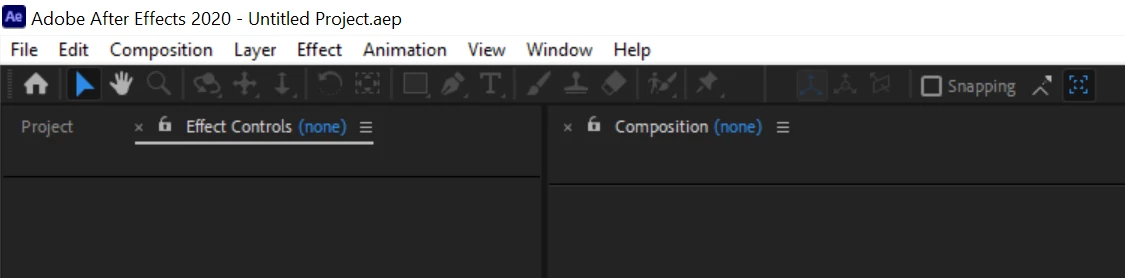
UI is blurry if After Effects starts when the 2nd monitor connected in "Extend Display" mode
UI is blurry when I start After Effects on my laptop with 4K monitor connected in "Extend Display" mode:
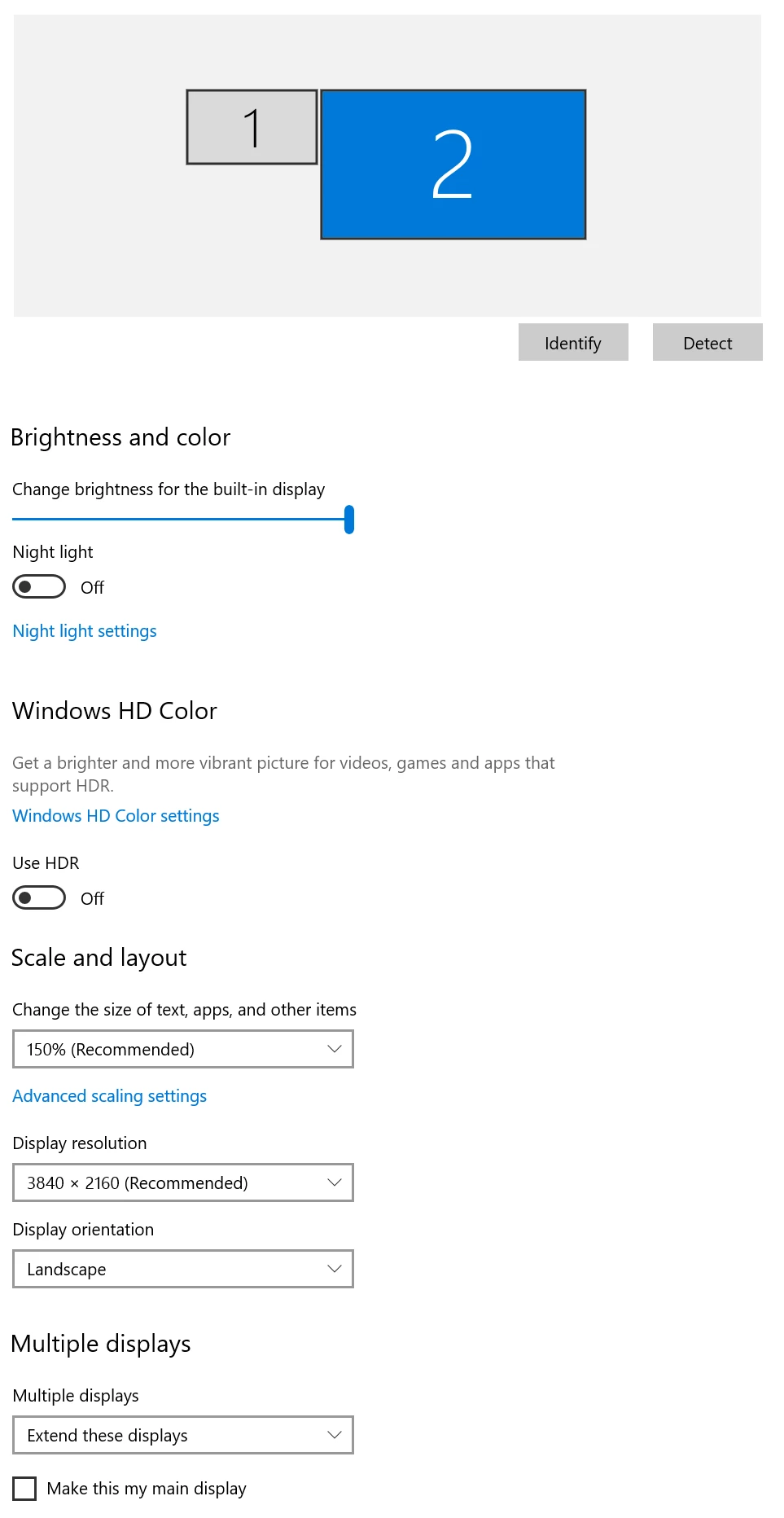
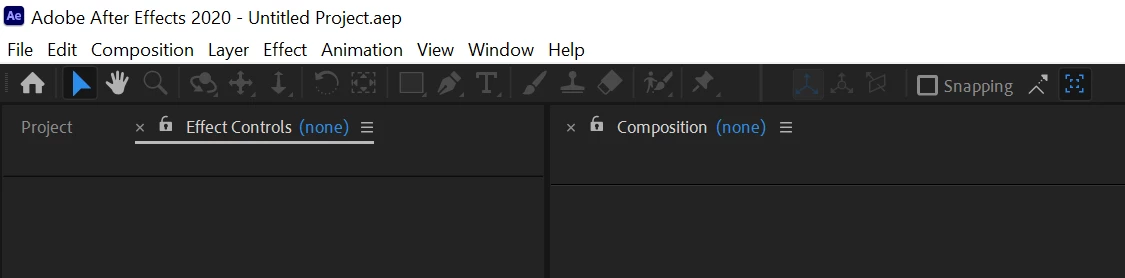
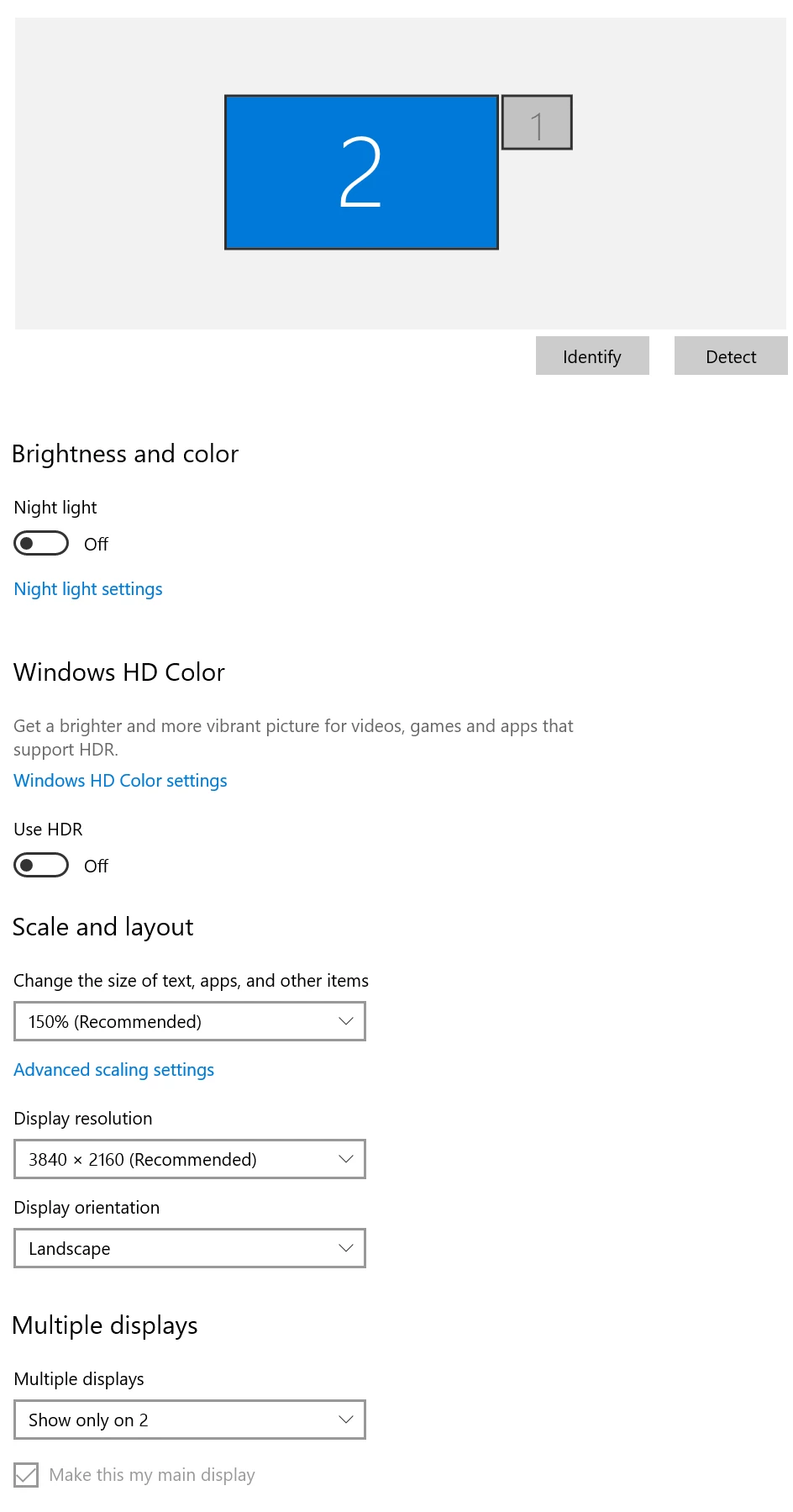
If I start After Effects when the same monitor is connected in "Second Screen Only" mode its UI looks good (sharp enough) - even when I change the mode from "Second Screen Only" to "Extend Display" it remains good:
I never had this problem with Adobe Illustrator - its UI looks good in any case.
My system configuration:
Windows 10 (x64), laptop Dell Inspiron 5570 (display resolution 1920x1080 px, CPU: i5-8250U, Display adaptors: Intel UHD Graphics 620 + Radeon 530, RAM: 32 Gb), monitor LG 27UL850-W (3840x2160 px, scale 150% recommended by Windows) connected to the laptop by USB-C -> USB-C cable.
 AdChoices