



Question
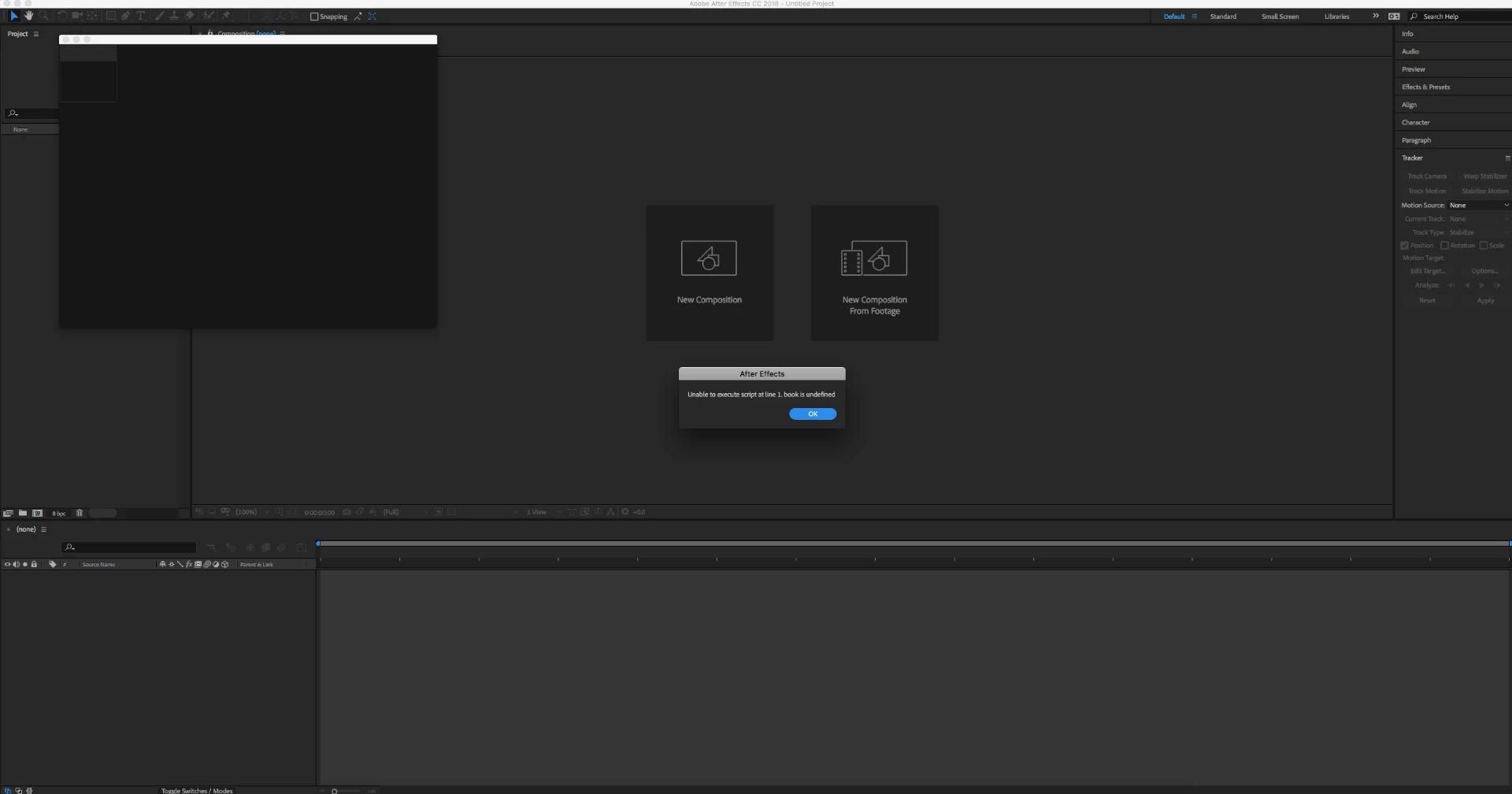
Unable to execute script at line 1. book is undefined
I get an error reading "Unable to execute script at line 1. book is undefined" any time I attempt to open a script in AE. I tried calling Adobe Support but after half an hour on the phone they were unable to resolve the issue. I'm getting the error across 2018 & 2017, for all scripts, and closing CC Libraries (the solution mentioned in a different thread on this subject) doesn't stop it from occurring. These are scripts I've used for years, including Rift, Motion 2, Duik, etc. nothing unusual. Does anyone know how to fix this error? I would really appreciate the help.
 AdChoices