


Participant
July 28, 2022
Question

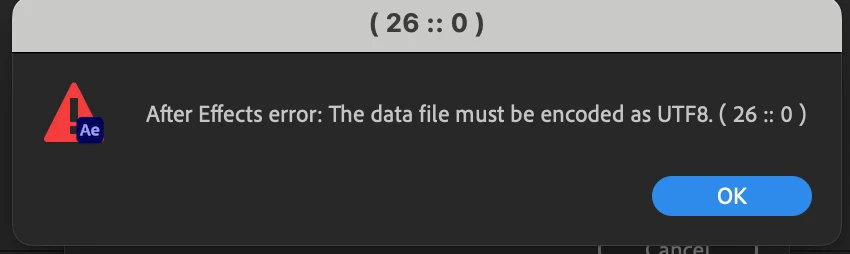
Unable to launch saved After Effects project: The data file must be encoded as UTF8. (26::0)

  • July 28, 2022
  • 4 replies
  • 1120 views

Hi guys, 


I've got this error after I've reopen the saved file in my mac, the error appears when I 've saved the file hours ago and I can't open the project now.  Any idea what could be causing it abd how to fix the problem?

Thanks
 (Note: Subject edited by moderator)

This topic has been closed for replies.

4 replies

Participant
March 5, 2024

Hi, I also just received this error message and my project file will not open either. My file is also linked to a .csv. Has anyone found a way to open their file?

Participant
March 5, 2024

ah, wait, I just resaved my csv file as a "csv UTF-8" and the file opened.

Participant
January 3, 2024

Hello 🙂

Is there already a fix for this issue? Recently updated AE in our company and the most important project file has that error message. Rollback to old AE is not possible and redoing the whole thing would take ages. The project is full of Unicode-Text-Elements where it draws information from. 

Legend
January 4, 2024

Maybe the problem isn't the project file but a footage in it.

Have you imported/used an external footage such as a CSV or JSON file?

Participant
January 5, 2024

It was. The File references a lot of txt-Files that are for some reason not compatible anymore. I will now replace them with csv-files, but that also has had its issues. Still a big task because these text-files control almost everything, but better than having to redo all the coding.

Participant
August 25, 2023

This problem stays (after I tried importing it into an empty project) and still needs a resolution. I have worked on a project for the last month and now I can't start the most recent version only. It gives the same error.

Ishan Y
Community Manager
Community Manager
July 28, 2022

Hey petersing,


Sorry about the issue, Do you get this error with specific project files or all of them? Could you try creating a new project and importing your project into it? Also, let us know if you recently changed your system settings. We're here to help,


Thanks,

Ishan