Participant
August 12, 2021
Answered

Unstable solid with pickwhip tool

  • August 12, 2021
  • 2 replies
  • 439 views


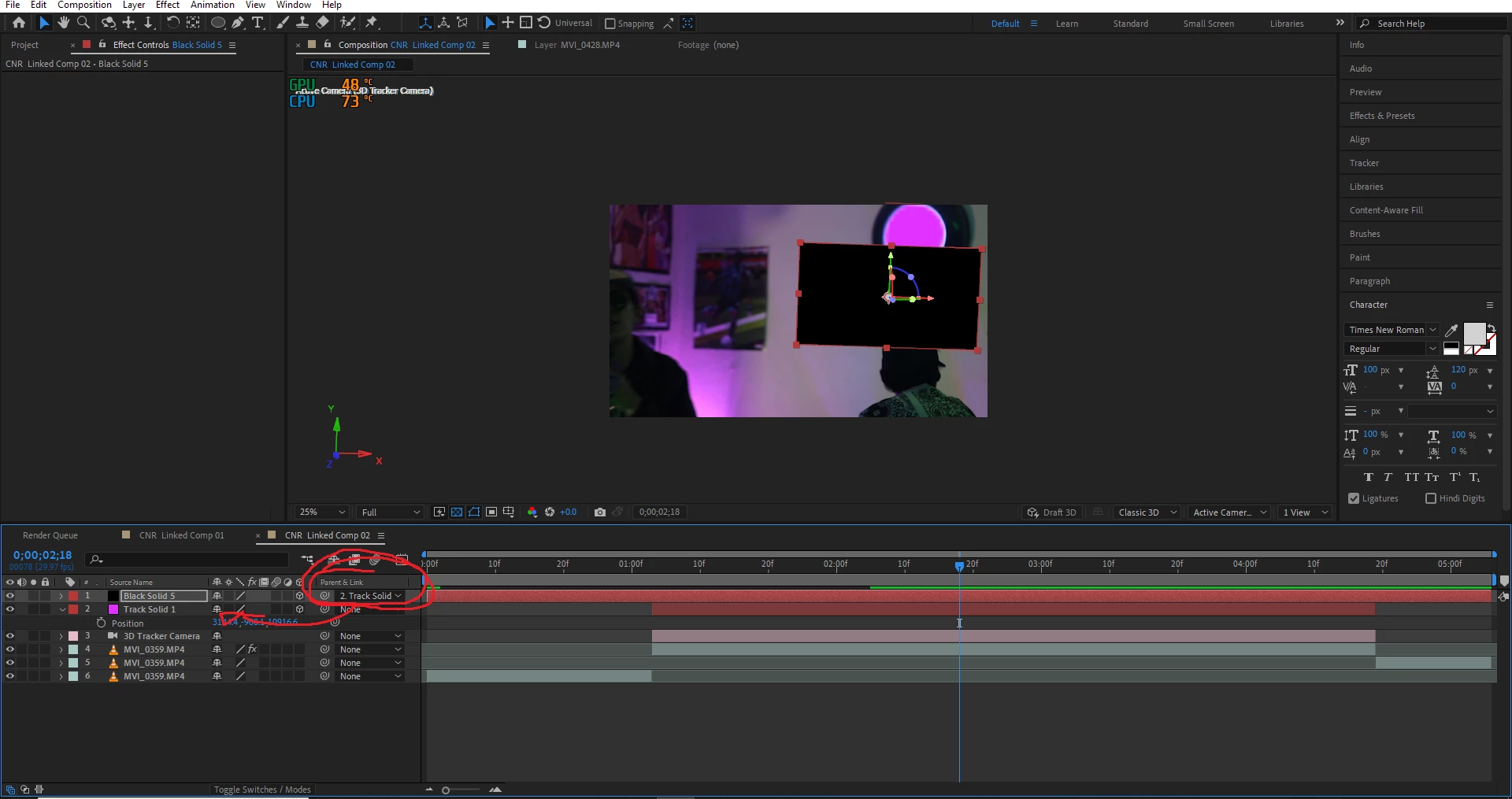
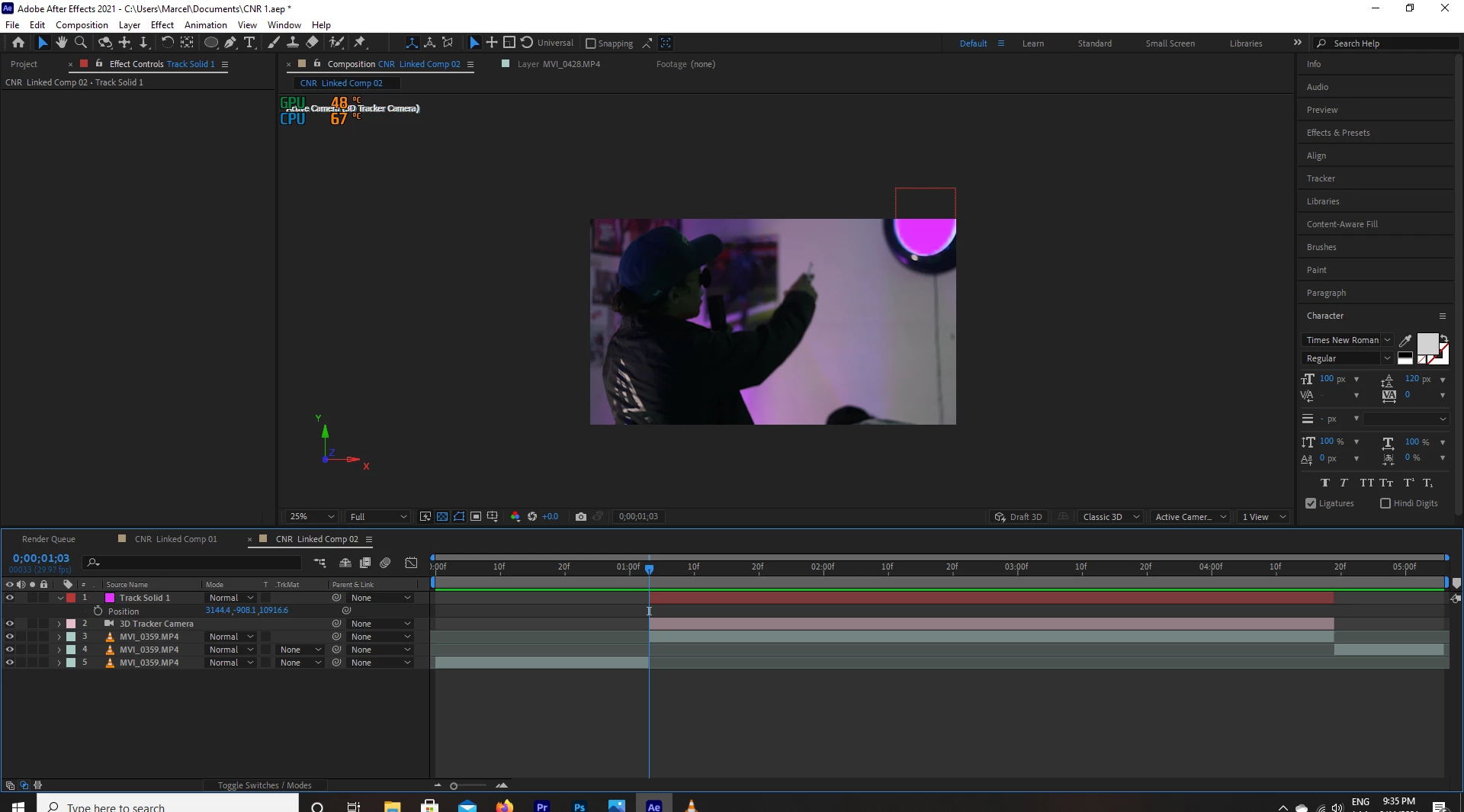
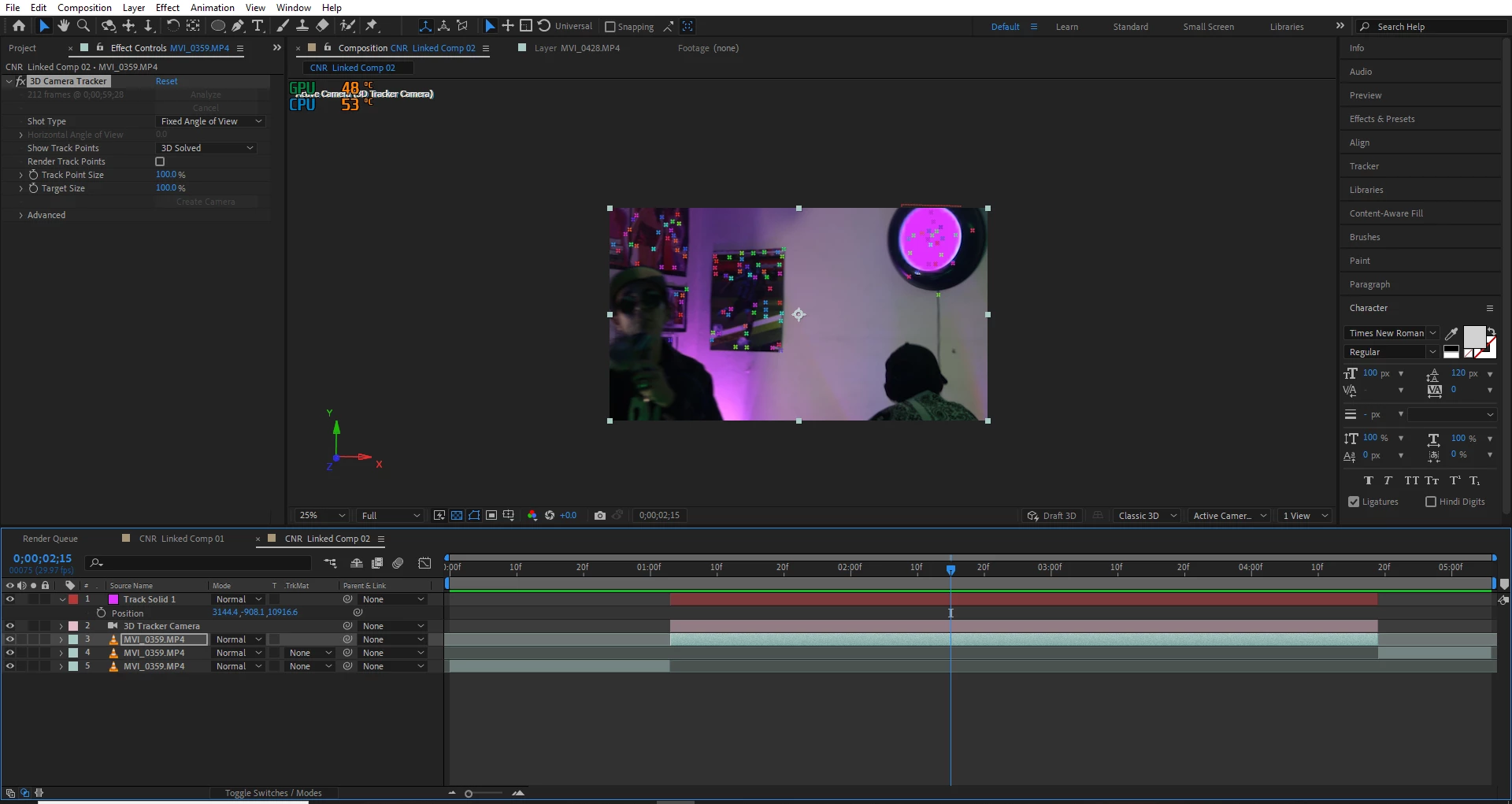
So I dont get why sometimes my solids are unstable, so i already tracked my 3d camera and added a 3d camera with solid wich is the pink circle in the composition, the problem is that it was too small and I had to scale it way too much to add the effect "saber" I wanted to make a bright ring in the clock on the wall, however due to the scale of the pink solid I then tried to make another solid make it a 3D object scale it position it and with the pick-whip tool give the black solid the same values as the pink one, however the black solid is unstable an moves around all the composition while the pink solid stays where it has to be, any suggestions?
 

    This topic has been closed for replies.
    Correct answer Kyle Hamrick

    If that camera face is all you're tracking in this case, I might suggest trying Mocha instead.

    2 replies

    Kyle Hamrick
    Community Expert
    Kyle HamrickCommunity ExpertCorrect answer
    Community Expert
    August 12, 2021

    If that camera face is all you're tracking in this case, I might suggest trying Mocha instead.

    Participant
    August 13, 2021

    Hey thank you so much, so the problems was that I wasn´t pasting the position values of the pink solid to the black one i was so focused on using the pick whip tool that I forgott about that, thankyou anyways I'll check mocha next time


    Mylenium
    Legend
    August 12, 2021

    Impossible to know without any of the pertinent properties in the timeline revealed such as the camera's parameters. The insane position values of the clock solid hoiwever indicate that this is simply a "bad" solve, which given how your shots look isn't really surprising.


    Mylenium

    Participant
    August 13, 2021

    Thank you, it wasn´t that, the camera tracker indeed solved it just right it was a problem with my position values on the new solid.