updating AE 2018 to AE (2018.2) and/or AE (2018.3) didn't work. AE startup crash
hello,
simply desperate
tried to update AE CC2018 (which has been working) to AE CC2018.3 didn't work
AE didn't start any more.
then system restore back, error cascade of standard plugins while starting the old formerly working AE (15.0.0)
then tried to install 2018.3 . same error on startUp the only AE version that is working now is AE2017 so ...doesn't help
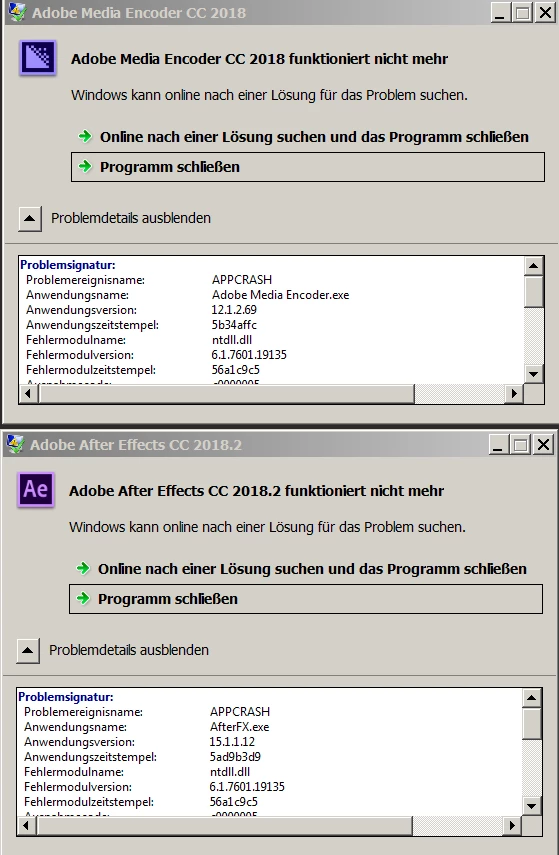
on startup of AE and AME
adobe after effects cc 2018.3 has stopped working
AME CC 2018 also has stopped working.
latest nvdia driver installed. everything was fine and working with AE 2018 15.0.0
....yesterday.
btw premiere pro CC 2018 (12.0.0 build 224) still works , but due to the errors above : no dynamic link to AE, nor AME queueing
all these are incredibly time consuming issues, while just UPDATING running applications
is there fast & easy way out?
alternative to restore AE 15.0.0 i couldn't find an option to reinstall AE 15.0.0 which did work =!
please help !
thanks michael
dell precision labtop t7510 , win 7 pro X64 sp1, 64 GB, nvidia quadro m2000M
btw premiere 2018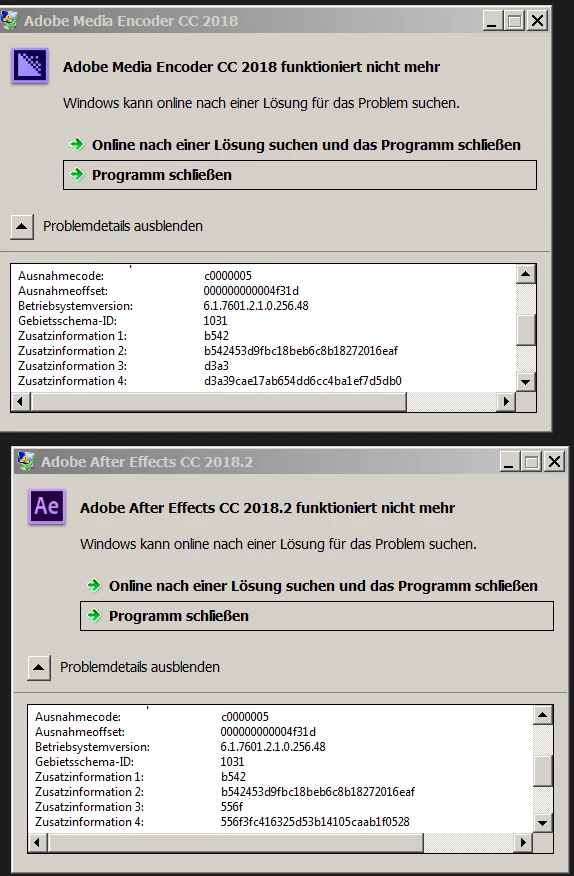
 AdChoices