

Question
Urgent! Adobe after effects comp screen is missing and I don't know how to fix it. Do you know how?
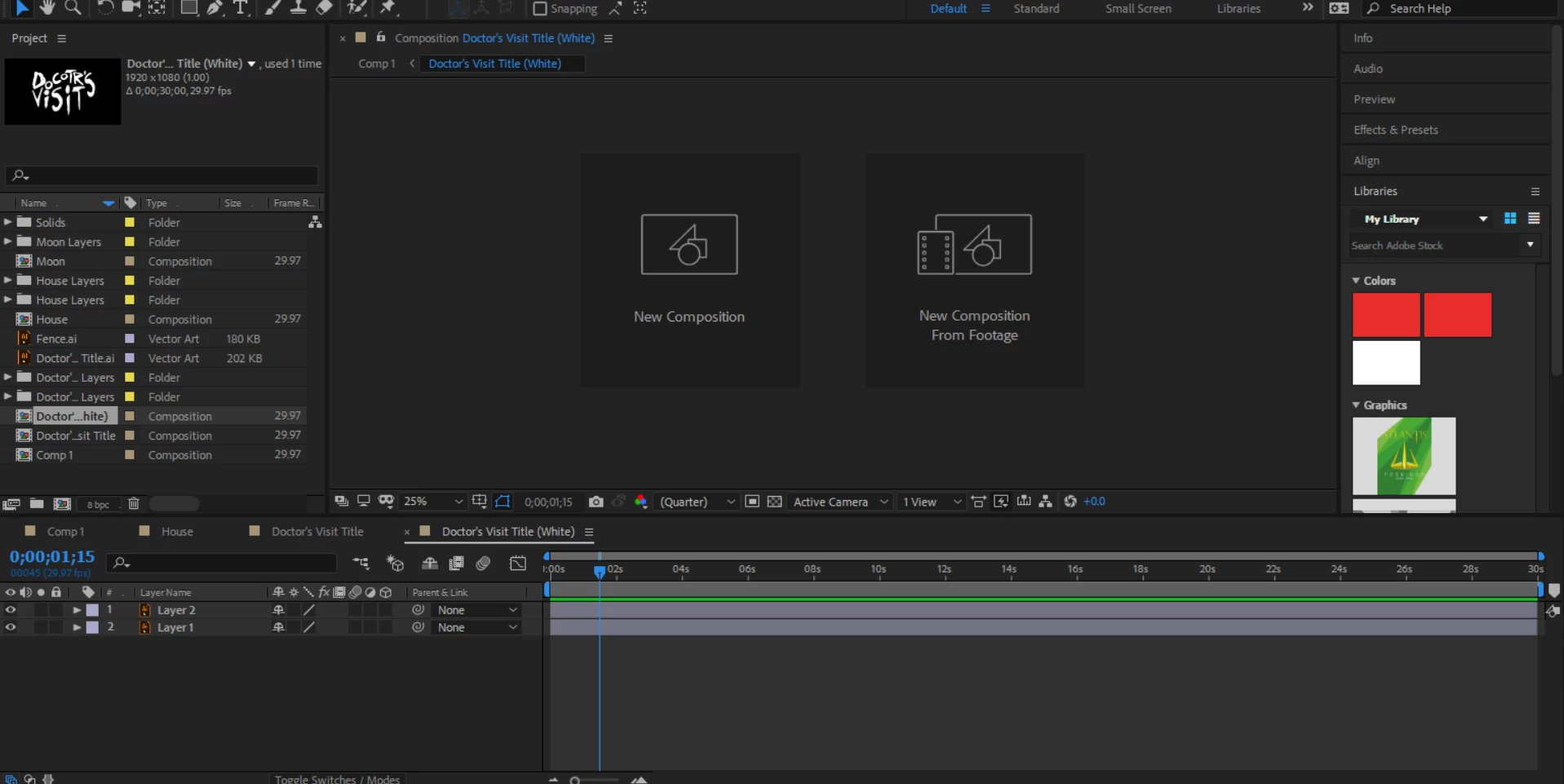
Hi, I have a problem with my adobe after effects. When I click on a previous composition I've saved or make a new one the stage screen thing (I don't know the proper name) doesn't show up. It just stays on what you see in the screenshot above (new composition or new composition from footage). My layers show up and everything else but not the stage. I've tried uninstalling and reinstalling. Deleting personal preferences, and restarting over and over again but nothing works. Does anyone know how to fix this? Any help would be much appreciated


 AdChoices