Participant
November 23, 2019
Question

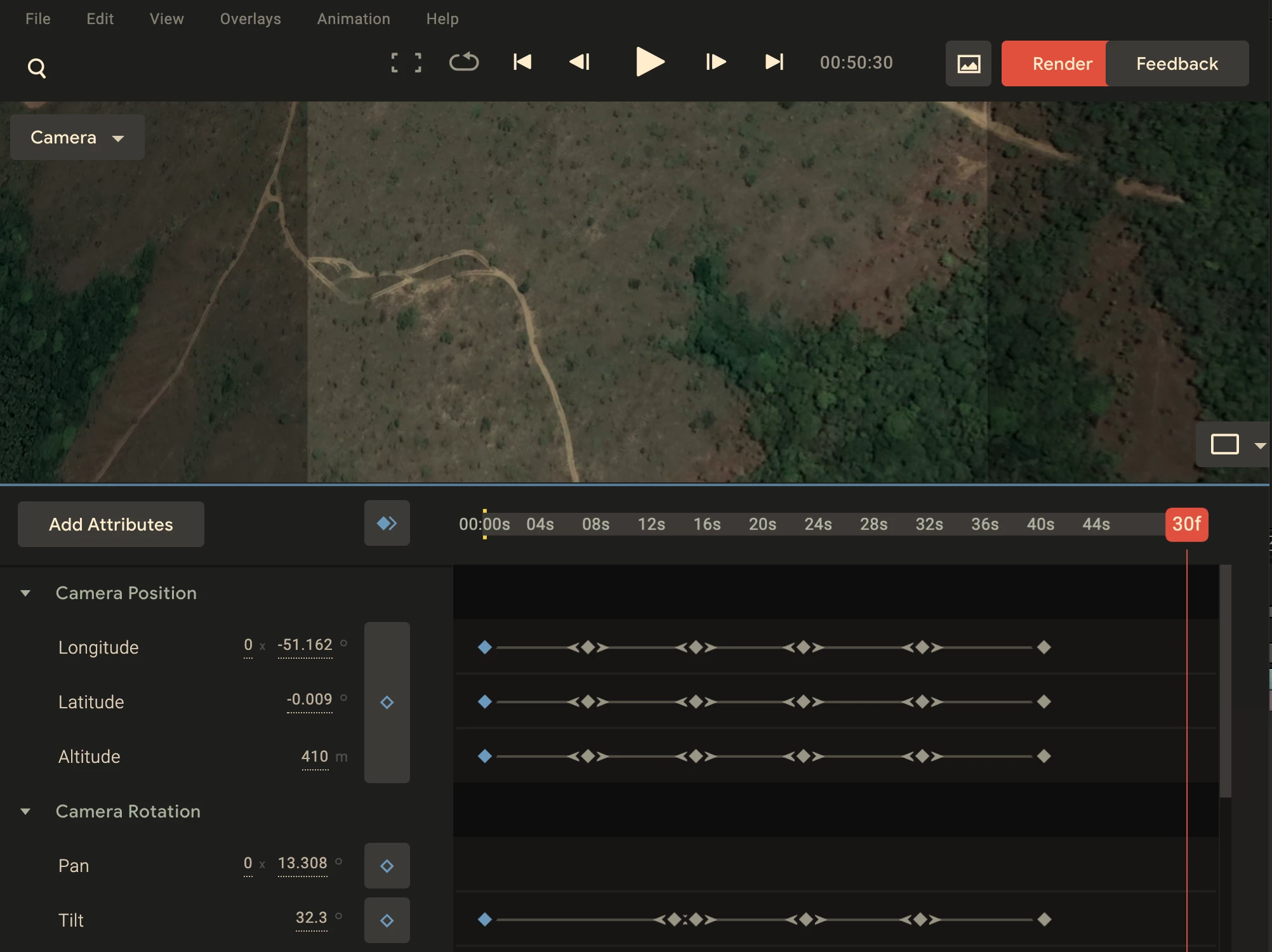
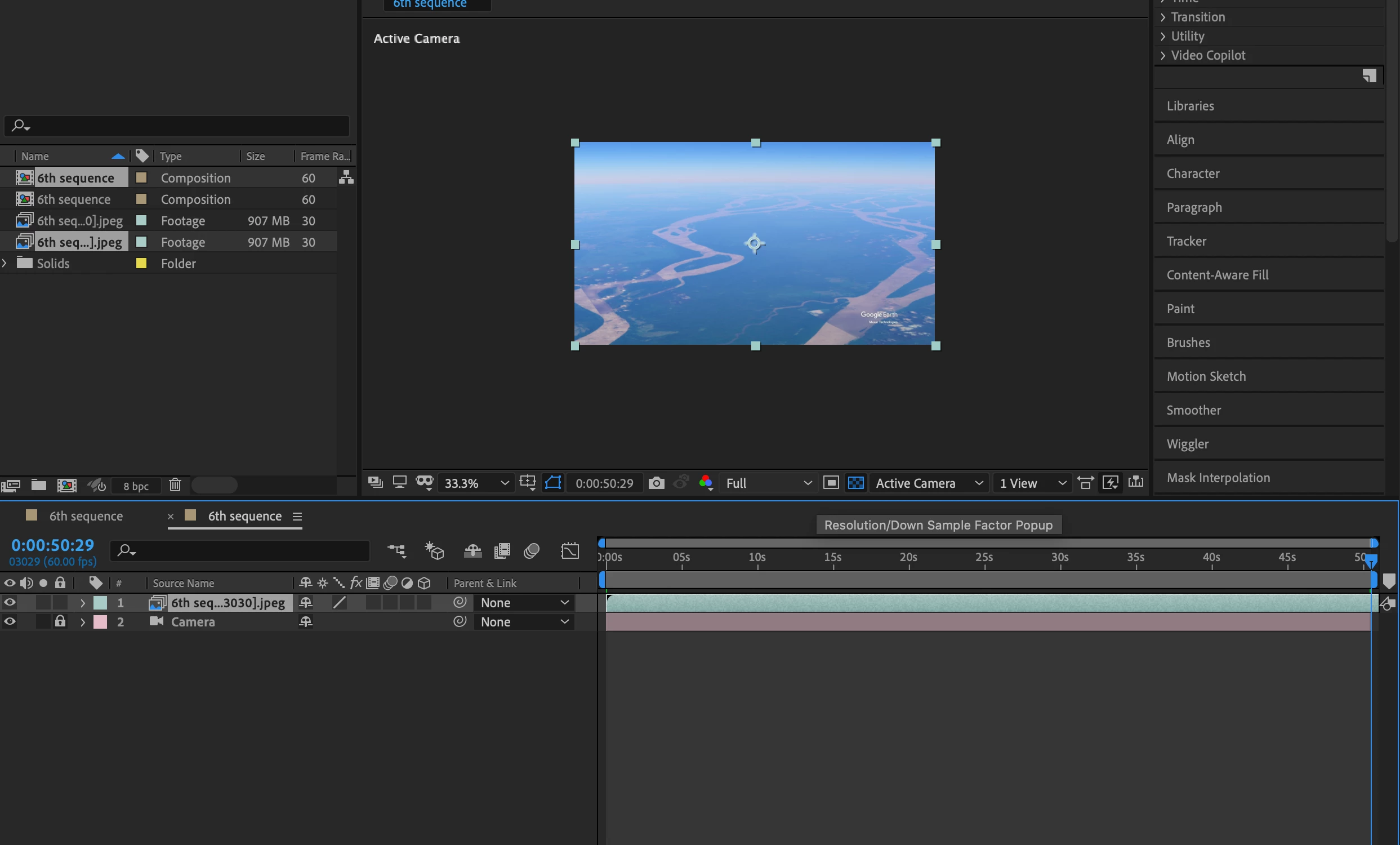
Urgent issue: when I run the google earth studio jsx in AE, the half of the images are missing.

  • November 23, 2019
  • 3 replies
  • 4120 views

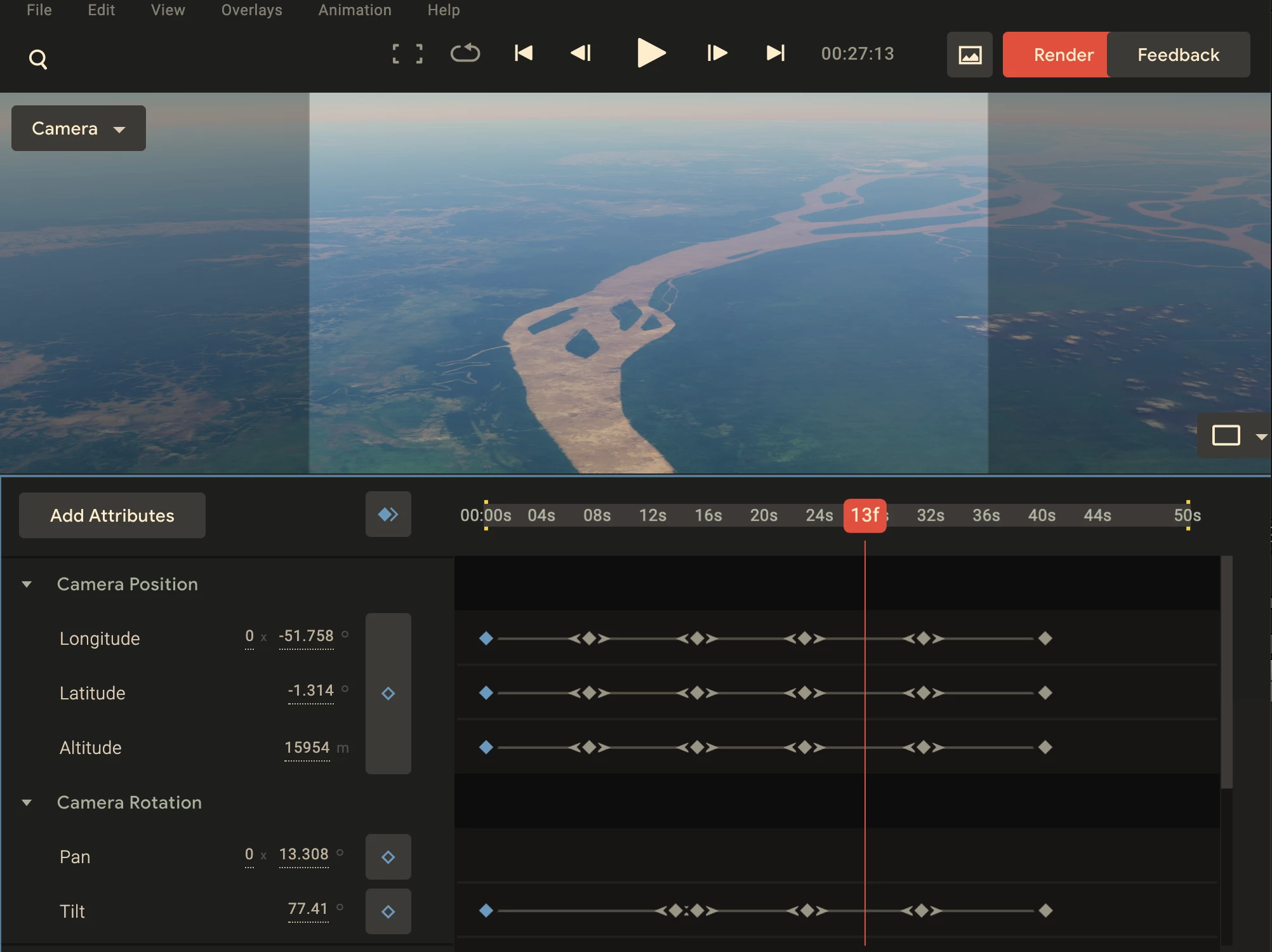
Here I found the rest of the work that I have done is missing when I run the script of jsx. file created by google earth studio. It only stagnated in one particular shot and then cannot moving on in AE, but if I import the esp file in to google earth studio it become normal as it should be, which means the rest part of the shots are not missing. 
This topic has been closed for replies.

3 replies

Participant
January 29, 2020

Me again, I tried tweaking with the layers and jsx file itself and found out if you select the jpeg layer on your composition and you stretch the time to 50% it should work just fine. I think it's actually loaded, just outside the work area which is somehow halved by the script.

Participant
March 16, 2021

The problem I think you were having is that After Effects imported the image sequence at the default 30fps when you ran the script, which is why it showed at half the length. So all you needed to do was right-click the image sequence in the project panel, Interpret Footage, then set the frame rate to 60fps. That should also fix any mismatches with tracking points not lining up with the camera.

Volition74au
Inspiring
March 30, 2021

This is the answer! Thankyou! Fixes the tracking point issues too just as you said.

Participant
January 29, 2020

I'm having this issue too, my Google Earth Studio project is 600 frames at 60fps. The render files is all there but when I ran the script it only included half the composition

and every frame stays for two frames.

Mylenium
Legend
November 24, 2019

Well, have you actually rendered the image sequence/ clip from Earth Studio? As far as I understand the JSX export merely adds a static placeholder.


Mylenium

Participant
January 29, 2020

I prerendered my comp but it stayed that way