April 4, 2021
Question

urgently searching for a solution of preview problem in AE

  • April 4, 2021
  • 2 replies
  • 441 views

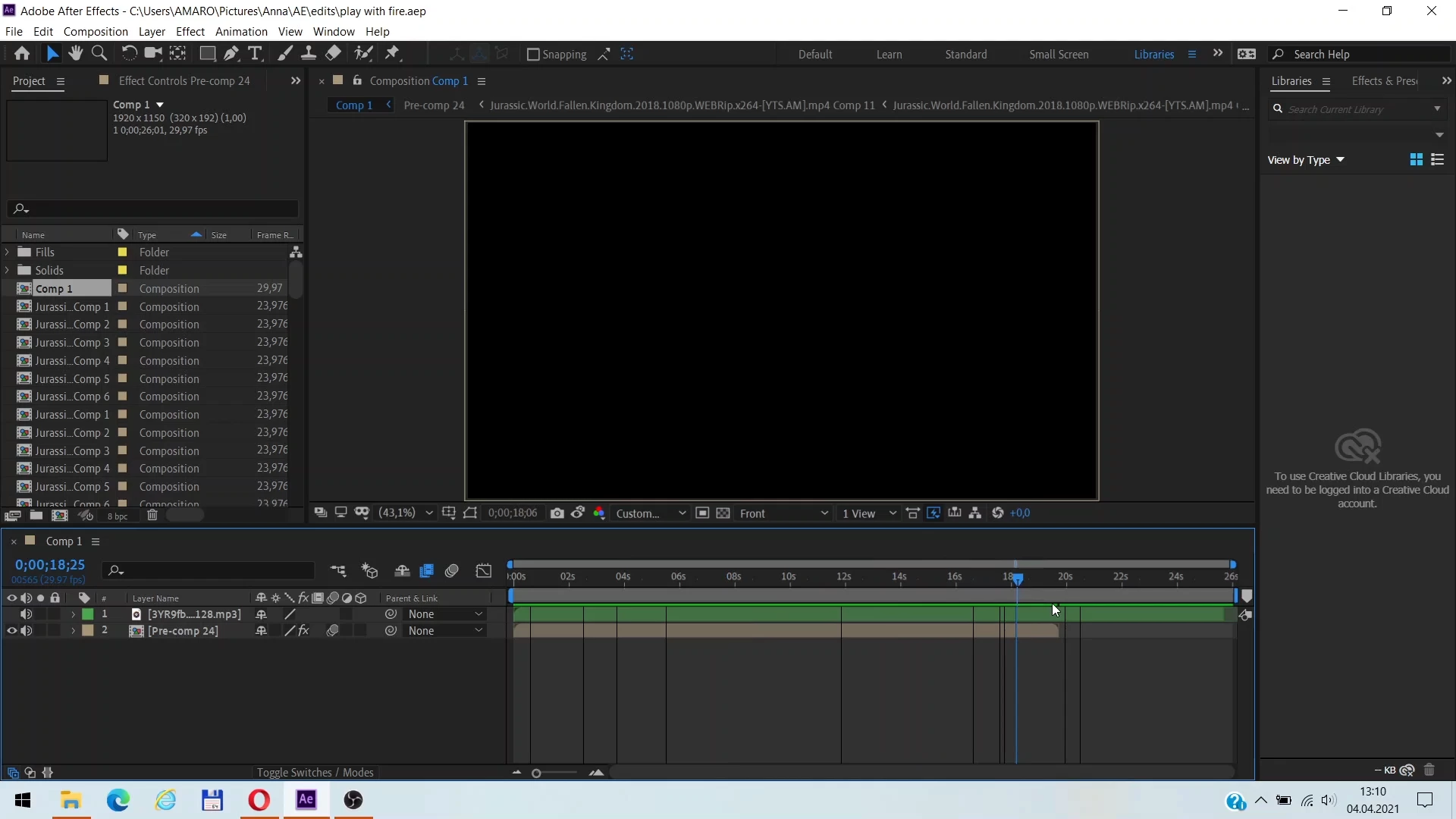
Hello, I have a problem that occured yesterday and so far I have no idea what was the trigger, because it never happened to me before. I use AE cc 2019 and I’ve never had a single problem, but now I am unable to preview my work. Sometimes I can see the frame where the current time indicator is, but not when I play the preview. Of course I have visibility on with 100% opacity and my Caps Lock key is off. I tried re-opening AE many times and even restarted the computer, but nothing changed. The same thing happens when I try to open my other projects, so I believe it isn’t specifically connected to this one. I am already desperate how this change happened so spontaneously and I hope there’s someone who could help me out of this ASAP. Thank you!
This topic has been closed for replies.

2 replies

Jose Panadero
Community Expert
Community Expert
April 4, 2021

Try what @Ali Jaber answer you. Also, you can deactivate GPU Acceleration in File > Project Settings > Video Rendering and Effects (choose Mercury software only)

April 4, 2021

I checked the GPU acceleration as you said and I had the prefered setting already, but thank you, it haven’t occured to me to focus on this!

Jose Panadero
Community Expert
Community Expert
April 4, 2021

What my colleague tries to tell you is that probably you have to update or downgrade your graphics card driver not the AE version itself. Not sure what graphic card are you using but try to check if you have a newer driver version or even to make a step back to install a previous version.

Community Expert
April 4, 2021

It looks like a GPU driver issue, try to update your driver. If it's updated lately try to rollback to the previous version and see if it works for you

April 4, 2021

Please could you be a little more specific? You mean to update my AE version or something concrete in it? I never updated anything about the version I have just because I didn’t have to and so I didn’t really focus on how to do that, but I believe it could solve this problem.