Participant
November 27, 2023
Answered

Using chroma key assets from Adobe Stock

  • November 27, 2023
  • 2 replies
  • 397 views

Hi


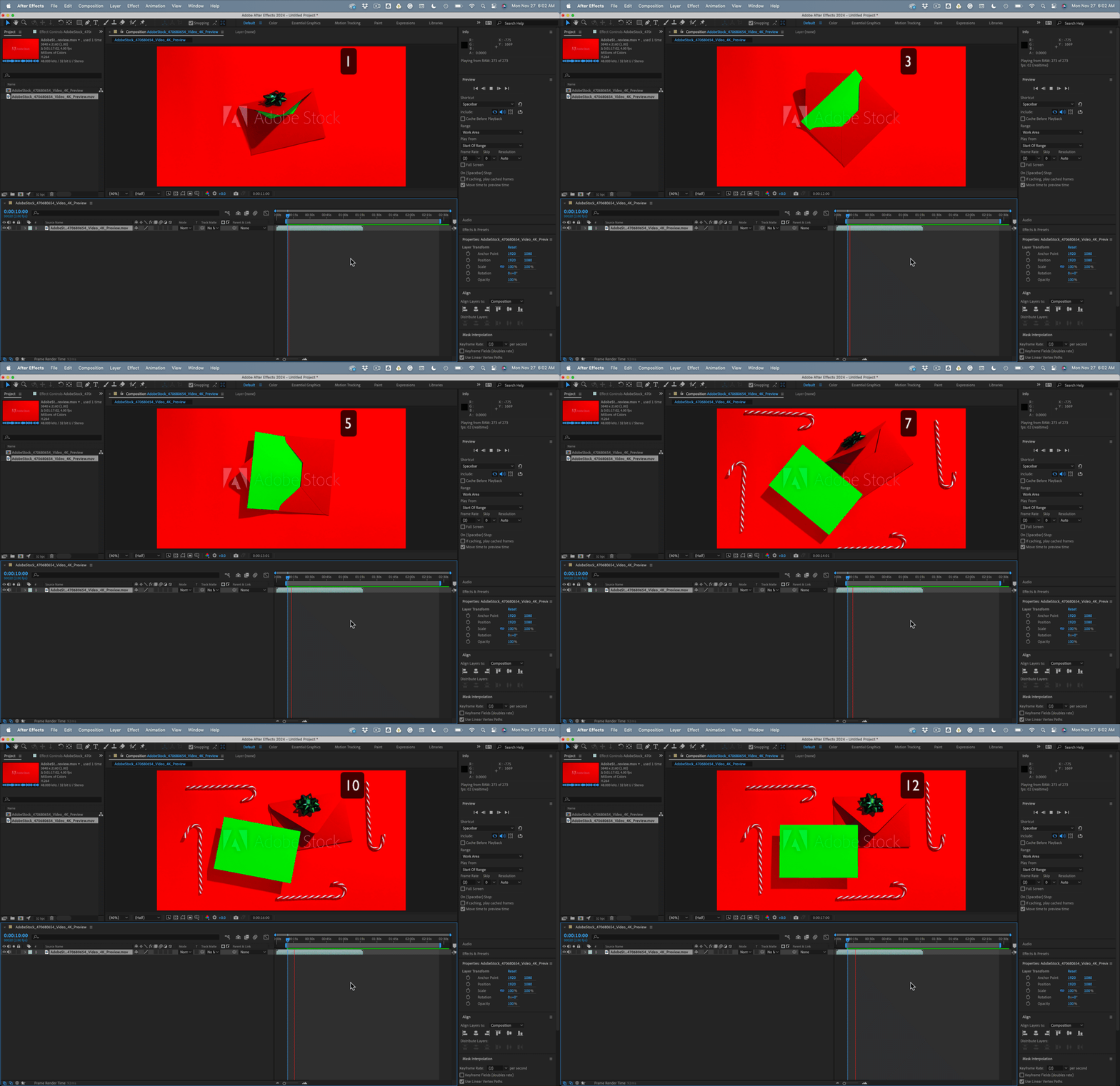
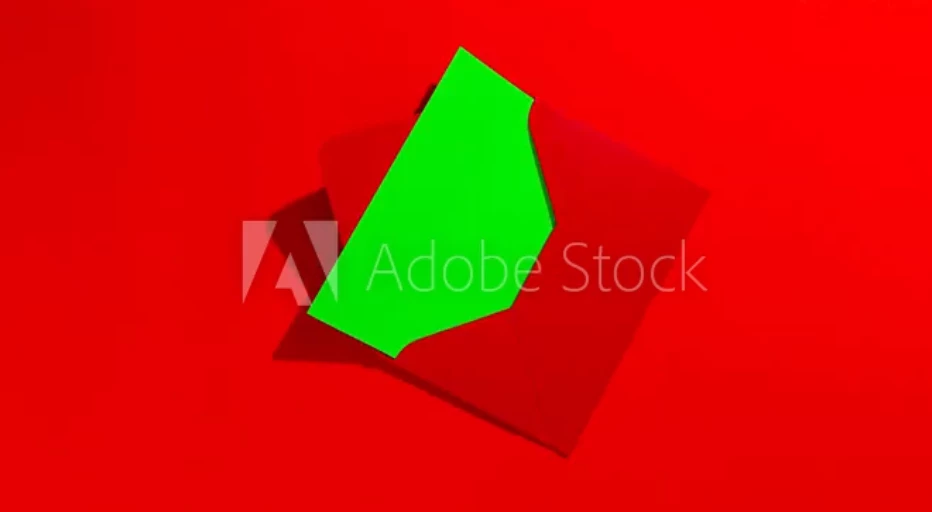
We have designed a Christmas card and would like to make use of some stock footage to replace the chroma key object and replace with our card. I'm reasonably familiar with keying and motion tracking but I thought that one of these stock assets would be a quick and easy way to do what I need. I can't for the life of me figure out how to use this. If the green 'card' object is static then obviously I can just key it out and replace with my card, but with it in motion and the envelope obscuring part of the box I'm not sure how to proceed. Do I need to create a mask from the box and track my replacement card to that?


Could someone please shed some light, I feel like there's something really obvious I'm missing.  


Many thanks
 

This topic has been closed for replies.
Correct answer Rick Gerard

If you step through the clip one frame at a time, you will see insufficient frames between the moves to give any motion tracker any chance to work. There is no continuous motion to track. The only option that I can see with that clip would be to manually keyframe position and rotation. There are 12 frames in the first part of the animation. It would be better if the layer were 3D because the card is at an angle in positions 4, 5, and 6. You'll have to try and closely match the corners. It will also take multiple copies of the keyed layer to generate the shadow on the top of the card. That's not a very friendly clip.

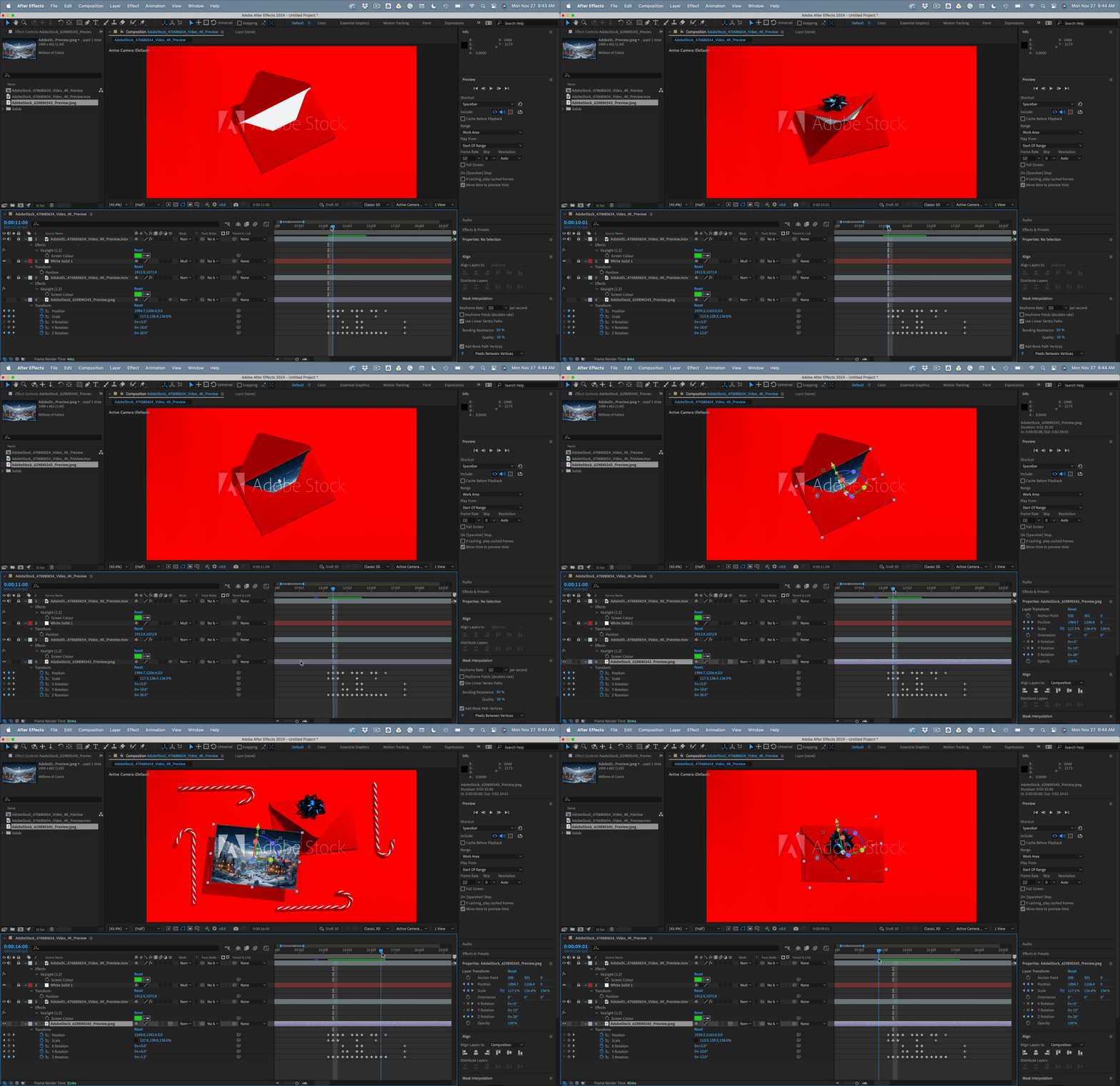
The top layer of the comp would be the stock footage with Keylight applied, then a White solid with the blend mode set to Multiply to give you the shadow, then another copy of the stock footage with the same Keylight settings, then a 3D card layer scaled to fit with keyframes for Position, Scale, and X, Y, and Z rotation. It would look something like this:


2 replies

Rick GerardCommunity ExpertCorrect answer
Community Expert
November 27, 2023

If you step through the clip one frame at a time, you will see insufficient frames between the moves to give any motion tracker any chance to work. There is no continuous motion to track. The only option that I can see with that clip would be to manually keyframe position and rotation. There are 12 frames in the first part of the animation. It would be better if the layer were 3D because the card is at an angle in positions 4, 5, and 6. You'll have to try and closely match the corners. It will also take multiple copies of the keyed layer to generate the shadow on the top of the card. That's not a very friendly clip.

The top layer of the comp would be the stock footage with Keylight applied, then a White solid with the blend mode set to Multiply to give you the shadow, then another copy of the stock footage with the same Keylight settings, then a 3D card layer scaled to fit with keyframes for Position, Scale, and X, Y, and Z rotation. It would look something like this:


Participant
November 27, 2023

Thanks for the reply, having to manually track was what I feared. I just figured that there are loads of these types of clips, books opening etc that there'd be an easy way to do it and literally replace the green box with an image.


Back to the drawing board, thanks again. 

Community Expert
November 27, 2023

It took me about 10 minutes to edit the first part. If you want to use that clip, It's pretty easy.

Mylenium
Legend
November 27, 2023

It would probably be useful to provide an actual link to the stock page so people can check what file types are actually available. If this is legit it should at least come as a layered PSD and if it's animated the project files likely are already there with everything in place and just needing to substitute the layer. The preview image really doesn't tell us anything.


Mylenium

Participant
November 27, 2023

Apologies, here's a link to page. 


https://v.ftcdn.net/04/70/68/06/700_F_470680654_WnIwA0NGkxnVX75CzNegK1kW5PJG7g4M_ST.mp4


It says it's a 4K mov file, which it looks like all these types of assets are. A layered project file or some such would clearly be much easier but there's also these types of clips available on youtube which people must make use of otherwise they wouldn't be made this way? Any help or advice you could give would be much appreciated.