


Using Light Rays effect on silhouette in underwater video
Hi everyone,
I'm making a video using pictures and videos from my recent trip to Hawaii, and I'm looking for some guidance on adding effects to a part of the video. To summarize, I want to add the Light Rays or Glow effects to a silhouette of a turtle that's underwater.
Before I begin, I'm relatively new to the Adobe product suite, with basic Photoshop and Premiere Pro experience. For example, I know what a layer is, but a mask is uncharted territory. I am more than willing to dedicate the time and effort needed to complete this project the correct way; I just need a solid jumping-off point.
Here's more detail about my goal and the material with which I'm working. For the material, I have an underwater video I took with a GoPro. At several points in the video, you can see the faint silhouette of a turtle swimming in the distance. It's quite magical, in my opinion. My ultimate goal is, using After Effects and the Light Rays or Glow effects, to surround the turtle with a glow or light beams. I've included an image with the effect I'm imagining.
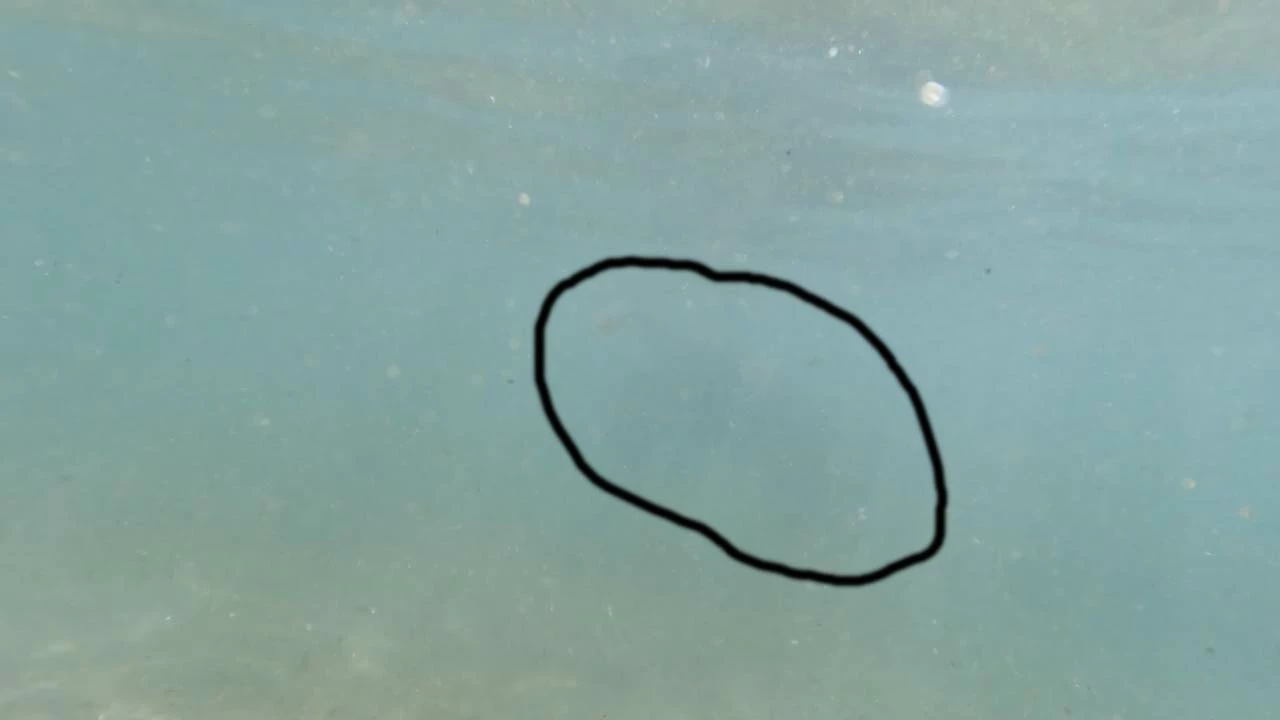

Here's a list of what I believe I need to accomplish:
- Make the silhouette easier to see without distorting the rest of the video;
- Add the Light Rays or Glow effects to the silhouette; and
- Add animation so that the effects follow the turtle throughout the video.
Thanks in advance for any help.
 AdChoices