leikela
Participant
February 7, 2021
Question

Using Stroke Reveal Causes Gaps in Images

  • February 7, 2021
  • 1 reply
  • 123 views

I'm pretty new to After Effects. I've been following the various tutorials for stroke-revealing an image (tracing an image using a pen, then applying a stroke effect and using it to reveal the image). However, no matter how carefully (or non-carefully) I outline the image with the pen (making sure to cover the image with the appropriate stroke width), the "revealed" image looks full of holes.

Before:

After:
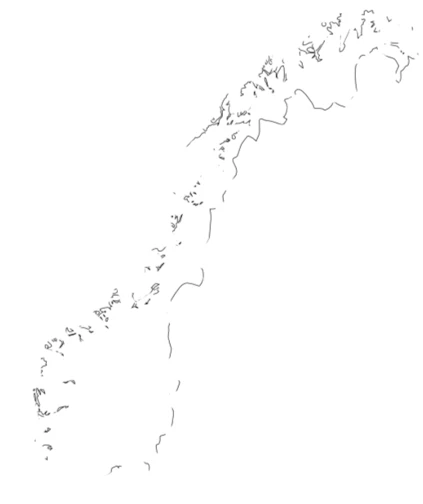
Why does revealing the imgae make it look this way, and how can I get it so it shows the actual original image without this weird gap effect?

This topic has been closed for replies.

1 reply

Mylenium
Legend
February 7, 2021

Without seeing your actual mask or shape paths nobody can be certain, but TBH it seems you're not understanding some basics. This can be anything from how multiple masks interact, mask paths having a limit on the number of anchor points, your artwork having way too many anchor points in very small spaces and causing hard kinks and self-intersections or even you being oblivious about the default shape layer fills and not removing them to just get strokes and a million other factors. I would strongly urge to actually read the online help instead on relying on potentially questionable tutorials that may leave out essential stuff on the assumption you already know it. For anything else much more better info is required liek a screenshot with the mask paths active, info about your comp, your source files and so on.


Mylenium