Participant
October 21, 2021
Question

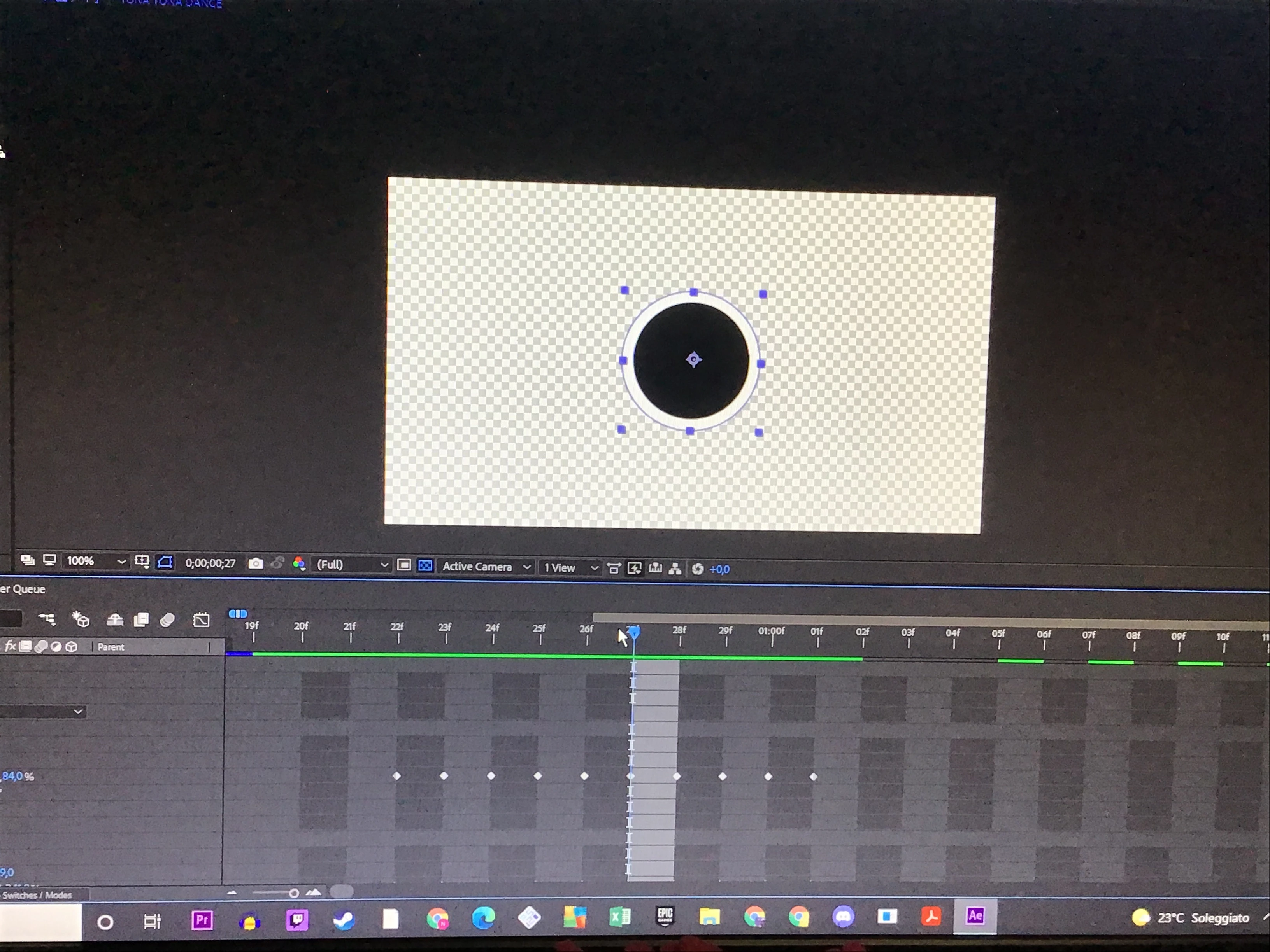
Using subtract I get black instead of transparent
  • October 21, 2021
  • 1 reply
  • 1856 views

The black space needs to be transparent I don't know how to do that

This topic has been closed for replies.

1 reply

Participating Frequently
October 21, 2021

Hi. How have you made the shape? If it's a shape layer select it and at the top of the screen you will see the Fill settings, press on the word Fill and in the dropdown that appears you cant set it to alpha (transparent).

Legend
October 22, 2021

Same exact thing happened to me! 

I used one with the Pen Tool.

The other, with Rectangle. 


Right now I am seeking Fill Settings

As, for the Pen Tool Mask, I am still uncertain.


Participating Frequently
October 22, 2021

Hi. You have masked out a part of an image (not created a Shape Layer so there are no Fill settings) this means the black areas are 'cut out' and actually transparent - put a coloured solid on the layer underneath and you will see what I mean. I would highly recommend that you do some basics tutorials.  AE is a  complicated program and without the basics you are likely to drive yourself crazy.