



Answered
VC Element 3D objects appear lit even when lights are turned off
I'm using VC Element to add a virtual environment to a green screen shot.
I want to control the lighting on the 3D scene to match the studio lighting set up, but I can't seem to get rid of some ambient light on the 3D objects even with all my AE comp lights turned off.
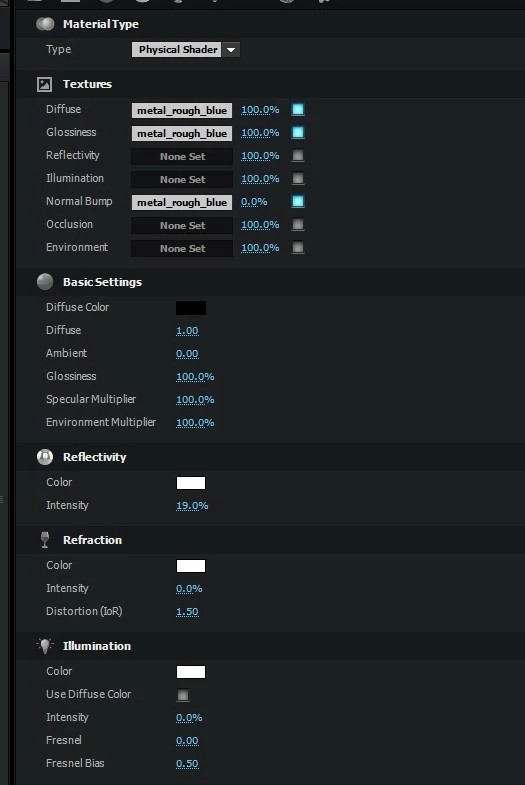
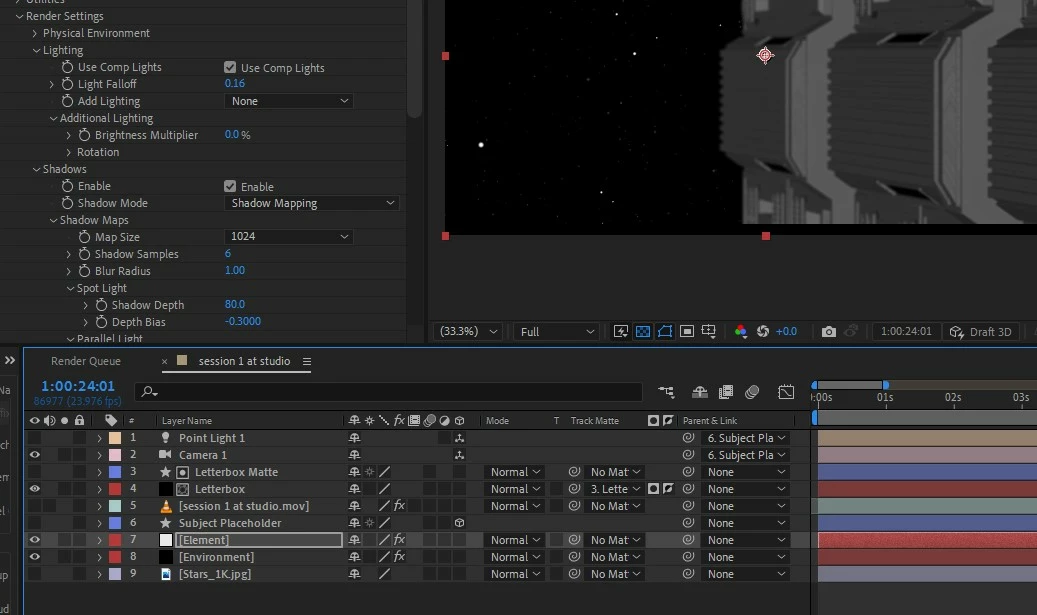
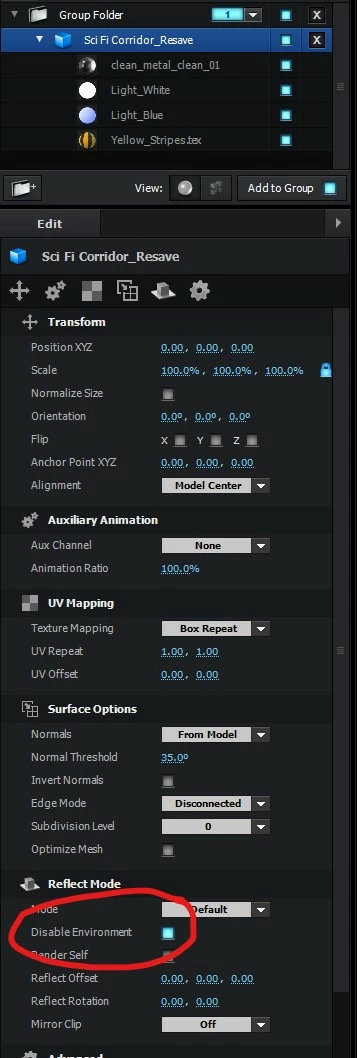
I've got the element settings: use comp lights (on), add lighting (none), shadows (enabled). In the Element scene set up, I've turned off any object with an illumination value, and turned the "ambient" material value to 0. I've tried with both the Classic and Cinema 4D renderer. No matter what, the object never gets completely black when I turn off the AE comp lights (although they do increase the light on the object when turned on).
Any ideas on what I should do? Thanks!
 AdChoices